 REWIND
How to use an old iPhone as a dedicated music player
You can use an old iPhone as a dedicated music player if it still turns on, holds some charge and runs an app that supports its iOS version. Reset it, sign out of what you do not need, add your own music files to the Files app, install an offline player and switch on airplane mode.
Download free on iPhoneSee all 30 machines
8 machines free forever · no account · works offline
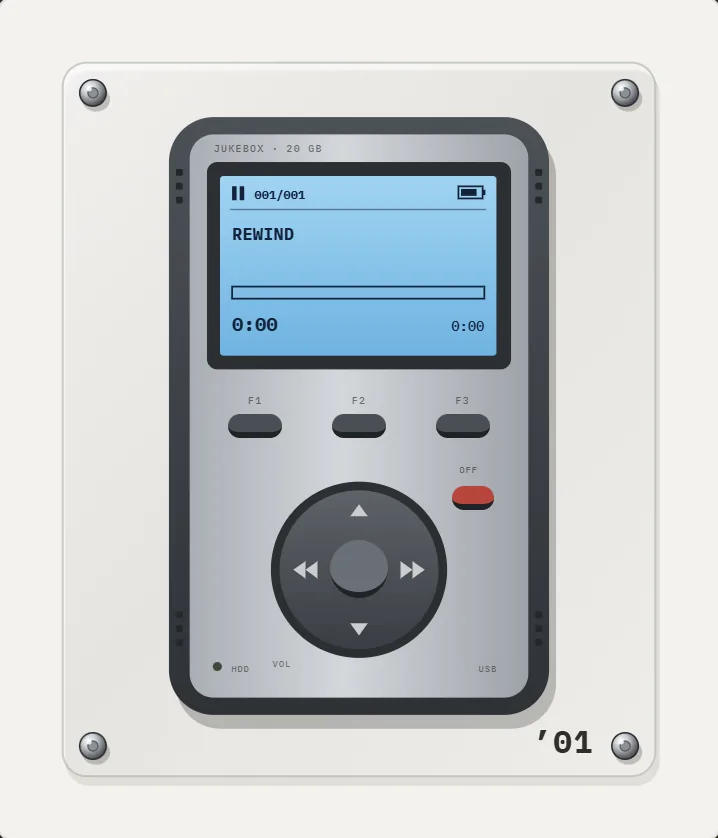
Can you use an old iPhone as an MP3 player?
Yes, and it is an easy upgrade for a drawer phone. It already has a screen, a battery, speakers, Bluetooth and a Lightning or USB-C port. The limits are the iOS version, which decides which apps can install, and the battery, which fades with age. People often do this to keep music, workouts or kids away from the main phone, or to leave the distractions behind.
Which old iPhone models still work?
What matters is the highest iOS version your phone can run, because each app sets a minimum. REWIND needs a recent iOS (16.4 or later), which the iPhone 8 and newer can run. Older phones such as the iPhone 6s cannot run it. As of October 2026, App Store listings show iOS 15.5 for Shufl FM and Flacbox, iOS 15.0 for Melodista and iOS 9.0 for VLC, so older hardware has options. Listings change, so check before you install.
| Check | Where | Why |
|---|---|---|
| iOS version | Settings, General, About | Decides which apps you can install |
| Battery health | Settings, Battery, Battery Health (Battery Health & Charging on newer iOS) | Below about 80% means short sessions |
| Free storage | Settings, General, iPhone Storage | Decides the size of your library |
| Speaker and port | Test a track and charger | Cracked ports and dead speakers are common |
| Find My and Apple Account | Settings, your name | Sign out before you erase the phone |
How much music fits?
Storage is easy to estimate. A four-minute song at 256 kbit/s AAC is roughly 8 MB, so 1,000 songs take about 8 GB. In lossless FLAC or ALAC the same song is about 25 to 30 MB, so 1,000 songs need around 25 to 30 GB. A 64 GB phone with the system and apps in place can hold several thousand AAC songs or a few hundred lossless albums.
- Keep lossless for your favorites, AAC or MP3 for the rest.
- Delete unused apps and photos before you copy music.
- Remember that apps copy imported files into their own storage, so do not keep two copies of a library.
How do you set up an old iPhone as a music player?
- Back up anything you need from the old phone, then sign out of your Apple Account and erase it in Settings, General, Transfer or Reset iPhone.
- Set it up as new and update iOS to the latest version it supports.
- Sign in with an Apple Account only if you need the App Store. You can skip iCloud for everything else.
- Copy music onto the phone. AirDrop files, use iCloud Drive, or connect it to a computer. They land in the Files app.
- Install an offline player. Check the minimum iOS version on the App Store listing first.
- Import the files from the Files app into the player.
- Turn on airplane mode, then re-enable Bluetooth if you use wireless headphones.
- Remove clutter: delete preinstalled apps you can remove, turn off notifications and set Auto-Lock to a short time.
- Test the full cycle: charge, play for an hour, check the battery loss.
Which apps suit a single-purpose phone?
You want a player that works offline and does not need a login. Free options such as VLC, Flacbox and Melodista handle plain libraries, and Doppler does too on a recent phone (its listing requires iOS 26). REWIND suits you if you want the screen to be a pleasure rather than a list. See best offline music player apps for iPhone for the numbers.
REWIND helps in particular because its night light keeps the screen on while dimming everything except the machine, which suits a phone on a desk or a nightstand. A sleep timer of 15 to 90 minutes stops the music when you fall asleep, and lock screen controls let you skip tracks without waking the phone.
How do you make the battery last?
- Keep airplane mode on unless you use Bluetooth.
- Lower screen brightness or let the app dim the display.
- Use Low Power Mode.
- Avoid charging to 100% every night. Many phones last longer with partial charges.
- If the battery health is poor, a replacement from Apple or a repair shop restores much of the original runtime. Buy from a reputable repairer.
What about streaming and Apple Music?
A dedicated offline player cannot import Apple Music or Spotify downloads, because those are DRM-protected. If you want a streaming service on the phone, install its own app and use it normally. For files you own, buy DRM-free downloads or rip CDs. The guide where to buy DRM-free music lists stores.
What accessories help?
- A wired adapter or Bluetooth headphones. iPhones since the iPhone 7 have no headphone jack.
- A small USB charger and a short cable. A dedicated phone often lives on a desk.
- A case with a lanyard or clip for the gym.
- A stand for desk use. A visualizer or a retro machine looks good on a stand.
- A car adapter or Bluetooth link if the phone will be your car music source.
Should you keep the SIM and cellular off?
Yes, in most cases. Remove the SIM or leave airplane mode on. You will save battery and avoid notifications. Without a SIM the phone still connects to Wi-Fi for App Store updates. If the phone is old and receives no more security updates, keep it offline except for short update sessions, and do not store anything private on it. A music-only phone has nothing to protect except the songs.
What if the phone is too old for current apps?
Then choose an app whose listing supports your iOS version, or stay with the Music app and sync songs from a computer. Apple's Music app comes with the phone, so it needs no App Store download, though the syncing steps vary by computer and iOS version. Another option is the Files app, which can preview and play a single audio file. It is basic, with no playlists, but it needs nothing extra.
Is an old iPhone better than a dedicated hardware player?
It is cheaper and more flexible, and it runs modern apps. A hardware player gives physical buttons, a headphone jack on many models and sometimes better battery life. For a simple, free setup, the old phone wins. For audiophile output and a click wheel, you may want hardware. The question of copying an old wheel look is covered in iPod app for iPhone.
REWIND is free to start, with 8 machines, analog sound, machine sound, lo-fi radio and the equalizer. Take the old phone out of the drawer and give it one job.
Frequently asked questions
Can I use an old iPhone as an MP3 player?
Yes. Erase it, copy your music into the Files app, install an offline player and turn on airplane mode. It works without a SIM or a data plan.
Does an old iPhone need a SIM card to play music?
No. Music from files plays without a SIM or internet. You only need Wi-Fi for setup and App Store downloads.
Will REWIND run on an iPhone 6s?
No. REWIND needs a recent iOS (16.4 or later), and the iPhone 6s cannot run it. Older phones need an app whose listing supports their iOS version.
How much music can I store on an old iPhone?
About 1,000 AAC songs per 8 GB, or 1,000 lossless songs per 25 to 30 GB, after the system and apps.
Can I use Apple Music on the dedicated phone?
Yes, through the Apple Music app. But Apple Music downloads cannot be imported into other players.
Keep exploring
 Offline Music Player for iPhone, No AccountNo network, no account, no ads, no tracking. Your files stay on the iPhone.
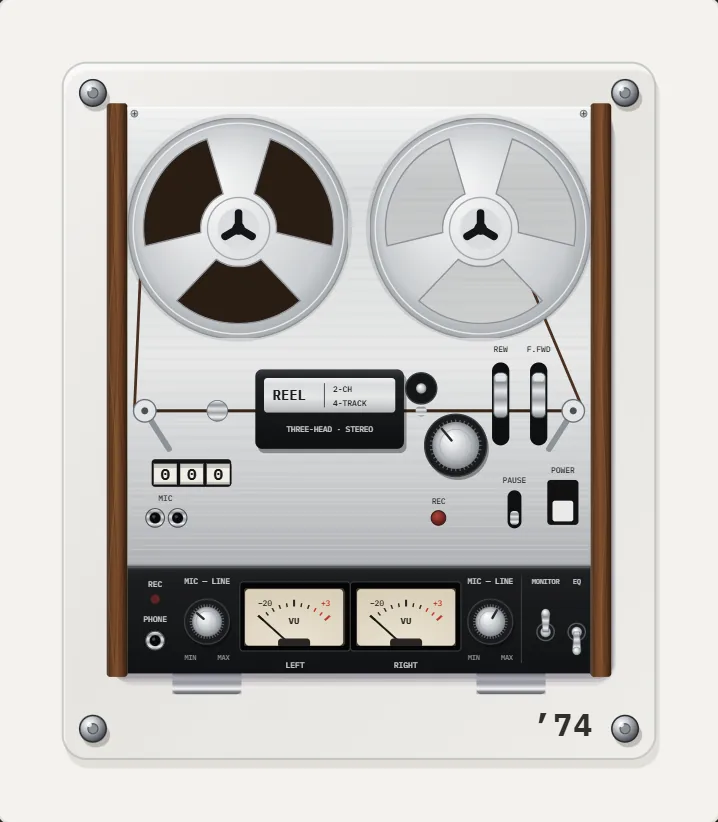 Night Light ModeScreen stays on, everything except the machine dims. A bedside music box.
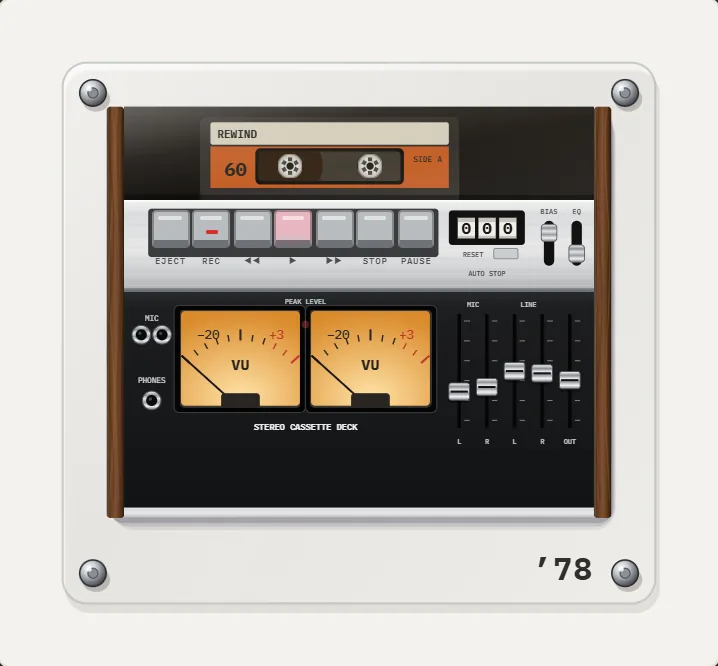 Sleep Timer for Your iPhone Music Player15, 30, 45, 60 or 90 minutes, then playback stops. Offline.iPod App for iPhoneCan an iPhone become an iPod? What Apple offers, which third-party apps copy the click wheel, and what REWIND does instead.
 Best Offline Music Player Apps for iPhoneTen offline music player apps for iPhone compared on price, formats and App Store ratings, October 2026, with honest limits for each.How to Add Music Files to iPhone Without iTunesFour ways to get MP3, FLAC and M4A files onto an iPhone, and how to import a whole folder into a player.