 REWIND
A five-band equalizer for the music you own
REWIND has a five-band equalizer with bands at 60 Hz, 250 Hz, 1 kHz, 3.5 kHz and 12 kHz, plus five presets: Flat, Warm, Bass, Vocal and Air. It works on every file in your library, in real time, offline, and it is free to use.
Download free on iPhoneSee all 30 machines
8 machines free forever · no account · works offline
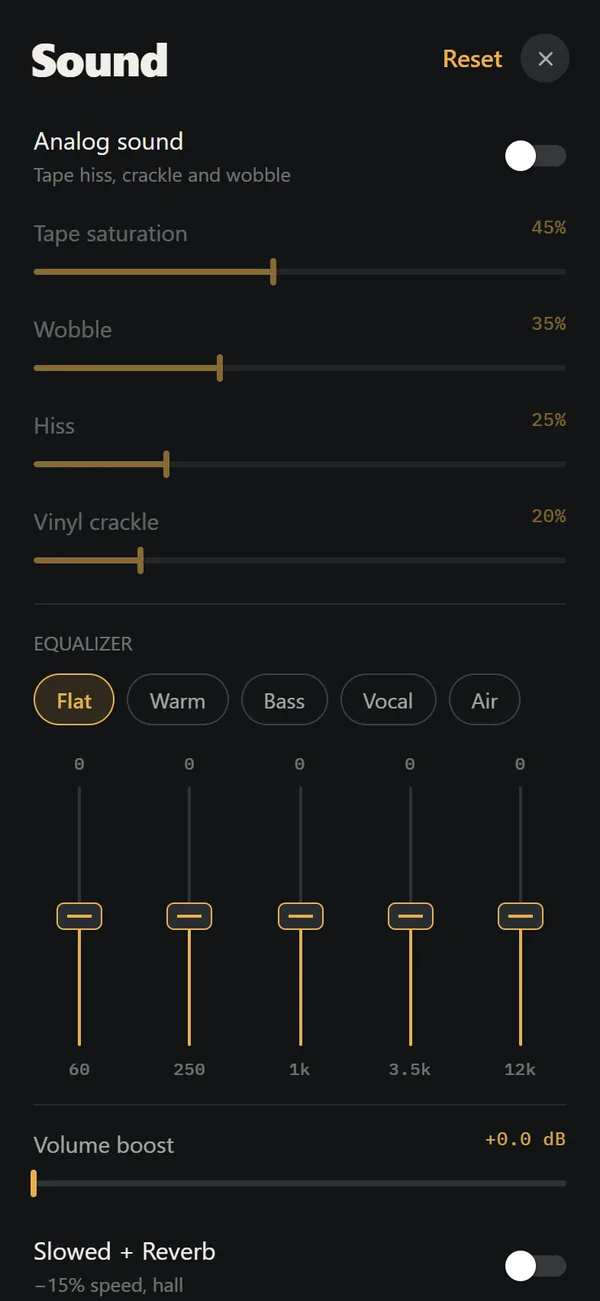
What are the five bands?
Each band is a slider that boosts or cuts one region of the spectrum. Five is deliberately few. You get quick, audible moves instead of a wall of tiny sliders.
| Band | What it controls | Typical use |
|---|---|---|
| 60 Hz | Sub-bass and kick weight | Add thump, or trim boom on small earbuds |
| 250 Hz | Low mids, warmth, mud | Cut a little if vocals sound clogged |
| 1 kHz | Midrange body | Pushes instruments forward |
| 3.5 kHz | Presence and bite | Adds clarity to vocals, can get harsh |
| 12 kHz | Air and shimmer | Opens up dull, old recordings |
What do the presets do?
Presets are starting points that you can move away from afterwards. Their names tell you the intent.
- Flat: all bands at zero. Use it to hear the file untouched.
- Warm: a rounder, softer balance.
- Bass: more weight in the lowest bands.
- Vocal: voices sit further forward.
- Air: a brighter top for dull masters and lo-fi rips.
How do I set it up for headphones?
Start from Flat and change one band at a time while a familiar song plays. Boost less than you think you need; small moves sound natural, big ones add noise and can cause distortion on loud tracks.
If you are chasing a specific result, best EQ settings for headphones on iPhone walks through common problems like boomy bass and harsh vocals. A rule that holds up: cut before you boost. Taking down a muddy 250 Hz often helps more than lifting everything else.
- Open the sound screen and find the equalizer.
- Pick Flat, then play a song you know well.
- Move one band at a time and listen for ten seconds.
- Leave the sliders where they sound right; the setting keeps applying to the next track.
Equalizer and analog sound together
The equalizer shapes frequencies. Analog sound adds tape saturation, wobble, hiss and vinyl crackle. They are two separate stages and you can run both. A common pairing is the Warm preset with a little saturation, which gives a convincing cassette tone.
Need more level on a quiet recording? REWIND PRO adds a volume boost of up to +9 dB with a limiter, which keeps peaks from clipping.
What it is not
It is a taste tool, not a measurement tool. There are five fixed bands and no parametric controls. If you want five clear levers on a retro player, that is the point; if you want surgical correction, a dedicated audio app suits you better.
Five bands, five presets, no account.
Is the equalizer free?
Yes, the equalizer is part of the free tier, together with analog sound, import and lock-screen controls. Slowed + Reverb, Sped up, reverb depth, 8D audio, the volume boost and the larger machine catalog need REWIND PRO.
A quick example: rescuing a dull old rip
Say you ripped an old tape to a file and it sounds muffled. Start from Flat, lift 12 kHz a little for air, then lift 3.5 kHz by a smaller amount so voices regain edge. If hiss gets loud, back the top band down again. A few small moves usually beat large ones.
Frequently asked questions
What frequencies does the REWIND equalizer use?
Five bands centered at 60 Hz, 250 Hz, 1 kHz, 3.5 kHz and 12 kHz.
Does the equalizer work offline?
Yes. It runs in real time on the phone, with no internet needed.
Does the EQ change my original music files?
No. It only affects what you hear during playback. Your files stay unchanged.
Which EQ preset is best for bass?
Try the Bass preset first, then lower the 250 Hz band slightly if the low end sounds muddy.
Is the equalizer free?
Yes. The equalizer and its presets are free in REWIND.
Keep exploring
Analog Sound on iPhoneFour sliders (saturation, wobble, hiss, crackle), automatic machine sound and a lo-fi radio filter, live on your own files. Free.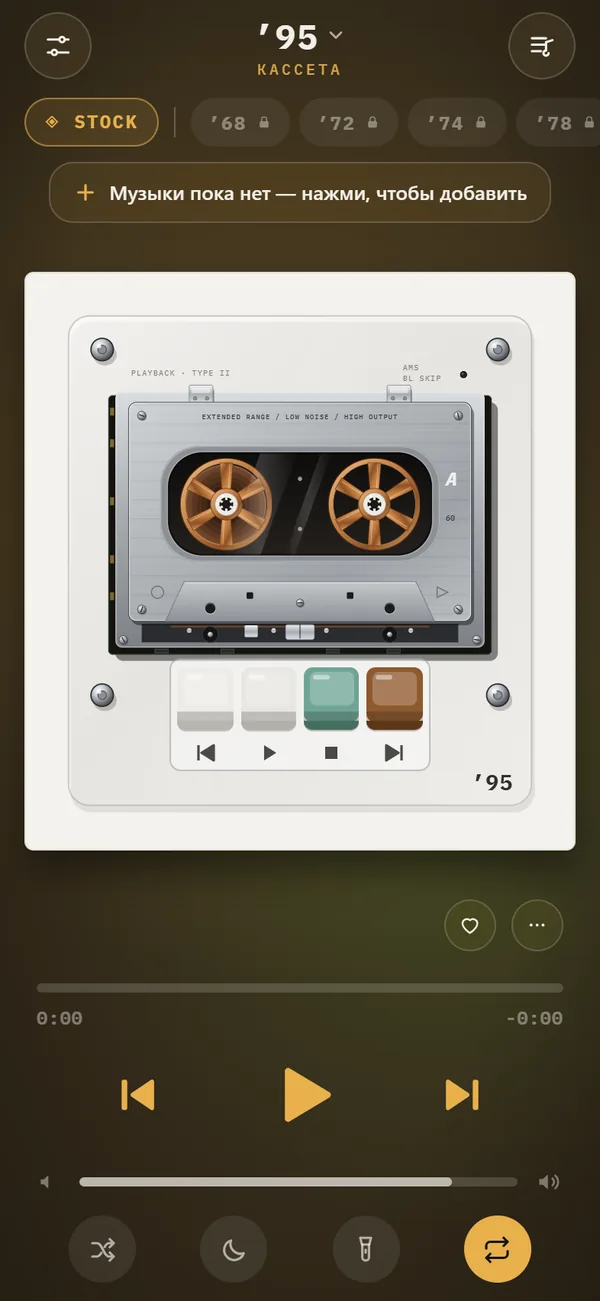 Slowed + Reverb, Sped Up and 8D Audio on iPhoneSlowed, Sped up, reverb depth from room to cathedral and 8D audio, live on your own files. REWIND PRO.Best EQ Settings for Headphones on iPhoneStarting EQ values for five bands, what each band does, how to dial in your headphones, and common mistakes.
 Offline Music Library for iPhoneImport folders or tracks from Files. Tags, cover art, search, favorites, shuffle and repeat. Offline.
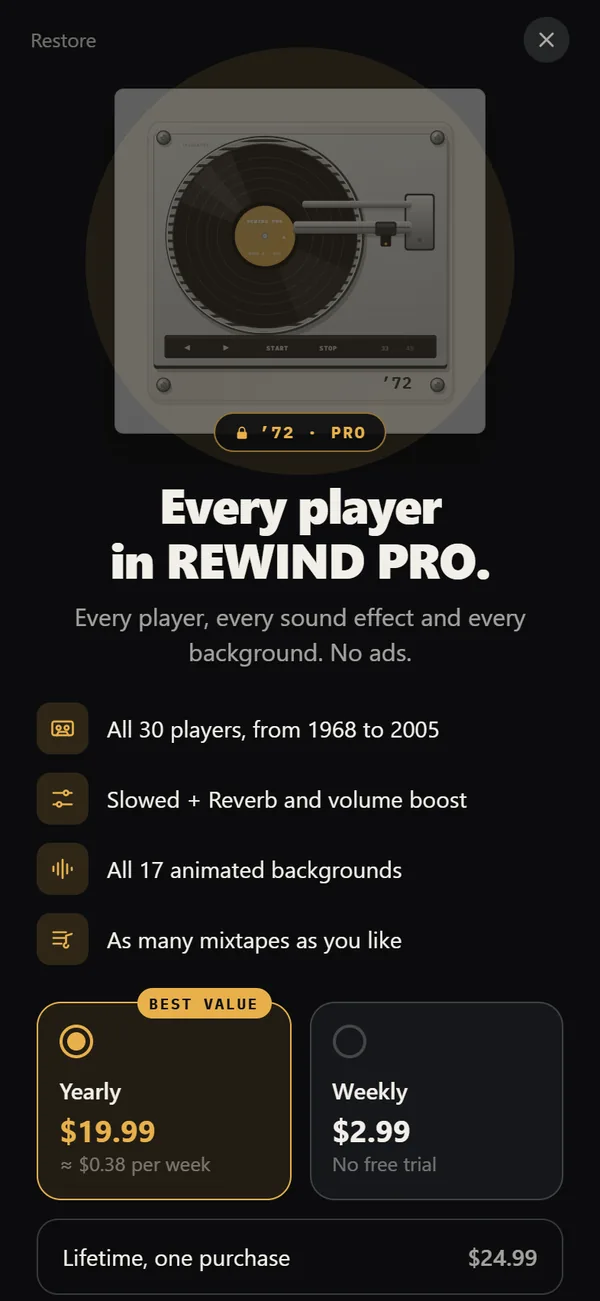 REWIND PricingFree vs PRO: $2.99 weekly, $19.99 yearly with a trial, $24.99 lifetime.