 REWIND
REWIND support
Most questions have a short answer below: how to add music, why iCloud files are skipped, why Apple Music tracks will not import, how to restore purchases and what to do when there is no sound. For anything else, use the App Support link on the REWIND App Store page.
Download free on iPhoneSee all 30 machines
8 machines free forever · no account · works offline
How do I add music?
Open the library, choose to import, and pick a folder or single tracks in the Files app. REWIND copies them into the app. A step-by-step guide is in how to add music files to iPhone.
How do I contact support?
Open REWIND on the App Store and tap the App Support link. There is no email address on this site.
Frequently asked questions
How do I add music to REWIND?
Import a folder or single tracks from the Files app. REWIND copies them into the app, so they play offline.
Why are my iCloud files not importing?
Files that are not downloaded to the phone are reported so you can download them first. Download them in the Files app, then import again.
Why can I not import Apple Music or Spotify songs?
Streaming tracks are DRM-protected and cannot be imported. DRM-free files work, such as iTunes Store purchases downloaded as files, Bandcamp and your own CD rips.
How do I restore my purchase?
Open Settings in REWIND and tap Restore purchases with the Apple ID you used to buy.
There is no sound from the speaker. What should I check?
Check the volume on the phone and on your headphones, disconnect Bluetooth devices you are not using, and confirm the track plays from the library. Also check that the equalizer and volume boost are not set to extreme values.
Can I control REWIND from the lock screen?
Yes. Lock screen, Control Center and headphone controls work, and music plays in the background.
Which languages does REWIND support?
English, Russian, German, French, Spanish, Portuguese, Italian, Japanese, Korean, Traditional Chinese, Dutch, Turkish and Polish. It follows your phone language and you can change it in Settings.
Which audio formats work?
MP3, AAC/M4A, ALAC, WAV, AIFF, FLAC and CAF.
Are tags and cover art read from my files?
Yes. Tags and cover art come from the files themselves.
How do I turn off the clicks and vibration?
Mechanical sounds and haptics can be switched off separately in Settings.
Keep exploring
 DRM-Protected MusicWhy streaming downloads cannot be imported, and which DRM-free sources work.Apple Music Songs Won't Import? Why and What to DoWhy Apple Music downloads cannot be imported, a troubleshooting checklist, supported formats and legal ways to get files you can use.Lock Screen & Headphone Controls for iPhone PlayerPlay, pause and skip from the lock screen, Control Center and headphones. Background playback. Free.
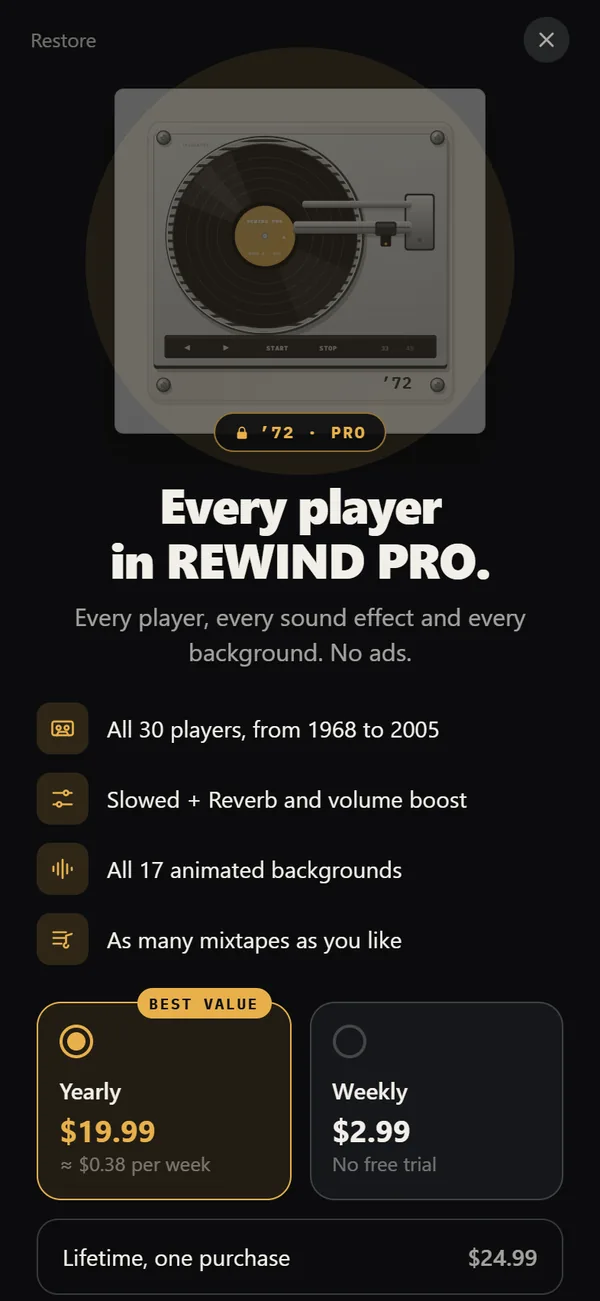 REWIND PricingFree vs PRO: $2.99 weekly, $19.99 yearly with a trial, $24.99 lifetime.Supported Audio Formats in REWIND for iPhoneSupported audio formats and what to do about DRM-protected music.