 REWIND
Slowed + Reverb, Sped up, reverb depth and 8D
REWIND has one-switch Slowed (15% slower) and Sped up (20% faster), a reverb depth slider from room to cathedral, and 8D audio that circles between your ears. Everything runs live on your own files with no export. These sound tools are part of REWIND PRO.
Download free on iPhoneSee all 30 machines
8 machines free forever · no account · works offline
What do the PRO sound effects do?
Slowed + Reverb plays the song 15 percent slower, which lowers the pitch with the tempo, and adds reverb. Sped up is its pair: 20 percent faster with higher pitch. Slowed and Sped up are mutually exclusive, so turning one on switches the other off.
The reverb has its own depth slider that goes from off through room and hall to cathedral, and it works on any music, not only slowed songs. 8D audio is a separate switch. The effects exist only while you listen. To edit or export a file, use an audio editor.
How to use it
For a longer walkthrough of the style, see slowed and reverb any song on iPhone.
- Import a song from the Files app.
- Start playback on any machine.
- Open the sound screen and flip Slowed or Sped up on.
- Drag the reverb depth slider to taste, or switch 8D audio on.
- Flip a switch off to return to normal.
Why 15% slower, and what does Sped up do?
A drop of 15 percent is a common sweet spot for this style. It is slow enough to change the mood and still keep a groove. Pitch falls along with the speed, which is why voices turn deeper and hazier. It is the same thing that happened when a tape deck's motor ran slow, and it fits REWIND's retro machines well.
Slowed turns reverb on at medium depth if it was off, and you can then move the slider anywhere from a small room to a cathedral. A hall gives the long tail that defines the genre. Sped up goes the other way: +20 percent speed, with the pitch rising along with it, which is the classic sped-up sound. REWIND changes speed and pitch together, as a record or tape would. It does not offer tempo change that keeps the pitch (time-stretch).
What is 8D audio in REWIND?
8D audio slowly moves the sound around your head. One full circle takes about 8 seconds, so the music drifts from ear to ear. It works best with headphones, since speakers cannot place sound inside your head.
The switch is part of REWIND PRO and sits after the reverb in the signal chain, so the reverb tail circles too. See specs for the full audio chain. Turn it off for tracks you want to hear steady.
What does it cost?
Slowed + Reverb, Sped up, reverb depth and 8D audio need REWIND PRO, which also includes every machine, every background, the volume boost and unlimited mixtapes. Plans are weekly, yearly (with a 3-day trial) or a one-time lifetime purchase; see pricing.
Your own audio files are still required: REWIND plays music you own, not streaming tracks. See DRM-protected music for what can and cannot be imported.
Which songs suit it?
Slow, spacious songs usually take Slowed + Reverb best: ballads, soft electronic tracks, anything with long vocal notes. Fast, busy drumming can blur into mush because the reverb tail overlaps the next hit. Try a few and trust your ears.
Since the switch is instant, you can audition any song in seconds, then leave it on for the whole mixtape.
Slowed + Reverb on different machines
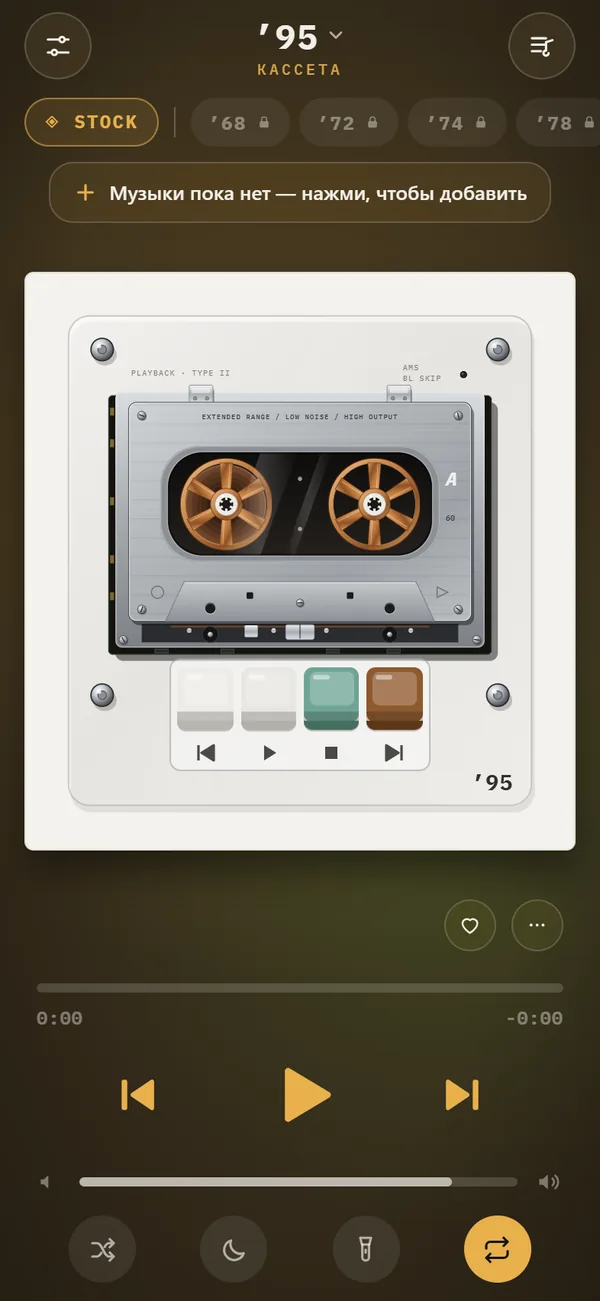
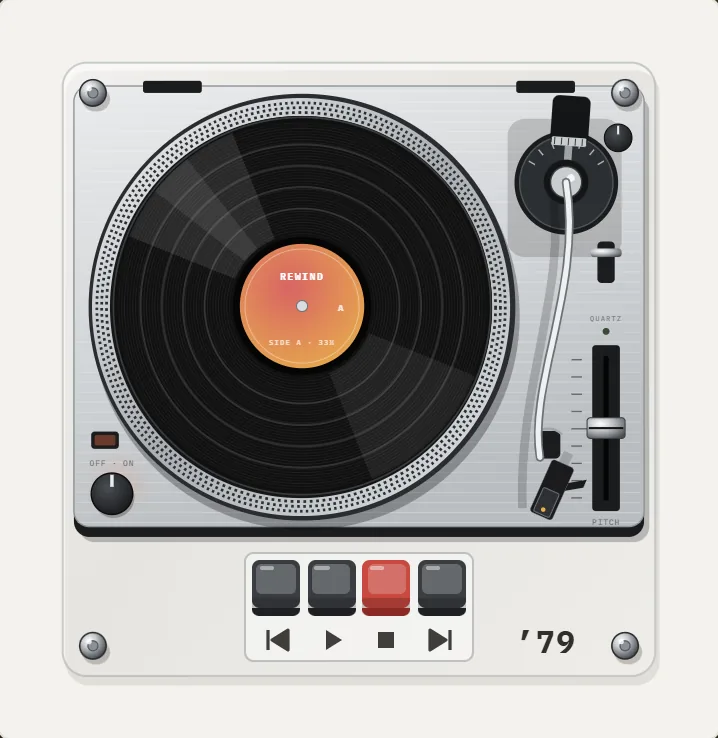
The effect sits on top of the machine you chose. On a pocket cassette it feels like a tired motor. On a turntable it reads as a record dropped to a lower speed. On an early MP3 player it is a digital trick on a digital device, which is a fun contrast. All the mechanical animation keeps running, so the reels or disc keep turning while the song stretches out.
Frequently asked questions
How much does Slowed + Reverb slow a song down?
Playback runs 15% slower, and the pitch drops with the speed. Reverb is added at the same time, at medium depth if it was off.
Can I speed a song up in REWIND?
Yes. Sped up plays 20% faster with a higher pitch. It cannot be on together with Slowed. REWIND does not keep the pitch while changing tempo.
Does REWIND have 8D audio?
Yes. The sound circles between the ears about once every 8 seconds. It works best with headphones and is a PRO feature.
Can I export a slowed and reverb version?
No. The effects are applied live while you listen. Your files are not changed or exported.
Are these effects free?
No, Slowed, Sped up, reverb depth and 8D audio are PRO. Analog sound, machine sound, lo-fi radio and the equalizer are free.
Does it work offline?
Yes. The processing happens on the iPhone and needs no internet connection.
Keep exploring
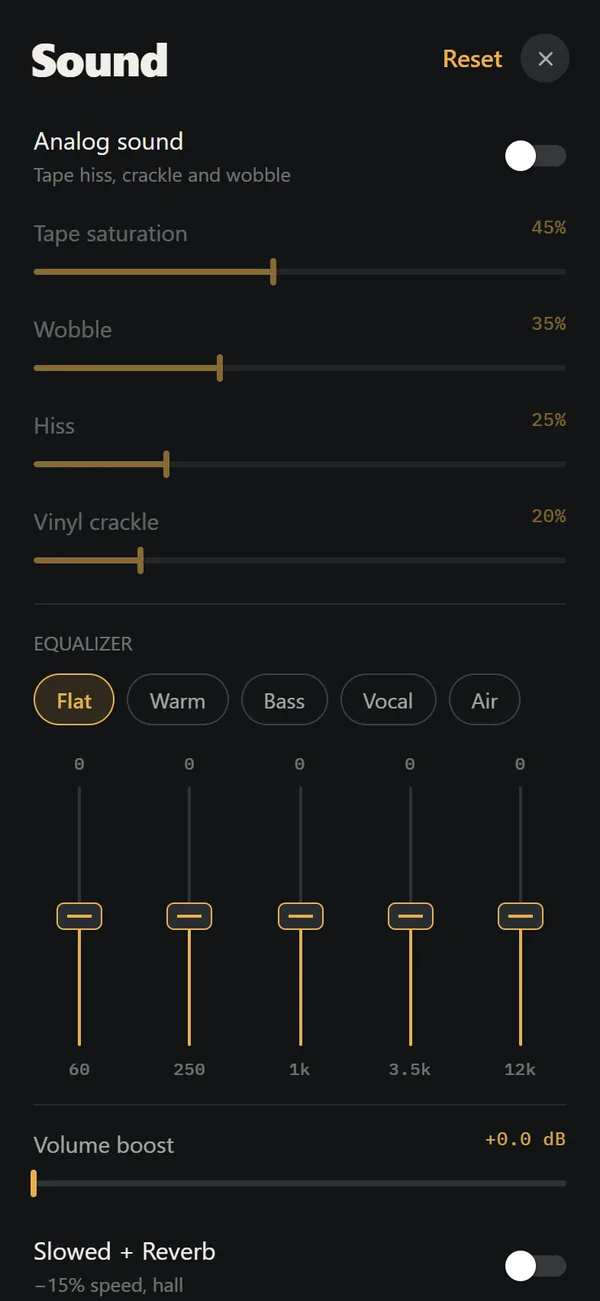 Analog Sound on iPhoneFour sliders (saturation, wobble, hiss, crackle), automatic machine sound and a lo-fi radio filter, live on your own files. Free.5-Band Equalizer for iPhone Music Files, FreeFive bands (60 Hz to 12 kHz) and five presets, applied in real time to your own files. Free.
 Slowed and Reverb Any Song on iPhone, LiveWhat slowed and reverb is, where the style came from, and how to apply it live to your own music on iPhone.Music Visualizer Backgrounds for iPhone Player17 animated scenes that react to your music. Tap to cycle, long-press for the full list. Seven are free.
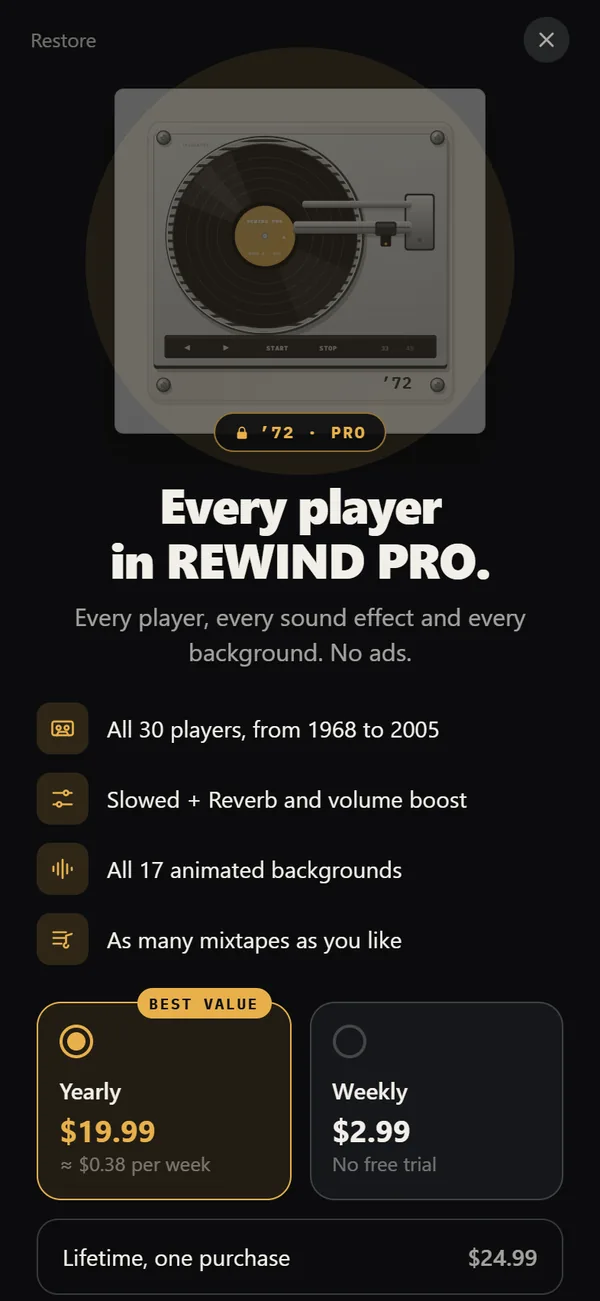 REWIND PricingFree vs PRO: $2.99 weekly, $19.99 yearly with a trial, $24.99 lifetime.REWIND SpecsAudio chain, formats, requirements, network and privacy facts.