 REWIND
Mixtapes: playlists with a label you write yourself
A mixtape in REWIND is a playlist with a handwritten-style label that you write yourself. Add tracks from your own library, name the tape, and play it on any machine. One mixtape is free, and REWIND PRO makes the number unlimited.
Download free on iPhoneSee all 30 machines
8 machines free forever · no account · works offline

What is a mixtape in REWIND?
It is a playlist that looks and feels like the thing you made in the nineties: a set of songs with a title scribbled on the label. You pick the songs from your own library, you write the label, and the tape appears in your library.
Playing it works like any queue. Choose a machine, press play, and the songs run in the order you set, with shuffle and repeat if you want them.
How do I make one?
If you are still gathering files, how to add music files to iPhone covers the main routes. For ideas on sequencing, see make a mixtape on iPhone.
- Import your music through the Files app, so the tracks are in the library.
- Create a new tape and write its label.
- Add songs from the library.
- Open the tape and press play on your favorite machine.
Why the label matters
A label is where a mixtape gets its personality: a date, a mood, a title that only makes sense to one person. REWIND lets you type it in yourself instead of generating a name, so a tape called nothing like a genre is perfectly fine.
How many mixtapes can I have?
The free version includes one mixtape. REWIND PRO allows unlimited tapes, along with every machine and background.
One tape is enough to try the idea. If you like to keep a road-trip tape, a late-night tape and a workout tape side by side, you will want PRO.
| Free | PRO | |
|---|---|---|
| Mixtapes | 1 | Unlimited |
| Handwritten label | Yes | Yes |
| Works offline | Yes | Yes |
Mixtapes versus favorites
Favorites are a quick way to mark songs you love; they live in the music library. A mixtape is a curated, ordered set with its own name. Use favorites for everything you like, and tapes for sequences that tell a story.
Stays on your phone
Tapes are made from files that live in the app, so they work with no internet. Nothing is uploaded and there is no account to sign in to. If a track is a DRM-protected streaming song, it cannot be imported and so cannot go on a tape; see DRM-protected music.
Tapes live in your app. REWIND does not upload them, so there is no link to send. If you want someone else to hear the playlist, the practical route is to give them the DRM-free files and let them build their own tape.
Ideas for your first tape
Think of a theme before you pick songs. A drive at dusk. The summer of a particular year. A birthday gift for someone who still has a cassette deck. Short tapes feel more like mixtapes than three-hour dumps, so aim for the length of a cassette side if you want the authentic feeling.
To make the tape feel real, pick a pocket cassette and press play. The mechanics are covered on the tape mechanics page.
Frequently asked questions
How many mixtapes can I create for free?
One. REWIND PRO removes the limit.
Can I write my own label on a mixtape?
Yes. You write the label yourself, in a handwritten style.
Can I put Apple Music or Spotify songs on a tape?
No. Streaming tracks are DRM-protected and cannot be imported. DRM-free files you own can.
Does a mixtape work offline?
Yes. Its songs are files stored in the app, so no connection is needed.
Keep exploring
Offline Music Library for iPhoneImport folders or tracks from Files. Tags, cover art, search, favorites, shuffle and repeat. Offline.How to Make a Mixtape on iPhone, With a Handwritten LabelHow the mixtape tradition worked, and a step-by-step way to build one on iPhone with sequencing tips and a handwritten label.Lock Screen & Headphone Controls for iPhone PlayerPlay, pause and skip from the lock screen, Control Center and headphones. Background playback. Free.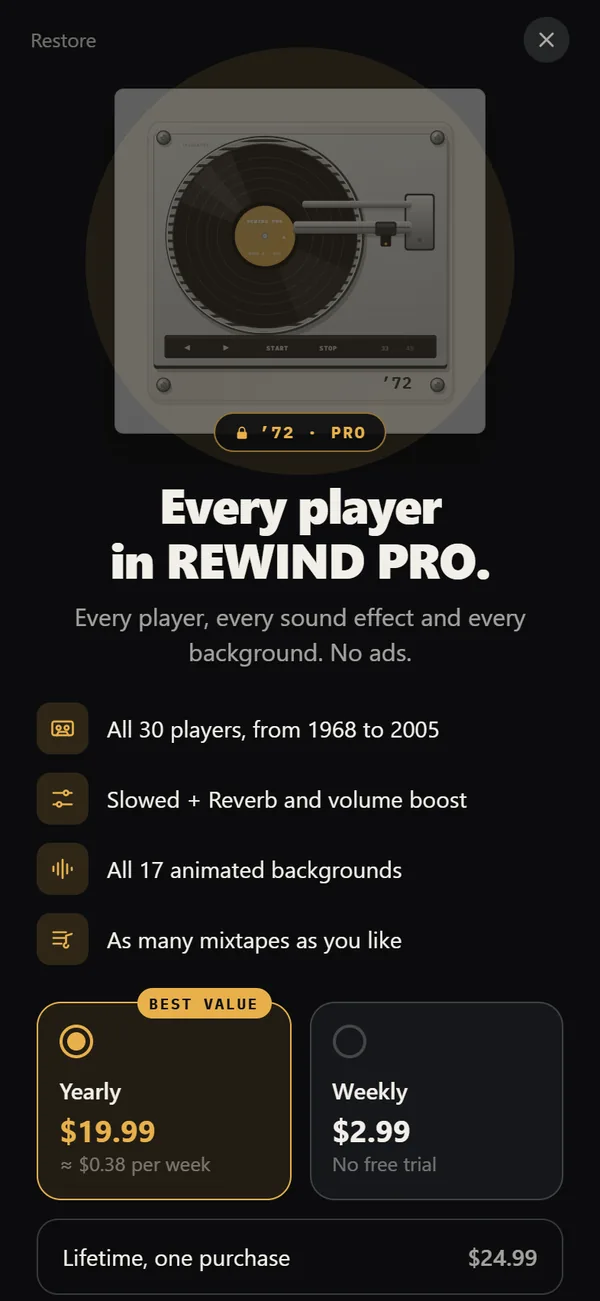 REWIND PricingFree vs PRO: $2.99 weekly, $19.99 yearly with a trial, $24.99 lifetime.How to Add Music Files to iPhone Without iTunesFour ways to get MP3, FLAC and M4A files onto an iPhone, and how to import a whole folder into a player.