 REWIND
Download REWIND
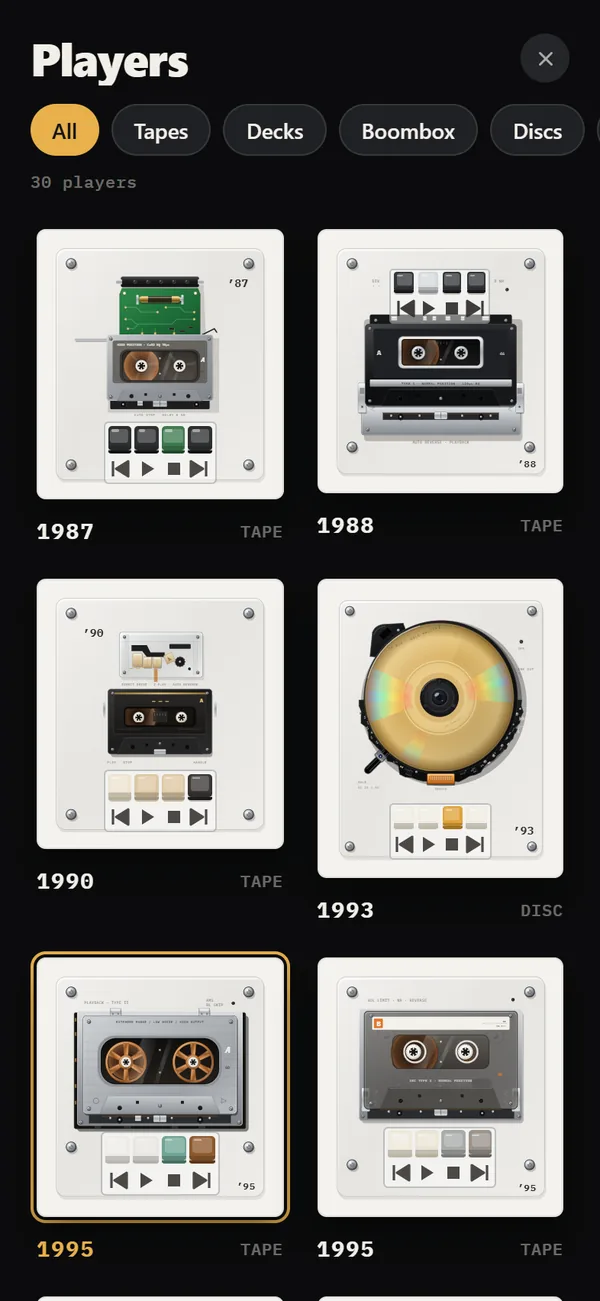
REWIND is a free iPhone app on the App Store, launching in 2026. It needs iOS 16.4 or later. After installing, import songs from the Files app, pick a machine and press play. You get 8 machines, 7 backgrounds, analog sound and the equalizer without paying.
Download free on iPhoneSee all 30 machines
8 machines free forever · no account · works offline

How do I install REWIND?
Follow these steps.
- Open the REWIND page on the App Store on your iPhone.
- Tap Get and confirm with Face ID, Touch ID or your passcode.
- Open REWIND and choose to import.
- Pick a folder or tracks in the Files app.
- Tap a track, then tap the year title to browse machines.
What do I need?
An iPhone with iOS 16.4 or later. REWIND does not run on iPad, Mac, Android or Apple Watch.
What do I get for free?
8 machines, 7 backgrounds, analog sound, the 5-band equalizer, one mixtape, import and lock screen controls. See pricing for PRO.
What if my music is from a streaming service?
Streaming tracks are DRM-protected and cannot be imported. See DRM-protected music and where to buy DRM-free music.
Frequently asked questions
Is REWIND free to download?
Yes. Free to download, with an optional PRO in-app purchase.
Do I need an account?
No. REWIND has no accounts.
Does it work on iPad?
No. REWIND is iPhone only.
Keep exploring
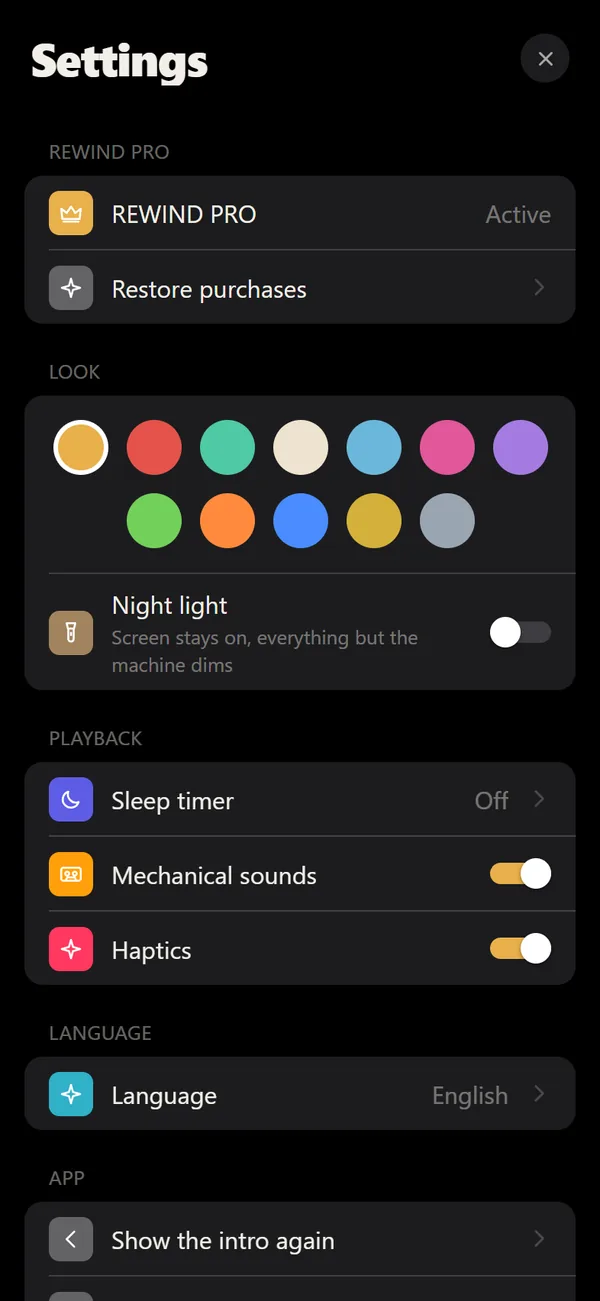 REWIND for iPhoneHow REWIND behaves on iPhone: background play, lock screen, sleep timer.
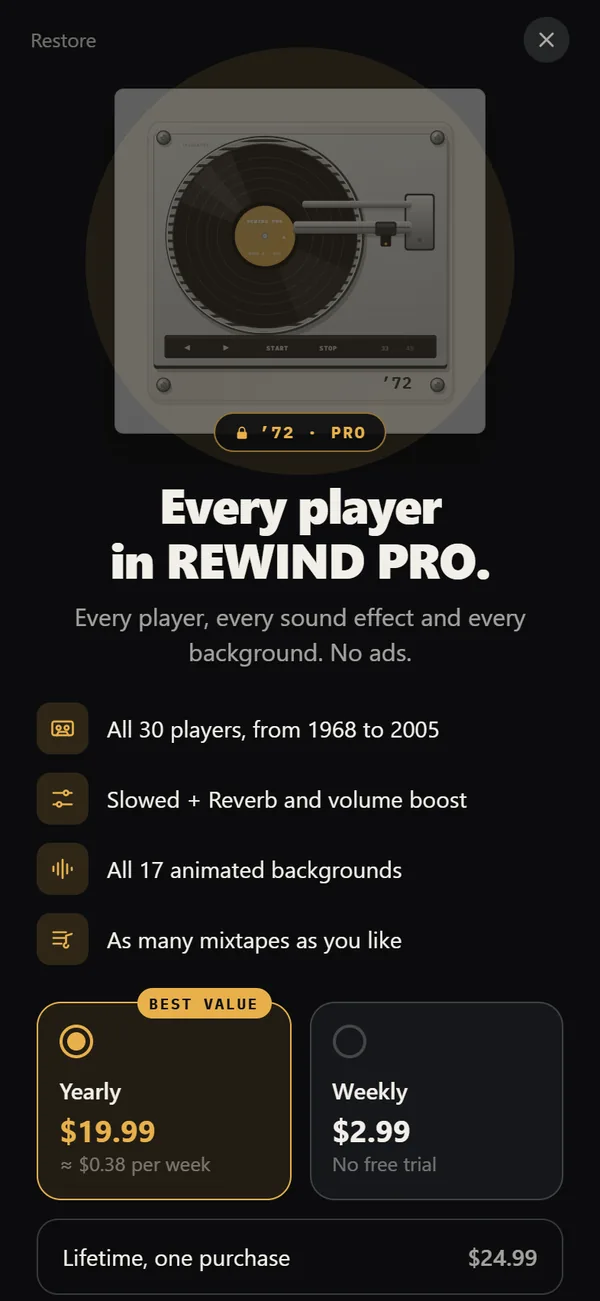 REWIND PricingFree vs PRO: $2.99 weekly, $19.99 yearly with a trial, $24.99 lifetime.REWIND SpecsAudio chain, formats, requirements, network and privacy facts.How to Add Music Files to iPhone Without iTunesFour ways to get MP3, FLAC and M4A files onto an iPhone, and how to import a whole folder into a player.REWIND SupportFast answers on importing, DRM, purchases, sound and languages.