 REWIND
An offline music player that never needs the internet
REWIND is an offline music player for iPhone. Playback needs no network, no account and no ads, and the app collects no data. Your files are copied into the app and stay on the device. You only go online to download the app and to load prices.
Download free on iPhoneSee all 30 machines
8 machines free forever · no account · works offline

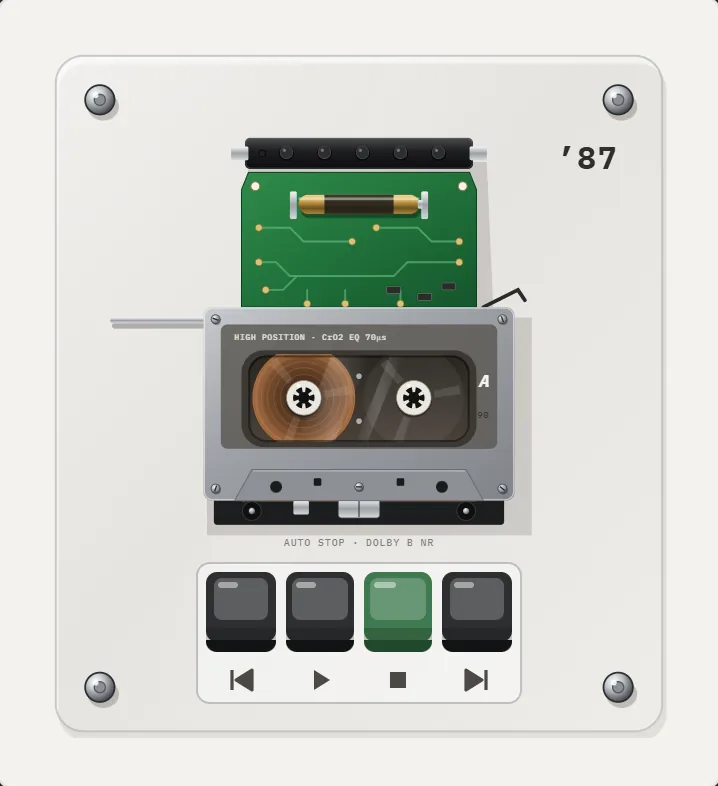
Spin the reels with your finger · press ▶ ■
What does offline mean here?
It means the whole player works in airplane mode. Your songs are files stored inside the app, the mechanical sounds are generated on the device, the equalizer and analog sound run on the device, and the backgrounds draw on the device. Nothing waits for a server.
The internet is used for two things only: downloading the app from the App Store, and loading prices for REWIND PRO.
What is not collected?
The App Store privacy label for REWIND says Data Not Collected. There is no account to create, no ads and no analytics or tracking. Your library is not uploaded anywhere. You can read the full policy on the privacy page.
Because nothing is sent anywhere, there is also no recommendation engine fed by your listening. The app plays what you put in it.
How do I get music in for offline use?
See the music library for supported types, and how to add music files to iPhone for every route in detail.
- Put DRM-free audio files on the iPhone through the Files app (iCloud Drive, AirDrop, a computer transfer or a download).
- Open REWIND and import a folder or single tracks.
- Check that iCloud files are fully downloaded; REWIND tells you about any that are not.
- Switch on airplane mode and press play.
Offline versus streaming apps
Streaming apps can download songs for offline listening, but those downloads are tied to a subscription and DRM, so another player cannot open them. REWIND works from files you own. If you stop paying for a streaming service, files you bought still play. The tradeoff is real: you have to collect the music yourself.
Read play music offline on iPhone for the longer comparison, or where to buy DRM-free music if you are starting a collection.
Works on the lock screen and in the background
Playback continues when the screen is off or another app is in front, and you can control it from the lock screen, Control Center or your headphones. Details are on the lock screen controls page.
What is free?
Importing, playback, the equalizer, analog sound, 8 machines, 7 backgrounds and one mixtape are free. REWIND PRO adds the other machines and backgrounds, Slowed + Reverb, Sped up, reverb depth, 8D audio, the volume boost and unlimited mixtapes. The app needs iOS 16.4 or later and runs on iPhone only.
Why people want offline players
Some people live where the signal drops: a train tunnel, an airplane, a hiking trail, a basement gym. Others simply prefer a collection that cannot be removed from a catalog or locked behind a subscription. And some want a quiet phone, with no recommendations, no feed and no account.
REWIND is aimed at that last group. It does one job, plays what you own, and dresses it as a machine you remember.
Playback runs on the phone, so effects and animation use some battery. Storage is used by the files you import; see the music library page for tips.
Offline also means predictable. Airplane mode, a weak signal or a roaming limit changes nothing about what you can play, because every song is already a file on the phone.
Frequently asked questions
Does REWIND work without internet?
Yes. Playback, effects and mechanics all run on the iPhone with no connection.
Do I need an account to use REWIND?
No. There is no account, no ads and no tracking.
Can REWIND play downloaded Spotify or Apple Music songs?
No. Those downloads are DRM-protected and cannot be imported. DRM-free files can.
What data does REWIND collect?
None. The App Store privacy label is Data Not Collected.
Keep exploring
 Offline Music Library for iPhoneImport folders or tracks from Files. Tags, cover art, search, favorites, shuffle and repeat. Offline.Lock Screen & Headphone Controls for iPhone PlayerPlay, pause and skip from the lock screen, Control Center and headphones. Background playback. Free.
 How to Play Music Offline on iPhone, Any TimeStreaming downloads versus owned files for offline listening on iPhone, with a setup guide and a plane-ride checklist.REWIND Privacy PolicyREWIND collects no data. Your files stay on your iPhone.DRM-Protected MusicWhy streaming downloads cannot be imported, and which DRM-free sources work.