 REWIND
Lock screen, Control Center and headphone controls
REWIND keeps playing when the screen is locked or another app is in front. You can pause, skip and see the current song from the lock screen and Control Center, and use the buttons on your headphones. These controls are free in the app.
Download free on iPhoneSee all 30 machines
8 machines free forever · no account · works offline

What can I control without opening the app?
Anything you would reach for in a pocket. Pause and resume, skip to the next or previous song, and check what is playing. Controls appear on the lock screen and in Control Center, and the buttons on wired or wireless headphones work too.
- Lock screen: now-playing information with transport controls.
- Control Center: the same controls from any screen.
- Headphones: play, pause and skip with your earbud or headset buttons.
Does it play in the background?
Yes. You can lock the phone, switch to another app or put it in your pocket and the song keeps going. REWIND does this without an internet connection.
Bring REWIND back to the front at any moment to see the machine, with its reels turning in time.
What shows on the lock screen?
Titles, artists and cover art are read from the tags in your files, so well-tagged music looks good there. A file with missing tags shows less. If a cover looks wrong, fix the tags in your music manager and import the file again. See the music library for how tags are read.
Using it while you sleep or relax
Lock-screen playback pairs naturally with the sleep timer, which stops playback after 15, 30, 45, 60 or 90 minutes, and the night light, which keeps the screen on and dims everything except the machine. Which one you choose depends on whether you want the phone dark or on display.
Is it free?
Yes. Lock-screen controls come with the free tier, along with the equalizer, analog sound, import and 8 machines. See pricing for what REWIND PRO adds.
Typical situations
On a commute, you glance at the lock screen to skip a track. On a run, you tap your earbud to pause. In a car with a phone in a cradle, Control Center gives you transport controls without opening the app. In every case the music keeps playing from files stored on the phone, so a signal drop changes nothing.
Remember that REWIND is a normal iPhone app, so other audio such as a call or a video from another app can interrupt playback in the usual way. Resume from the lock screen when you are done.
If controls do not appear
Start a song in REWIND first, since controls appear for the app that is playing. If another audio app started afterward, it may own the lock screen. Open REWIND and press play again. If the cover looks wrong, the tags inside the file are the cause, and fixing them on a computer and re-importing resolves it.
Frequently asked questions
Can I control REWIND from the lock screen?
Yes. Playback controls and the current song appear on the lock screen and in Control Center.
Do headphone buttons work with REWIND?
Yes. Headphone controls such as play, pause and skip are supported.
Does music keep playing when I switch apps?
Yes. REWIND plays in the background.
Does REWIND have an iPhone widget?
No. REWIND does not offer widgets. It has lock-screen and Control Center playback controls.
Keep exploring
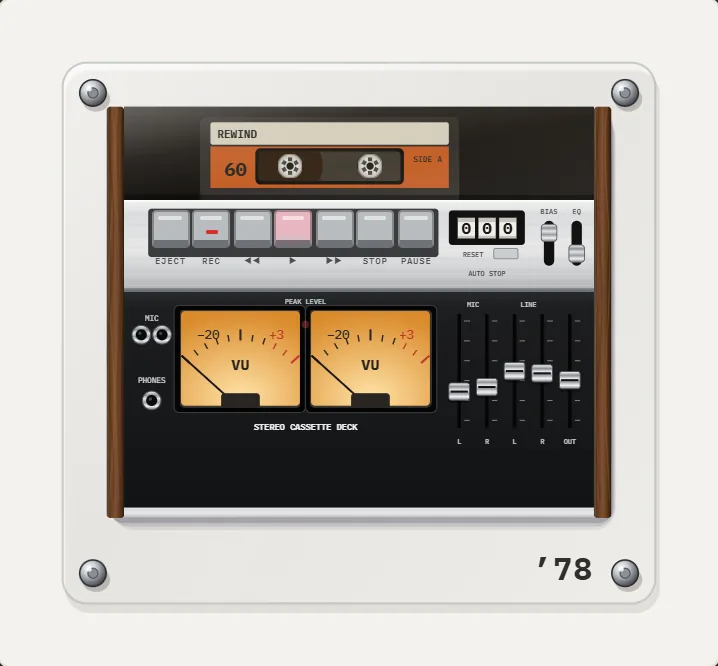 Sleep Timer for Your iPhone Music Player15, 30, 45, 60 or 90 minutes, then playback stops. Offline.
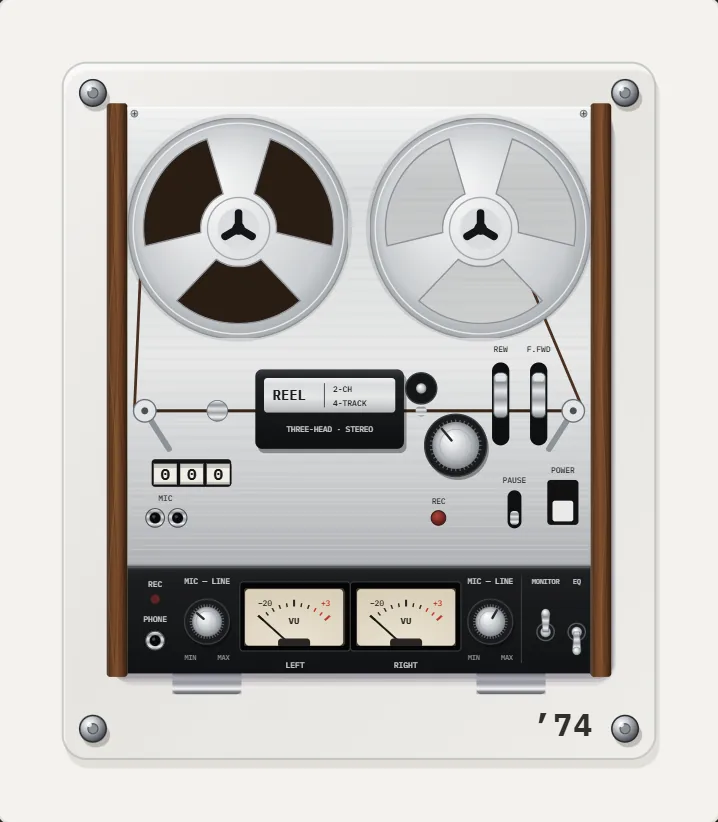 Night Light ModeScreen stays on, everything except the machine dims. A bedside music box.
 Offline Music Player for iPhone, No AccountNo network, no account, no ads, no tracking. Your files stay on the iPhone.Offline Music Library for iPhoneImport folders or tracks from Files. Tags, cover art, search, favorites, shuffle and repeat. Offline.Download REWIND for iPhoneInstall guide, requirements and what the free version includes.