 REWIND
Night light: only the machine glows
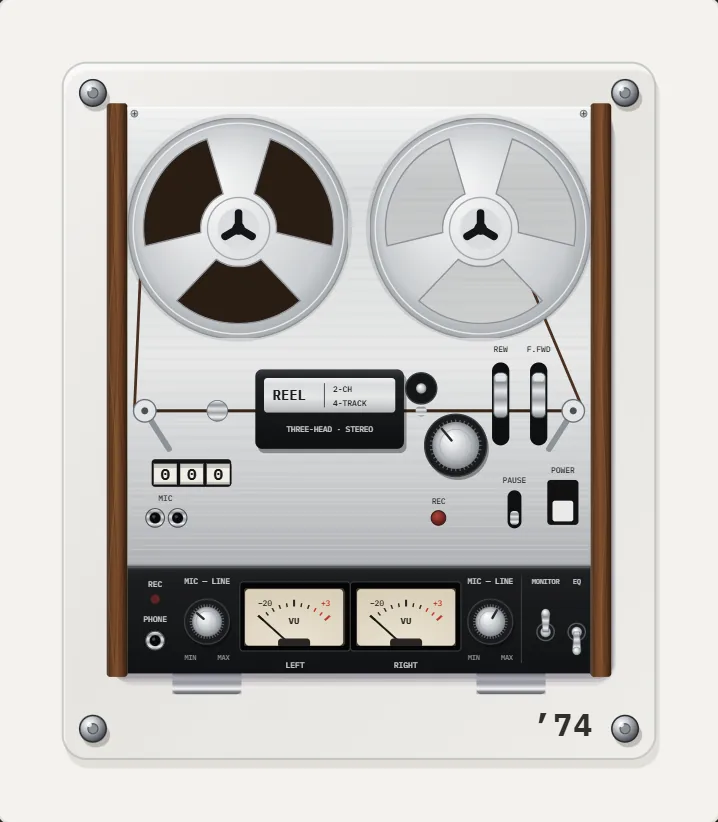
Night light keeps the screen on while dimming everything except the machine itself. Your iPhone becomes a small glowing object on a desk or nightstand, instead of a bright screen full of buttons. It pairs well with the sleep timer.
Download free on iPhoneSee all 30 machines
8 machines free forever · no account · works offline
What does night light do?
It keeps the screen awake and drops the brightness of the interface around the machine. The cassette, the turning reels or the disc remain visible, and the rest fades into the dark. You get the look without the glare.
Think of it as the lamp on a shelf rather than the light in the ceiling. The display is still a screen, but the part you look at is the machine.
There is nothing to design or configure. It is a mode, on or off, and the music, the effects and the controls behave exactly as before.
When is it useful?
At a desk late in the evening, on a nightstand, in a dim room with friends, or on a shelf as a display.
It also works well as a conversation piece. Prop the phone on a stand, choose a machine, and the room has a small glowing object that plays music.
- Evening listening with a calm room.
- A glowing machine as a small piece of decor.
- Falling asleep to music with the sleep timer.
- Parties where a bright phone screen would spoil the mood.
Which machines look best?
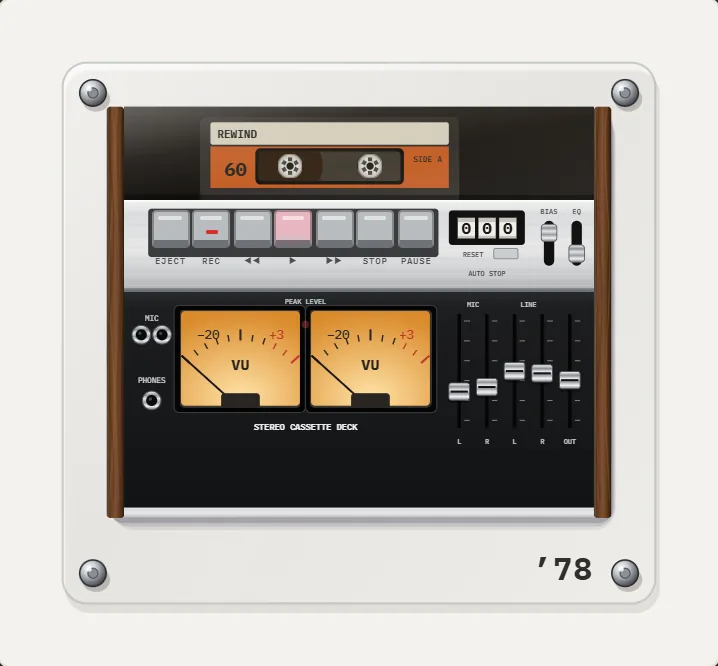
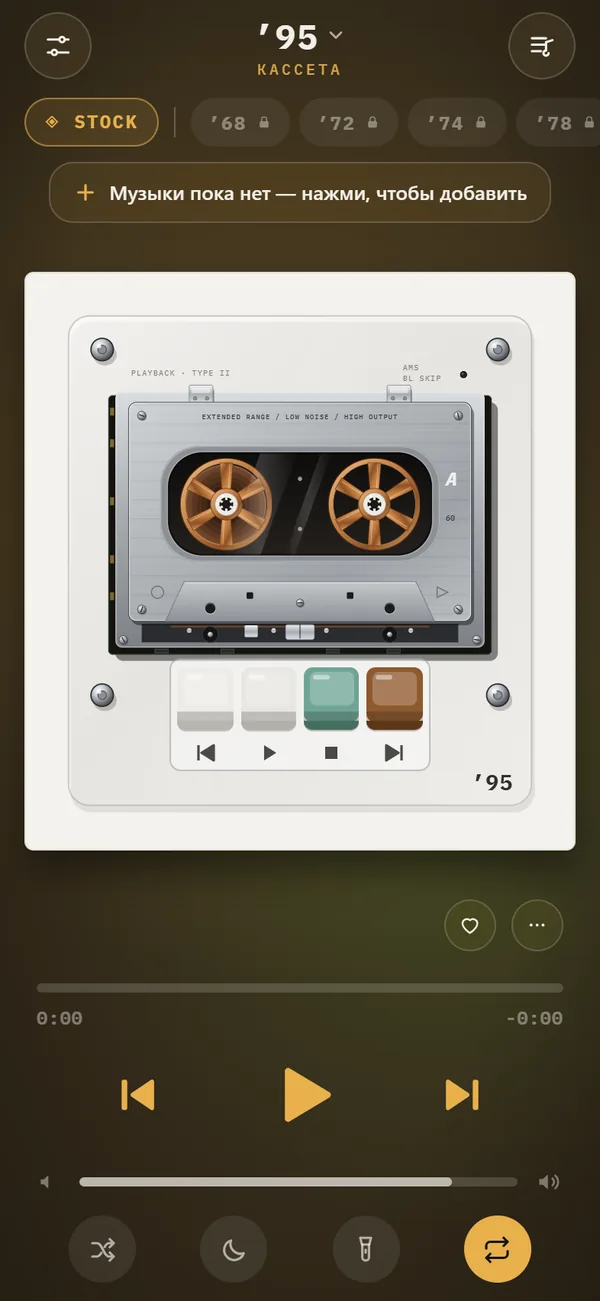
Machines with moving parts reward it. The reel-to-reel recorder with its two turning reels and VU needles, the cassette deck with its piano keys, or any pocket cassette. See the reel-to-reel player and cassette deck pages.
A screen that stays on uses battery. If the phone is by your bed, plug it in. Switch night light off when you want the screen to sleep.
Backgrounds and night light
Pick a calm background for night use. Slow scenes are easier on the eyes than fast ones. Your accent color still applies, so a warm tone suits late hours.
If a scene feels too bright at night, switch to a calmer one from the chip on the player. Free scenes such as VU meters or stock are a good starting point, since they are gentle by nature.
How to turn it on
The control sits with the other player options, and you can turn it on or off at any time.
- Open the player screen with a machine showing.
- Switch on night light.
- Set the phone down; the screen stays awake and the machine glows.
- Switch it off to let the screen sleep normally.
Night light compared with low brightness
Lowering the system brightness dims everything equally, buttons included. Night light is different: only the machine stays bright, so the focus remains on the object. It does not silence notifications, so use a Focus mode too if you want the evening completely calm.
Pair it with the right music
Warm, low-contrast music suits the glow. Lean on the Warm equalizer preset and a little analog sound, choose a mellow mixtape, and set the sleep timer so the room goes quiet when you are done.
Frequently asked questions
What does night light do in REWIND?
It keeps the screen on and dims everything except the machine.
Does night light stop the music after a while?
No. Use the sleep timer if you want playback to stop after 15 to 90 minutes.
Does night light use more battery?
Keeping the screen on uses more battery than a locked screen, so charge the phone while you use it overnight.
Keep exploring
 Sleep Timer for Your iPhone Music Player15, 30, 45, 60 or 90 minutes, then playback stops. Offline.
 Music Visualizer Backgrounds for iPhone Player17 animated scenes that react to your music. Tap to cycle, long-press for the full list. Seven are free.
 Lock Screen & Headphone Controls for iPhone PlayerPlay, pause and skip from the lock screen, Control Center and headphones. Background playback. Free.Reel-to-reelA 1974 reel-to-reel with walnut panels, moving tape and twin VU meters.