 REWIND
17 music-reactive backgrounds behind every machine
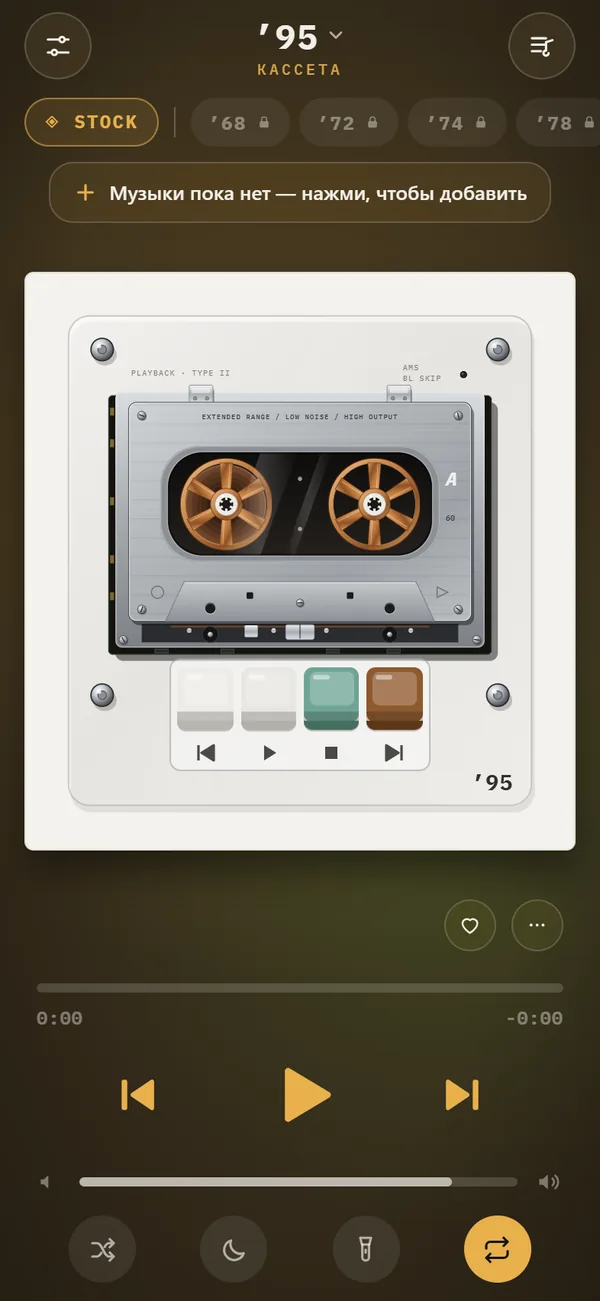
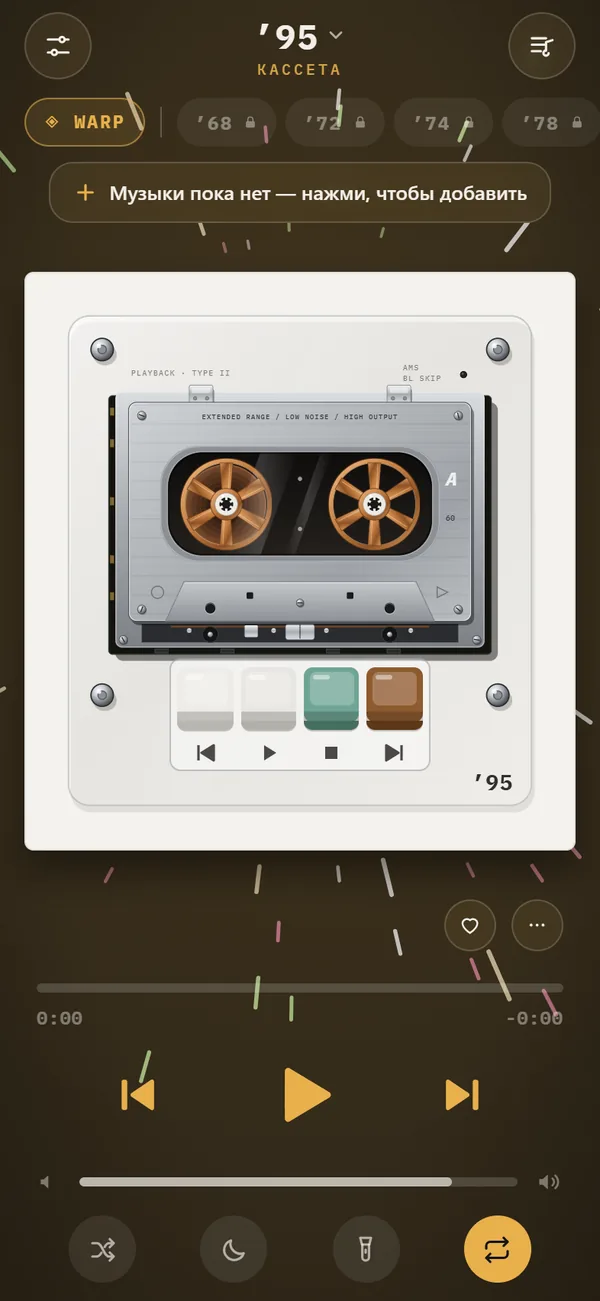
REWIND has 17 animated backgrounds that move with the music, from simple bars and pulses to an oscilloscope, a synthwave horizon and a lava lamp. They sit behind the retro machine on the player screen. Seven are free, the rest come with PRO.
Download free on iPhoneSee all 30 machines
8 machines free forever · no account · works offline
What are the backgrounds?
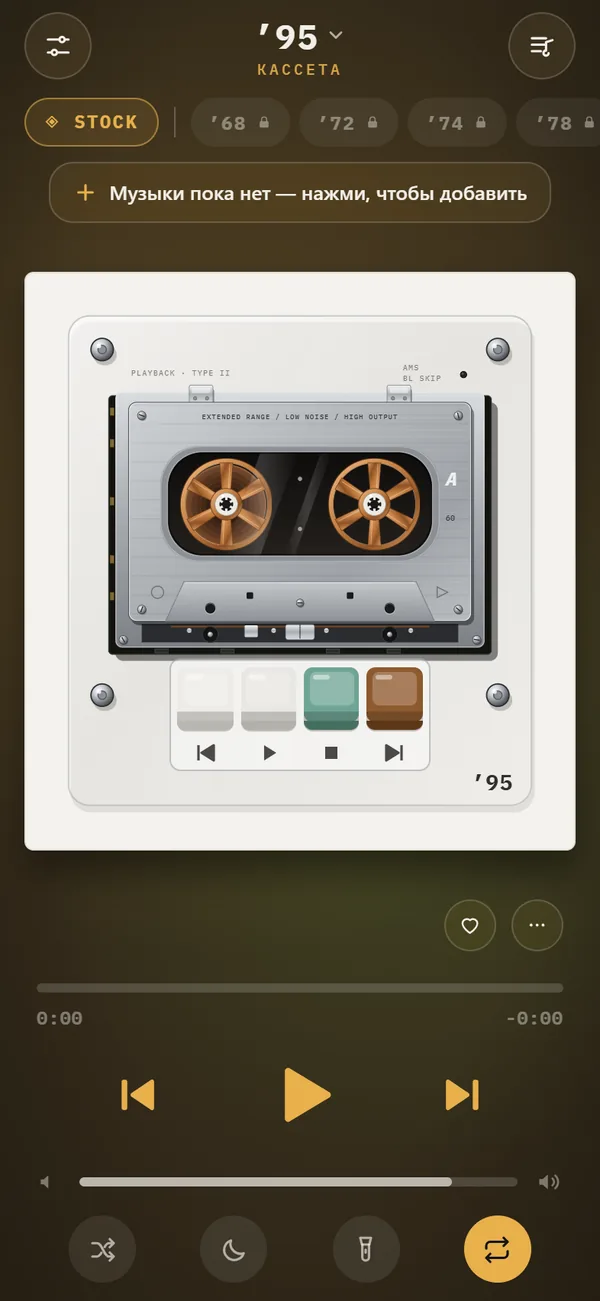
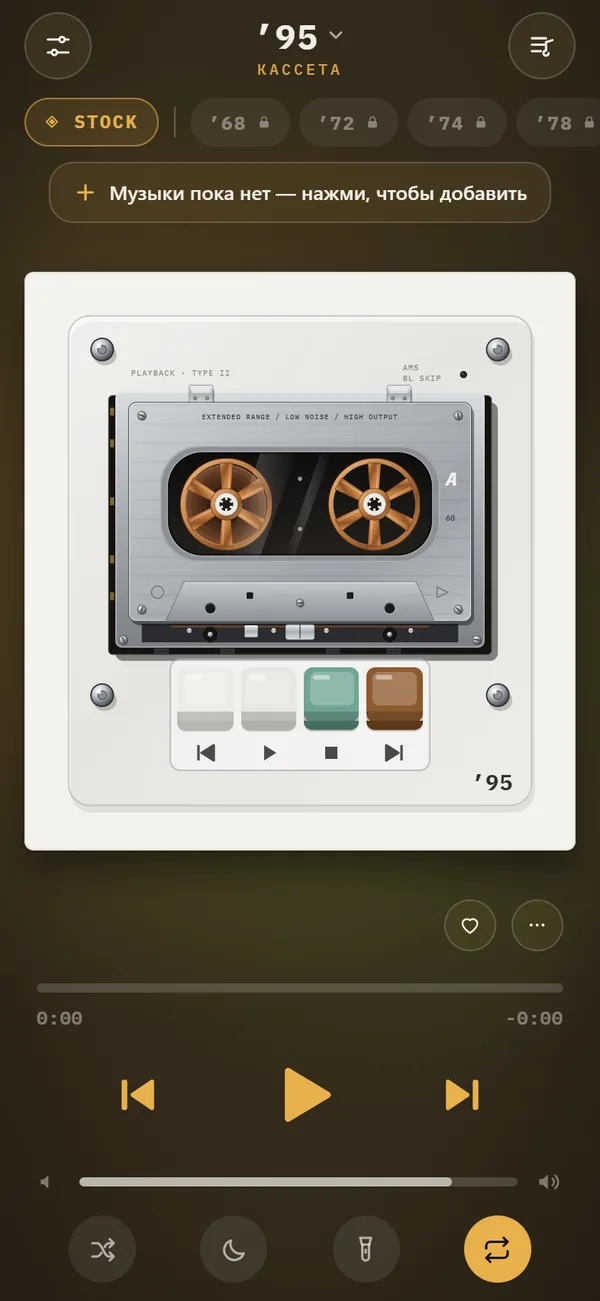
Each scene is a live animation drawn behind the machine and driven by the song that is playing. Tap the chip on the player to cycle through scenes, or long-press it to see the whole list.
The free scenes are stock, pulse, bars, wave, VU meters, warp and notes. The remaining ones are in PRO.
Classic and clean
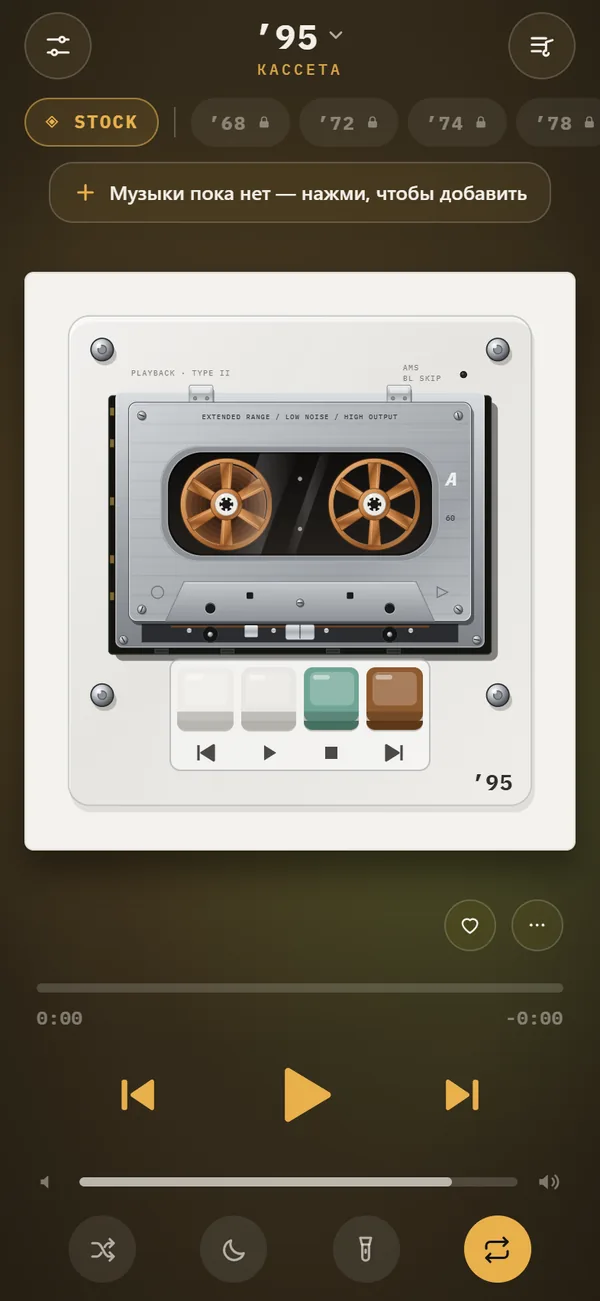
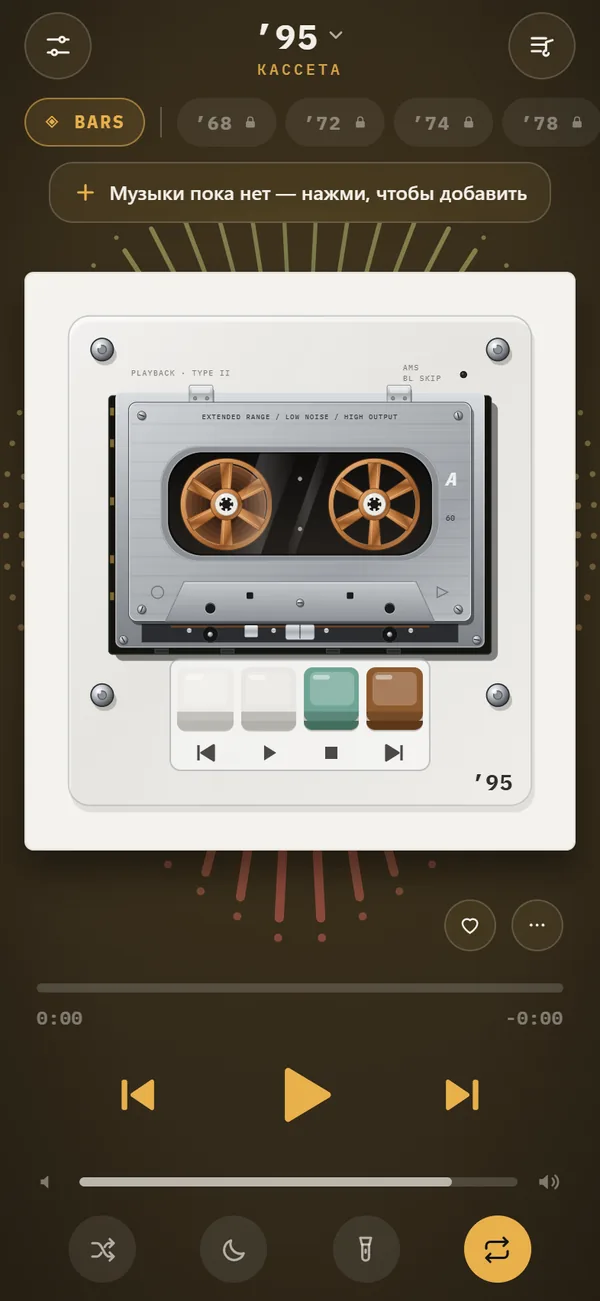
Several free scenes are the familiar kind of music visuals: pulse, bars, wave and VU meters.
- Pulse: a rhythmic glow.
- Bars: spectrum-style columns.
- Wave: a flowing waveform line.
- VU meters: needle meters like a hi-fi front panel.
Scenes with more atmosphere
Others lean into mood. Aurora drifts like northern lights, the synth scene is a synthwave horizon, and lava is a lava lamp. Scope is an oscilloscope for people who like to look at the signal itself, and tunnel, ridge, tv and groove round out the PRO set.
The PRO scenes need REWIND PRO, but you can see which ones exist by long-pressing the chip.
Free versus PRO
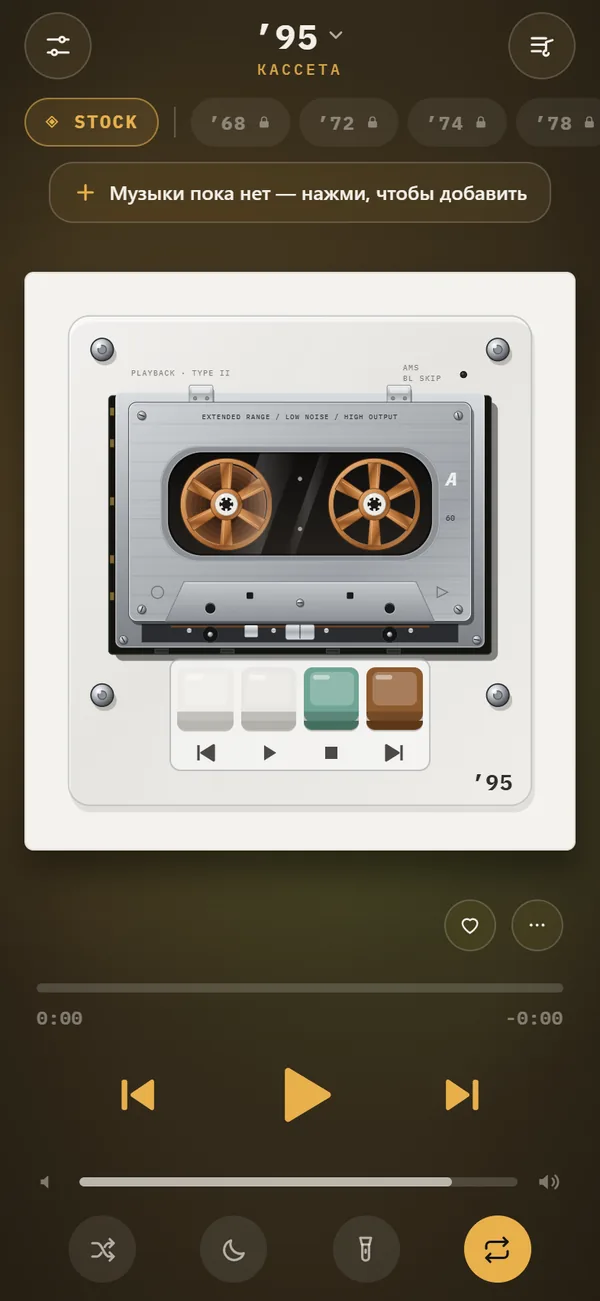
Stock, pulse, bars, wave, VU meters, warp and notes are free forever. Every other scene needs PRO, as do Slowed + Reverb, Sped up, reverb depth, 8D audio, the volume boost and the full machine catalog.
Backgrounds also take your accent color. Pick a color in Settings and buttons and scenes follow it, so the same scene can feel quite different in pink and in green.
Which scene goes with which machine?
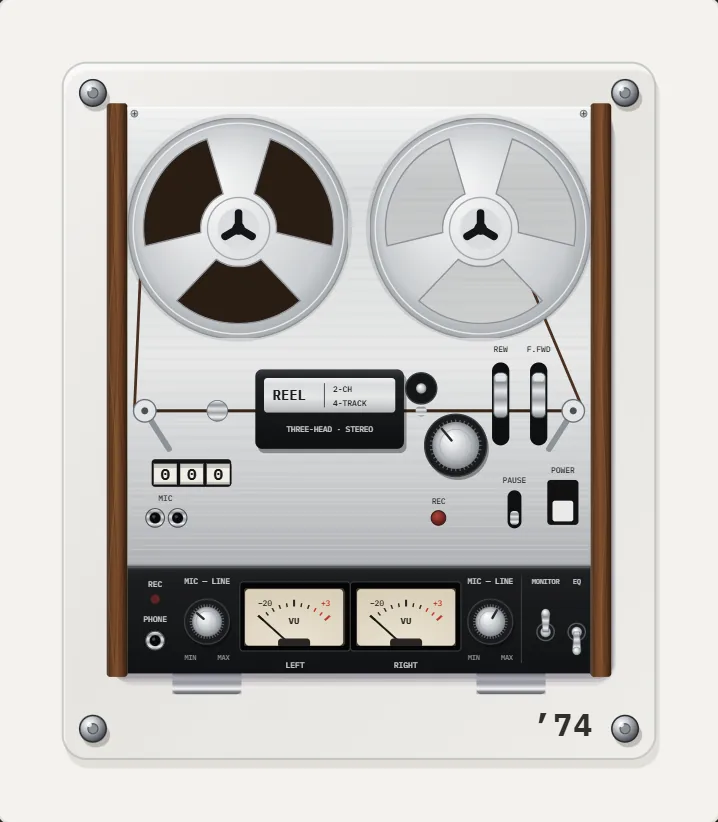
Any scene works with any machine, but some pairings click. A pocket cassette looks right with VU meters or stock. A portable CD player suits scope or bars. A late-90s MP3 player fits warp or tunnel. A record player goes well with lava.
The night light feature dims everything except the machine, so choose a calm scene if you plan to leave the phone on a desk.
Do backgrounds work offline?
Yes. The animations are drawn on the phone while the song plays, with no download, no account and no tracking. For a deeper guide to this style of player, read the music visualizer app for iPhone.
How the scenes respond to the music
The animations follow the audio that is playing right now, not a canned loop. A quiet intro gives you slow, small movement, and a drop in the track pushes the animation harder. That tie to the real signal is why the same scene looks different with different songs.
You can change scenes at any time without stopping the track. Tap the chip, see the next one, tap again. If you find a favorite, leave it on and it stays while you switch machines.
Frequently asked questions
How many backgrounds does REWIND have?
17 animated backgrounds that react to the music.
Which visualizer backgrounds are free?
Stock, pulse, bars, wave, VU meters, warp and notes are free. The rest require REWIND PRO.
How do I change the background?
Tap the background chip on the player screen to cycle, or long-press it to open the full list.
Do the visualizers work with files I imported myself?
Yes. They react to whatever song is playing from your library, offline.
Keep exploring
 Night Light ModeScreen stays on, everything except the machine dims. A bedside music box.Slowed + Reverb, Sped Up and 8D Audio on iPhoneSlowed, Sped up, reverb depth from room to cathedral and 8D audio, live on your own files. REWIND PRO.
 Tactile Retro ControlsSwipe to wind, finger to scratch, buttons that click, a real tape stop. Sounds are synthesized on device.
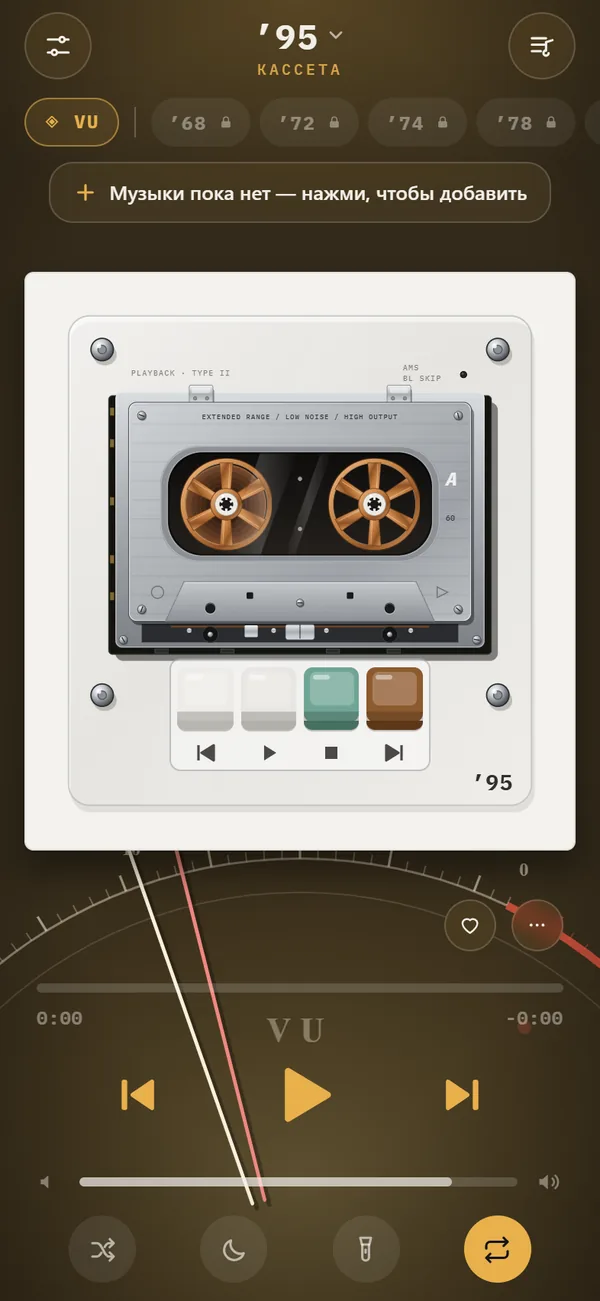 Music Visualizer App for iPhoneHow visualizers began, the main types, and how to choose a music visualizer app for iPhone that reacts to your own files.
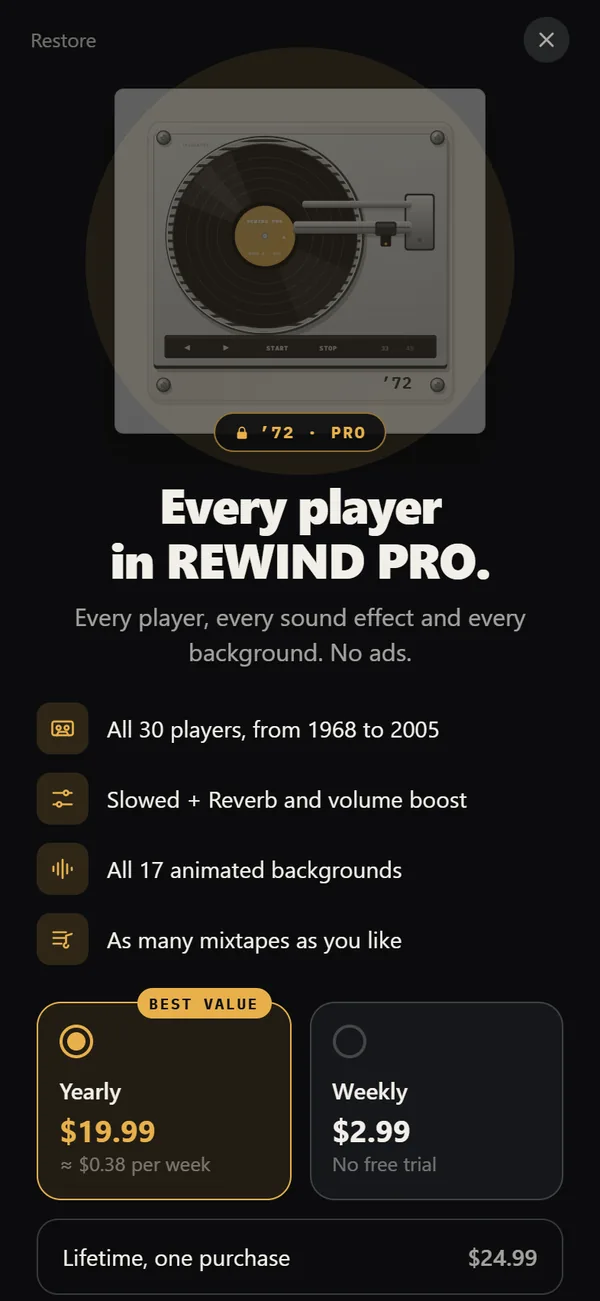 REWIND PricingFree vs PRO: $2.99 weekly, $19.99 yearly with a trial, $24.99 lifetime.