 REWIND
Machines you can touch: reels, scratching, tape stop
In REWIND the machines react to your hands. Reels turn while a song plays, you swipe a cassette to wind it, you put a finger on a record or CD to scratch, and buttons press down with a click. Pause even makes a real tape stop. It is all synthesized on the phone.
Download free on iPhoneSee all 30 machines
8 machines free forever · no account · works offline

Spin the reels with your finger · press ▶ ■
What can I touch?
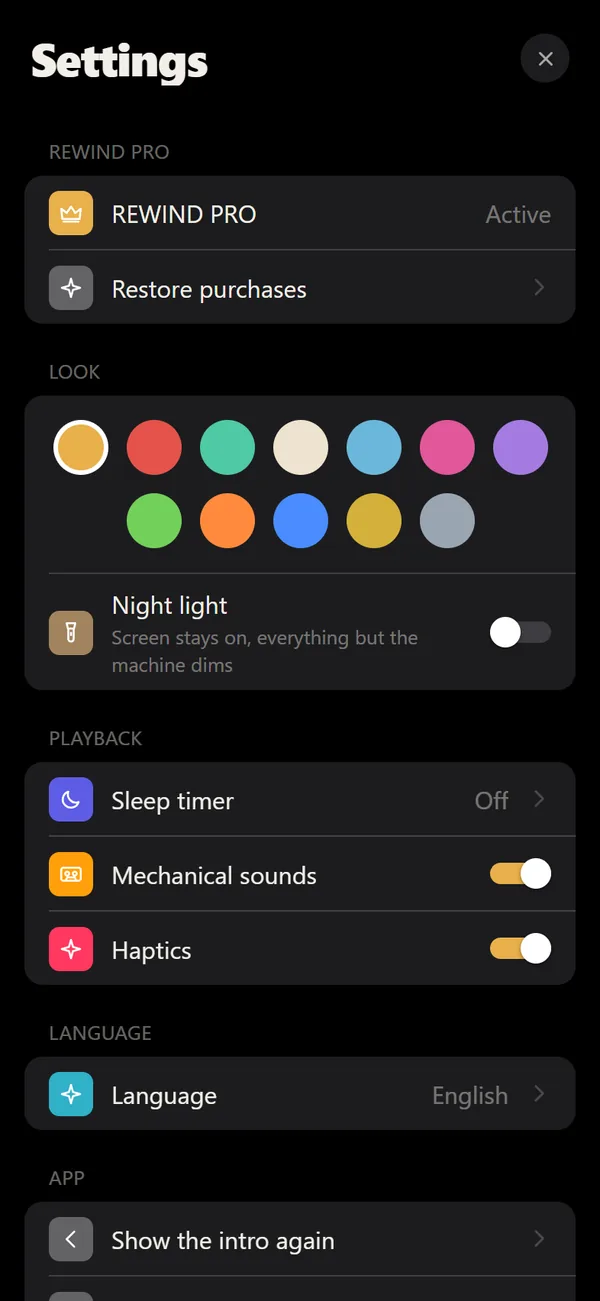
Every machine moves while a song plays, and most of that movement answers to your finger. The details change by type, but the idea stays the same: the screen behaves like a small object on your desk.
- Cassettes: reels turn during playback. Swipe the cassette to wind, fast-forward or rewind.
- CDs and records: put a finger on the disc or record to scratch it.
- Turntables: the tonearm travels across the record as the song progresses.
- MP3 players: drag a finger along the player to scrub through the song.
What is the tape stop?
When you press pause, the pitch slides down like a motor winding to a halt instead of cutting off. It makes pause feel mechanical.
Buttons that click
Keys press down and click. The clicks and the motor sounds are synthesized on the device, not played from recordings, and haptics add a tap you feel. Mechanical sounds and haptics each have a switch in Settings, so you can keep the visuals and drop the noise on a quiet train. The machines still animate, and the standard lock screen controls work without any touch interaction.
Reels, decks and boomboxes
The family of machines goes beyond pocket players. 2 home decks include a reel-to-reel recorder whose tape visibly moves from one reel to the other, and a front-loading cassette deck with latching piano keys and a rolling counter. 2 boomboxes have speaker cones that pump with the bass. For a guided look, see reel-to-reel player, cassette deck and boombox.
How do I pick a machine?
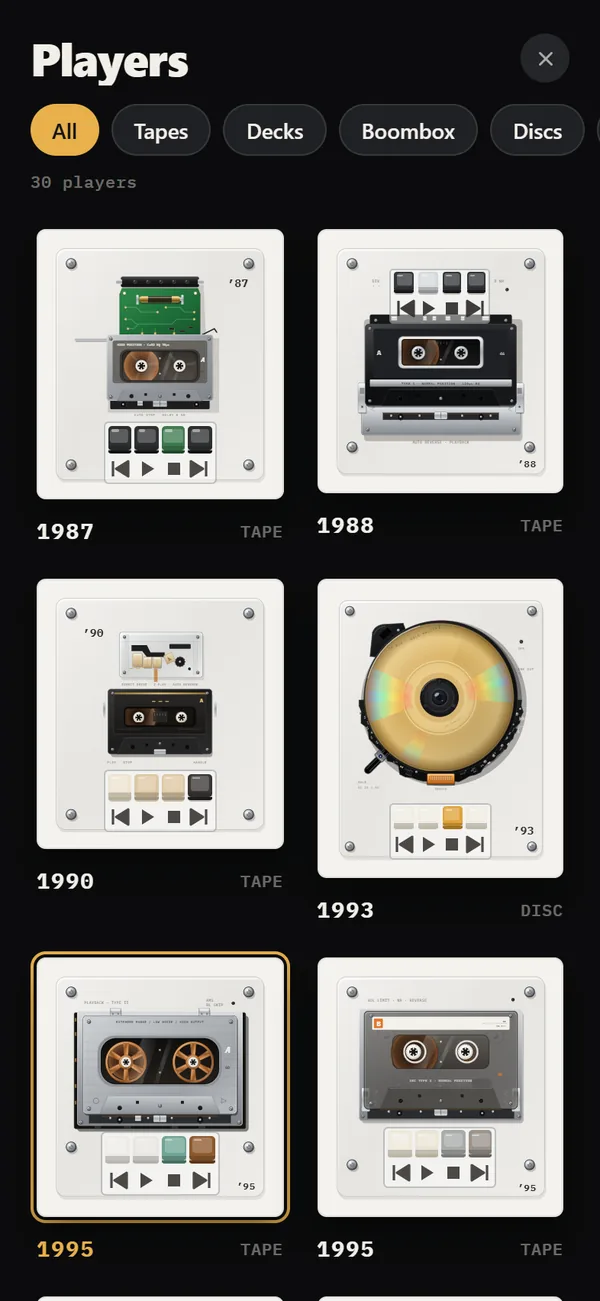
Tap the year title on the player to open the catalog, or use the ribbon of years to switch quickly. REWIND has 30 machines from 1968–2005; 8 are free and the rest come with PRO. Read the pages for cassette players, vinyl record players, CD players and MP3 players to see what each family does.
Why it matters
A streaming app gives you a list. A machine gives you something to do between songs. Winding a tape forward a few seconds, scratching a CD or dragging along an MP3 player is slower than tapping a progress bar, and that is the point. Pair it with analog sound and the old gear feel gets complete.
It also changes how you listen. With a progress bar you jump; with a reel you travel, and you hear a bit of the song fly past on the way. That small delay is the charm.
A short history behind the gestures
Winding a cassette by hand with a pencil, nudging a record with a thumb and turning a dial all existed because people wanted control. REWIND turns those gestures into touch. If you enjoy the background, read the history of the compact cassette and how DJ scratching works.
Frequently asked questions
How do I fast-forward a cassette in REWIND?
Swipe the cassette to wind forward or rewind.
Can I scratch a record in REWIND?
Yes. Put a finger on the record or CD and move it to scratch.
Can I turn off the click sounds?
Yes. Mechanical sounds and haptics each have a switch in Settings.
Are the mechanical sounds recordings?
No. They are synthesized on the device.
Keep exploring
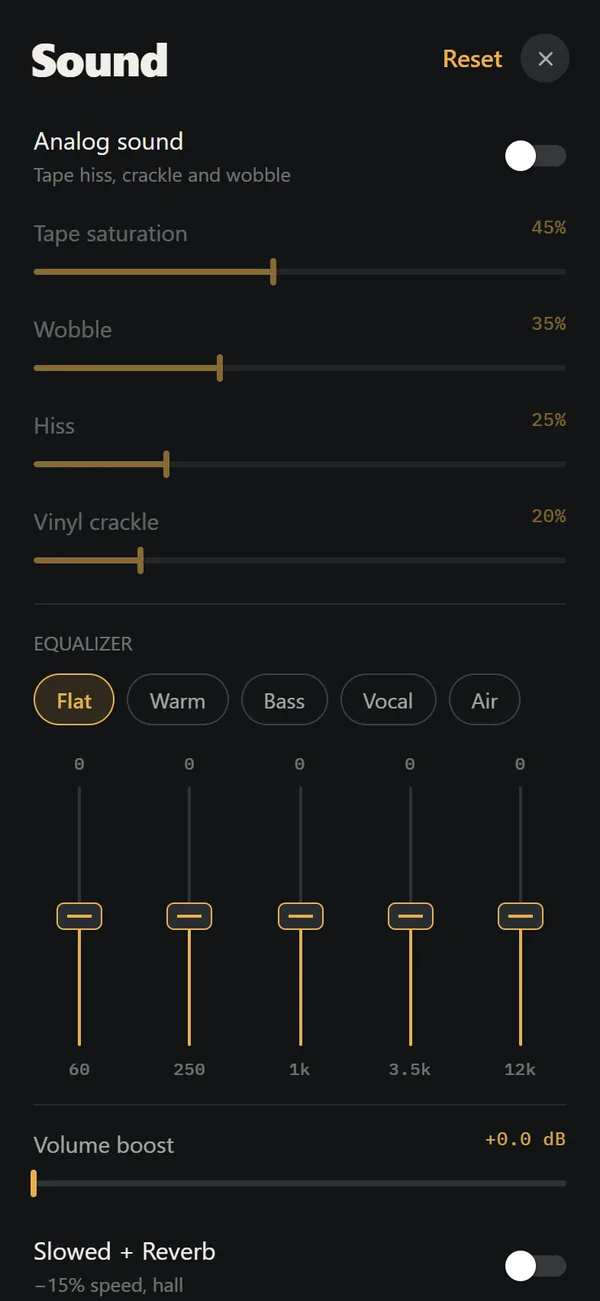 Analog Sound on iPhoneFour sliders (saturation, wobble, hiss, crackle), automatic machine sound and a lo-fi radio filter, live on your own files. Free.Cassette players10 pocket cassette machines with turning reels, swipe-to-wind and tape stop.
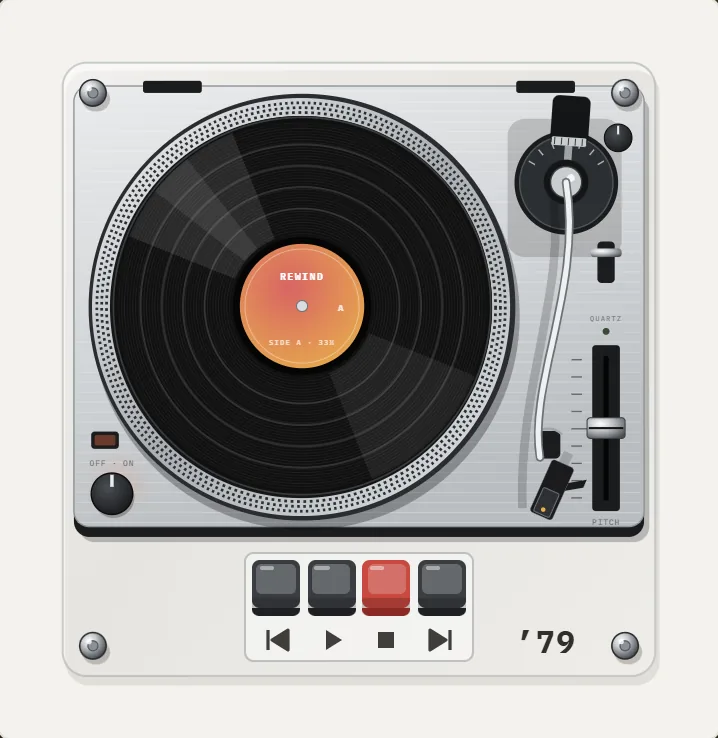 Turntables3 turntables: suitcase, linear-tracking and direct-drive, with scratching and crackle.
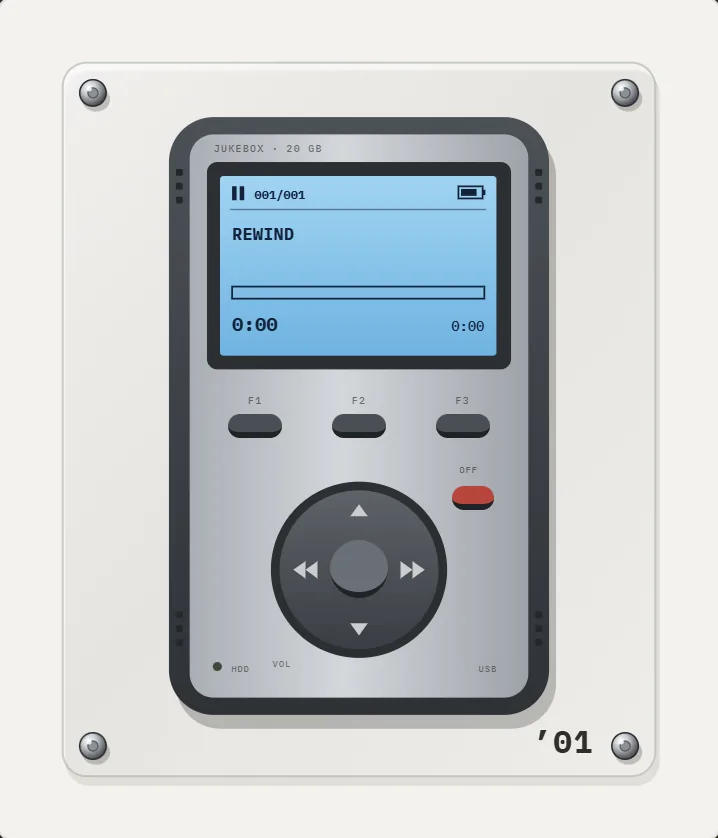 MP3 players2 early MP3 players: a 1998 flash stick and a 2001 hard-drive brick.
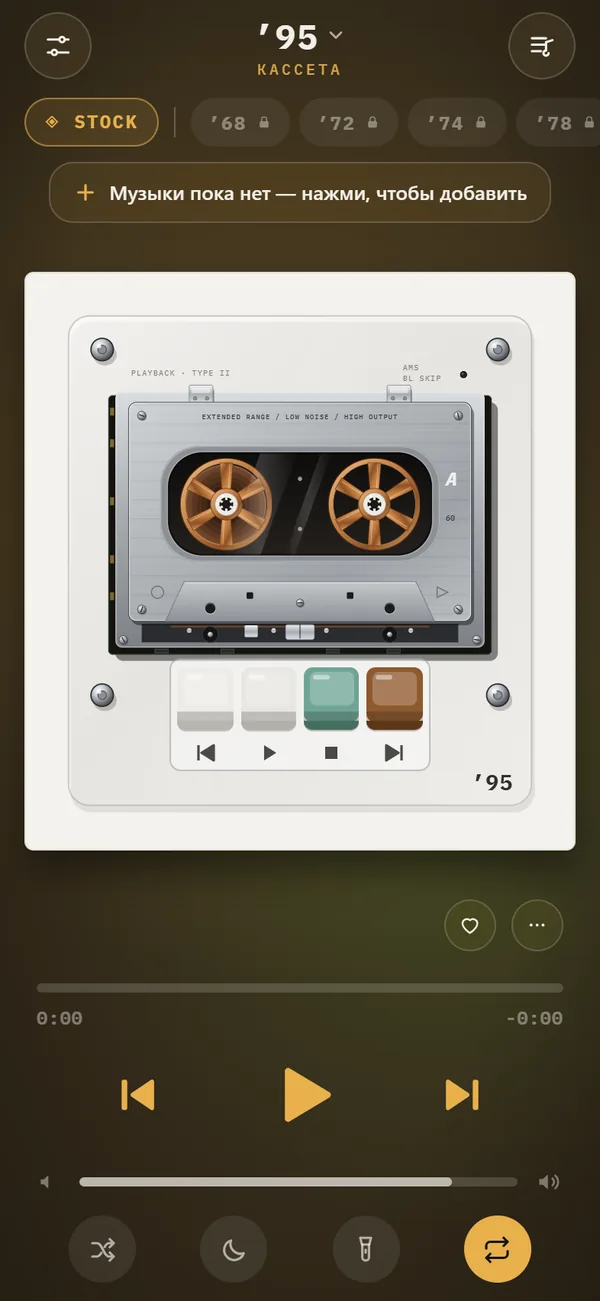 Music Visualizer Backgrounds for iPhone Player17 animated scenes that react to your music. Tap to cycle, long-press for the full list. Seven are free.Retro Music Players for iPhone30 retro machines from 1968–2005, grouped by type.