 REWIND
Winamp alternative for iPhone: what to use instead
Classic Winamp, released in 1997, is Windows software, so it cannot run on an iPhone. A newer Winamp app does exist on the App Store, combining a local library with radio and podcasts. If you miss a player for your own files with an equalizer and visualizers, REWIND and a few others come close.
Download free on iPhoneSee all 30 machines
8 machines free forever · no account · works offline
Is there a Winamp for iPhone?
Yes and no. The original Winamp is a media player for Microsoft Windows, first released in 1997 by Nullsoft (Wikipedia). Separately, the current owner publishes a Winamp app for iPhone on the App Store. Its listing describes one player for your local music library, exclusive tracks from a feature called Fanzone, podcasts and thousands of radio stations, with customization as a selling point.
The App Store shows the app as free, version 6.0.7, with about 3.1 stars from 95 US ratings (October 2026). Its latest release notes mention custom EQ and skins saving.
Competitor facts on this page were checked on October 10, 2026 against the App Store listing and the developer's own site. Apps change, so verify before you buy.
What do people miss about classic Winamp?
Most people mean four things: it played the MP3 files they owned, it had an equalizer, it could be reskinned, and it drew music visualizations. Wikipedia describes Winamp as extensible with plug-ins and skins, with music visualization, playlists and a media library.
No iPhone app copies all of that. The closest matches depend on which part you miss. For your own files and an equalizer, almost any offline player works. For skins, you need a player with strong theming. For visualizers, you want something that draws full-screen scenes to the beat.
Winamp, the Winamp app and REWIND at a glance
| Classic Winamp | Winamp app for iPhone | REWIND | |
|---|---|---|---|
| Platform | Windows | iPhone and iPad | iPhone only |
| Plays your own files | Yes | Local library, per its listing | Yes, imported from the Files app |
| Streaming and radio | Not the core idea | Radio, podcasts and Fanzone tracks | None |
| Skins | Yes, per Wikipedia | Release notes mention skins saving | No skins; you pick an accent colour and a machine |
| Visualizations | Yes, per Wikipedia | Not listed | 17 music-reactive backgrounds |
| Equalizer | Yes, per Wikipedia | Custom EQ mentioned in release notes | 5-band: 60 Hz, 250 Hz, 1 kHz, 3.5 kHz, 12 kHz |
| Plug-ins | Yes, per Wikipedia | Not listed | No |
| Price | Freemium since version 2, per Wikipedia | Free download | Free download; PRO optional |
How does REWIND replace Winamp on iPhone?
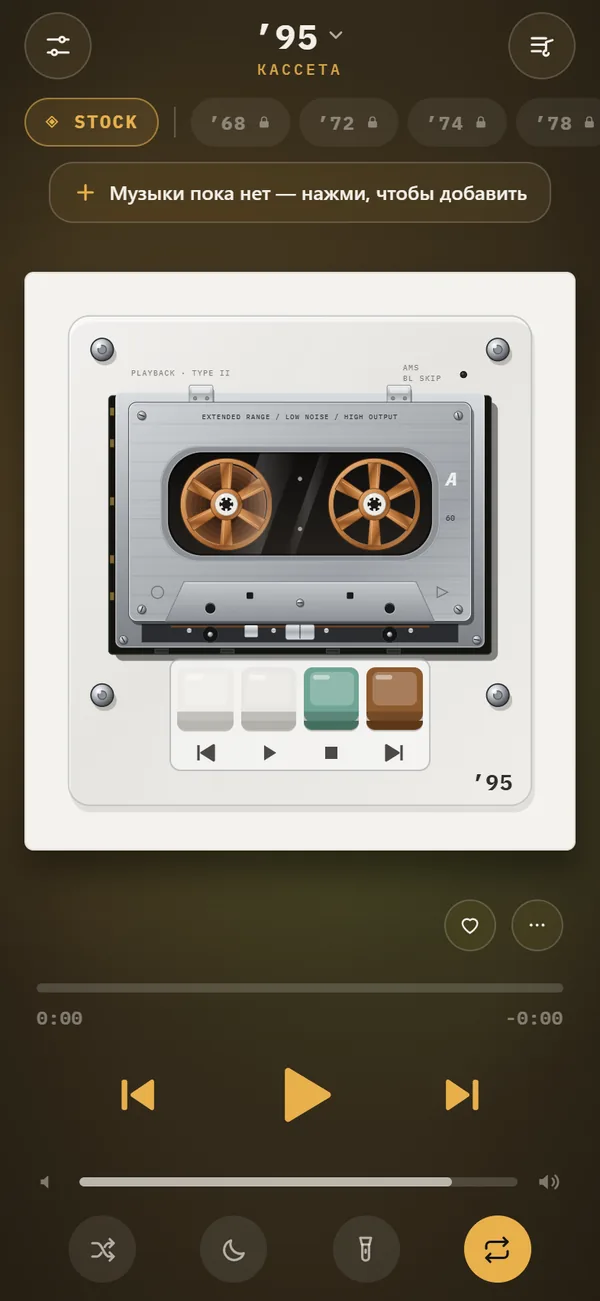
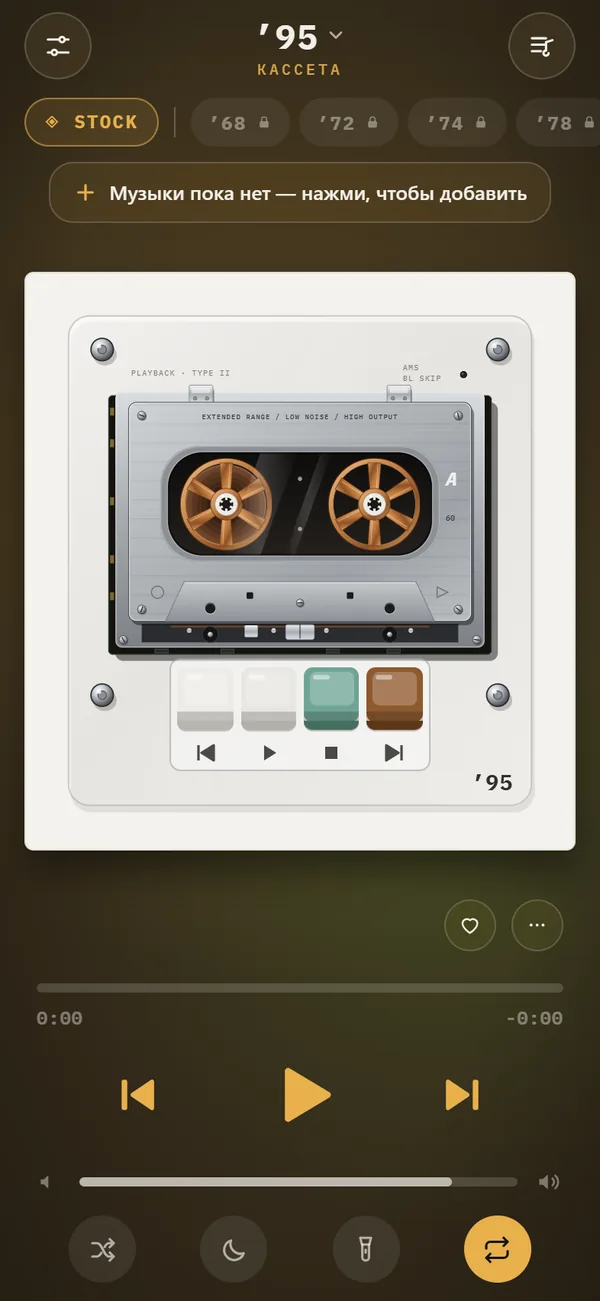
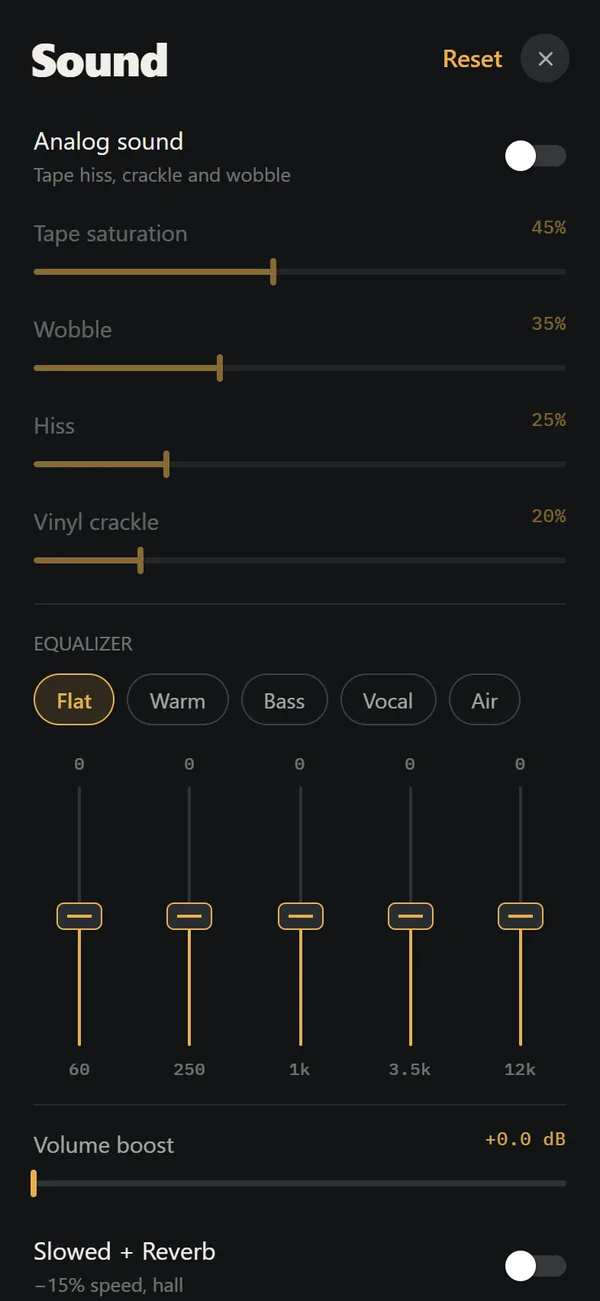
REWIND covers the listening side. It plays MP3, AAC/M4A, ALAC, WAV, AIFF, FLAC and CAF files you import, offline, with a 5-band equalizer and presets named Flat, Warm, Bass, Vocal and Air. The music visualizer backgrounds include spectrum bars, a waveform, an oscilloscope, VU meters and an aurora, and they react to the music.
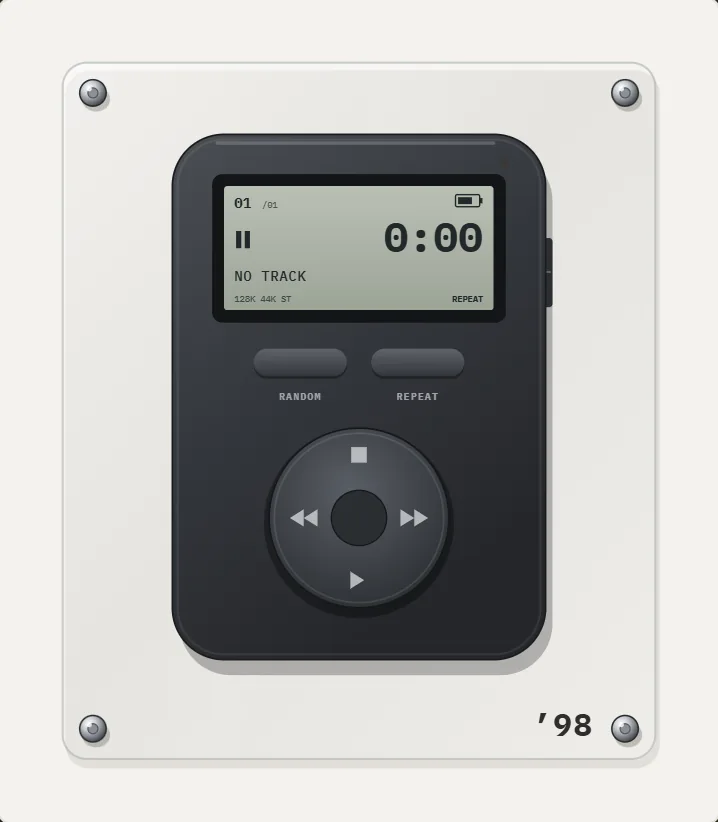
It swaps skins for machines. Instead of changing a window theme you change the player itself: a cassette mechanism, a portable CD player, a turntable or an early MP3 player with a scrub wheel. There are 30 of them. REWIND has no plug-ins, no radio and no skin editor, and it says so up front.
Which other apps are worth a look?
- MP95: a hi-fi retro player with a 10-band equalizer, 35+ codecs and visualizers. REWIND vs MP95.
- VLC: free, open source, plays music and video and streams from servers. REWIND vs VLC.
- Evermusic: connects clouds, NAS and media servers, with an equalizer and a visualizer. REWIND vs Evermusic.
- Doppler: a library-first player with tag editing, for iOS 26 or newer. REWIND vs Doppler.
- VOX: lossless playback with Qobuz, SoundCloud and radio. REWIND vs VOX.
Sources: Winamp on the App Store, Winamp Player.
Who should pick which?
Pick the Winamp app if you want radio and podcasts next to your files and the Winamp name matters to you. Pick REWIND if you want the Winamp-era mix of local files, EQ and visualizers, but wrapped in cassettes and CD players instead of a desktop window. Pick VLC or Evermusic if your priority is playing from servers or odd formats. See how to add music files to iPhone to move a folder across.
Frequently asked questions
Is there a Winamp app for iPhone?
Yes. Winamp publishes an iPhone app on the App Store that combines a local music library with radio, podcasts and Fanzone tracks. It is not the classic Windows program.
What is the best Winamp alternative for iPhone?
It depends on what you miss. For offline files with an equalizer and visualizer backgrounds on a retro look, REWIND or MP95. For server streaming, VLC or Evermusic.
Does REWIND have Winamp skins?
No. REWIND has 30 retro machines and an accent colour, not skins or plug-ins.
Can I play my old MP3 collection on an iPhone?
Yes. Copy the files to the Files app or iCloud Drive and import them into an offline player such as REWIND, which supports MP3, AAC/M4A, ALAC, WAV, AIFF, FLAC and CAF.
Keep exploring
 Music Visualizer Backgrounds for iPhone Player17 animated scenes that react to your music. Tap to cycle, long-press for the full list. Seven are free.
 5-Band Equalizer for iPhone Music Files, FreeFive bands (60 Hz to 12 kHz) and five presets, applied in real time to your own files. Free.
 MP3 on iPhoneThe classic lossy format. Bitrates, sizes, how to load it on iPhone, and how REWIND plays it.
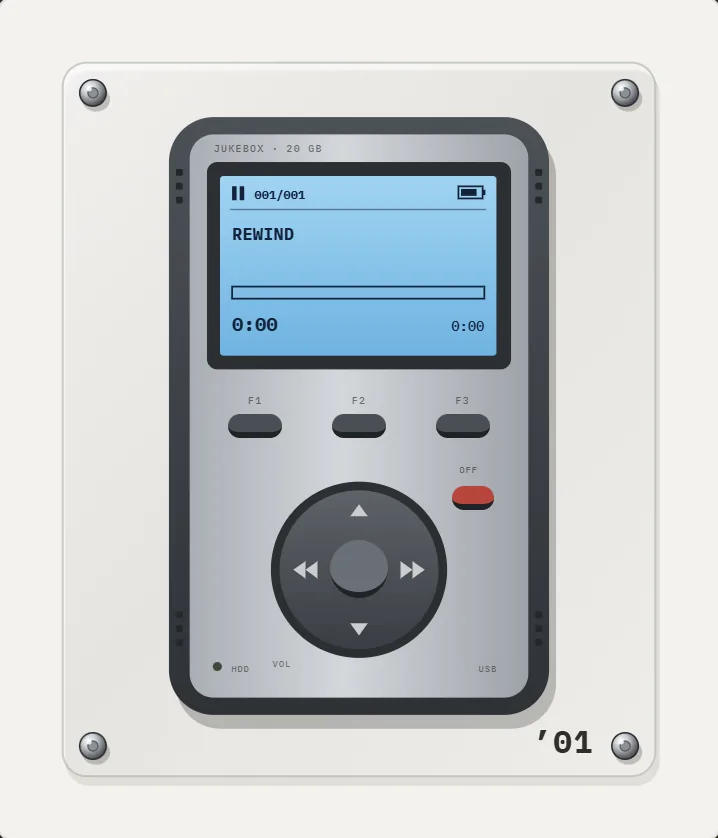 MP3 players2 early MP3 players: a 1998 flash stick and a 2001 hard-drive brick.
 REWIND vs MP95Two offline retro players for your own files. MP95 leans hi-fi and cross-platform, REWIND leans on 30 machines and mixtape-style fun.Retro MP3 Player App for iPhoneWhy the first MP3 players looked the way they did, and how a retro MP3 player app for iPhone recreates two of them.