 REWIND
Best slowed and reverb apps for iPhone
The best slowed and reverb app for iPhone depends on whether you want to export a file or just listen. Resonance, SR and Y2K Player process your own songs, Music Speed Changer gives fine tempo control, and REWIND applies one switch live while a song plays. This list is checked against the App Store as of October 2026.
Download free on iPhoneSee all 30 machines
8 machines free forever · no account · works offline
Which slowed and reverb app should you use?
Decide first: do you want to make a track to share, or hear your own song slower and washier right now? Editors give sliders and exports. Players apply the effect live. REWIND is the second kind: one switch for slowed (−15%) or sped up (+20%), a reverb depth slider and 8D audio, on files you own. These controls are part of PRO.
We searched the US App Store for "slowed and reverb" and "speed changer reverb player" on October 10, 2026 and checked each listing. REWIND is made by the publisher of this site. We say so and list its limits next to everyone else's. No matter which app you pick, tracks downloaded from Apple Music or Spotify are protected and cannot be opened by third-party apps.
Slowed and reverb apps compared
| App | Approach | Price on the App Store | US rating (Oct 2026) | Notes from the listing |
|---|---|---|---|---|
| REWIND | Live player, one switch | Free download; Slowed, Sped up, reverb depth and 8D are PRO ($2.99/week, $19.99/year, $24.99 once) | New, launching 2026 | Slowed −15% or sped up +20%, reverb depth slider, 8D audio; no export |
| Slowed and Reverb App (Resonance) | Mix editor | Free; Pro $8.99 once or $1.99 a month | 4.7 from 11 ratings | Speed, pitch, reverb and EQ; presets; remembers settings per song; exports M4A |
| Slowed and Reverb Player (SR) | Player with loop | Free; Premium Access in-app purchases | 4.4 from 12 ratings | Import songs, play with or without the effect, loop, offline; can download the processed song |
| Y2K Player: Sped Up Songs | Live player with export | Free; lists Pro at $9.99 and an in-app purchase named Slowed + Reverb ($2.99) | 5.0 from 10 ratings | Slowed + reverb, sped up and nightcore; optional key change; exports M4A, WAV or video; says no ads, account or subscription |
| Music Speed Changer | Speed and pitch editor | Free; Pro $14.99 once or $0.99 a month | 4.8 from 4,120 ratings | Time-stretch and pitch shift, looping, equalizer; mentions slowed + reverb effects |
| Up Tempo | Practice tool | Free; $9.99 advanced editing unlock | 4.7 from 1,159 ratings | Speed and pitch, loops, stem splitting (Pro) |
| Audipo | Speed changer | Free; Pro upgrades | 4.7 from 1,922 ratings | 0.25x to 4.0x without changing pitch |
| Grooves: Song Speed Changer | Speed changer | $4.99 | 3.7 from 95 ratings | Tempo −50% to +100% without changing pitch; lists Apple Music catalog songs plus Files |
Small rating counts (10 or 12 ratings) show an app is new, not that it is bad or good. Read recent reviews.
REWIND: the live player with a tape-machine face
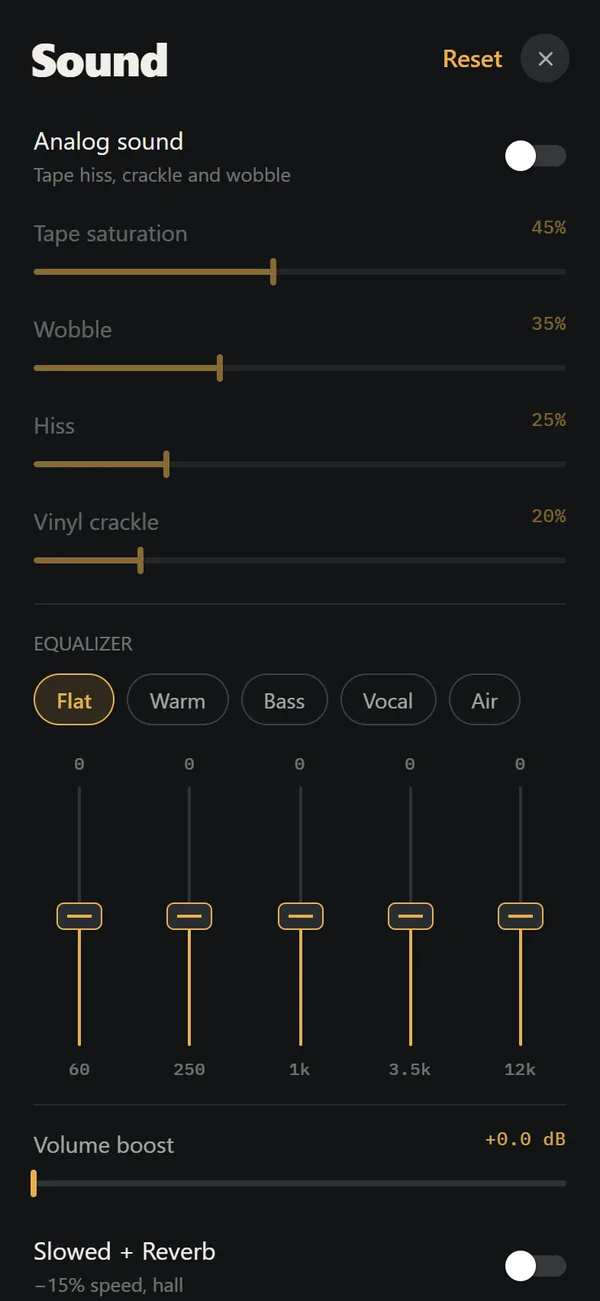
Turn on Slowed + Reverb in the sound controls and the current song drops by 15% in speed and gains reverb (medium depth if it was off). Sped up does the opposite, +20% with higher pitch, and the two cannot be on together. Pitch follows the speed either way, like a record on a different turntable speed. You can still use the equalizer and the analog tape or vinyl effects on top, so a track can be slowed, washed in reverb and wrapped in hiss together.
The reverb depth runs from off through room and hall to cathedral, and 8D audio circles the sound between your ears. Limits: the speed steps are fixed at −15% and +20%, there is no pitch-independent tempo change, you cannot export a file, and it is iPhone only. It is not an editor. Choose it if you want an effect while listening, on a machine you enjoy looking at. The full how-to is in slowed and reverb any song on iPhone.
Editors: Resonance, Music Speed Changer, Up Tempo, Audipo
When you need exact numbers, an editor is better. Resonance lets you set speed, pitch, reverb and EQ, saves settings for each song and exports M4A files. Music Speed Changer time-stretches without altering pitch, can shift pitch alone, and loops sections. Up Tempo adds loops and stem separation aimed at musicians. Audipo works from 0.25x to 4.0x and targets practice and language learning.
Note that speed changers are not always slowed-and-reverb apps. Some change tempo and keep the pitch, which is a different sound from the classic slowed style where pitch drops too. Check whether an app links speed and pitch or lets you split them.
Y2K Player and SR: simple players
Y2K Player says it works on audio files you already own, applies changes as you hear them and offers slowed + reverb, sped up and nightcore presets. It can also export M4A, WAV or video, and its listing names paid in-app purchases. SR App promises two taps to slowed and reverb, with loop, offline playback and a download option. Both are small apps with few ratings, so read recent reviews before relying on them.
How do you slow down a song and add reverb on iPhone?
- Make sure the song is a file you own: a purchase, a CD rip or a download from an artist. Streaming downloads will not import.
- Put the file in the Files app.
- Import it into your chosen app.
- Switch on the slowed and reverb setting, or move the speed and reverb sliders.
- Listen on headphones. Reverb is easy to overdo on small speakers.
What settings sound best for slowed and reverb?
A modest slowdown is the usual starting point, and REWIND's 15 percent sits there. For the reverb, think about room size and decay: a long tail gives the washed feel but smears vocals when the dry signal is too low. Keep the vocal readable.
Start from the original, drop the speed first and listen. Then add reverb until the room feels large but the words are still clear. If the song is already dense, such as a wall of guitars, use less reverb. If it is sparse, such as piano and voice, you can go further. An equalizer can then trim the low end, which tends to boom after slowing.
What should you check before downloading one?
- Does it export? Resonance, SR and Y2K Player can create a new file. REWIND plays the effect live and cannot export.
- Does it work on your own files? Most do, and none open protected streaming downloads.
- Are speed and pitch linked? Linked gives the classic dropped-voice sound.
- Is the reverb adjustable? REWIND has a depth slider from room to cathedral, while editors add finer control over decay and mix.
- What does it cost over a year? Several apps are free to start but sell upgrades; REWIND PRO is $19.99 yearly or $24.99 once.
- How recent are the reviews? Several apps here have fewer than 15 ratings.
Who is each app best for?
If you listen on the bus and want the effect on a song without thinking about it, a live player is enough. If you plan to share results with friends, or you want to set exact values, an editor is the right tool. Musicians who need to learn parts should pick a speed changer with looping instead, because pitch-preserving slowdown and loop points matter more than reverb for them. REWIND suits people who want the effect, a retro machine on screen and no exporting step.
What about Apple Music and Spotify songs?
No app here can import DRM-protected downloaded files. If you want slowed and reverb versions of songs you stream, you need DRM-free copies. Our DRM-free music shopping guide lists legal sources, and why Apple Music songs will not import explains the lock. Grooves is the one to check: its listing says it changes the tempo of songs in the Apple Music catalog (−50% to +100%) and needs iOS 18.6, but it does not mention reverb.
Sources: public App Store listings and the iTunes lookup API, US store, October 10, 2026.
Frequently asked questions
What is the best slowed and reverb app for iPhone?
For exact control, an editor like Resonance or Music Speed Changer. For a live effect on songs you own, Y2K Player or REWIND. REWIND applies a one-switch −15% (or +20% for sped up) with an adjustable reverb.
Is there a free slowed and reverb app?
Resonance, SR, Y2K Player and Music Speed Changer are free downloads with paid upgrades. In REWIND the Slowed, Sped up, reverb depth and 8D audio controls are PRO features.
Can I make slowed and reverb songs from Spotify or Apple Music on iPhone?
Not with third-party apps, because subscription tracks are DRM-protected. You need DRM-free files you own.
Does a slowed and reverb app change the pitch?
Classic slowed and reverb lowers pitch with the speed. Some apps can keep pitch while changing tempo, which sounds different. Check whether speed and pitch are linked.
Can REWIND export slowed and reverb tracks?
No. REWIND plays the effect live and does not export audio files.
Keep exploring
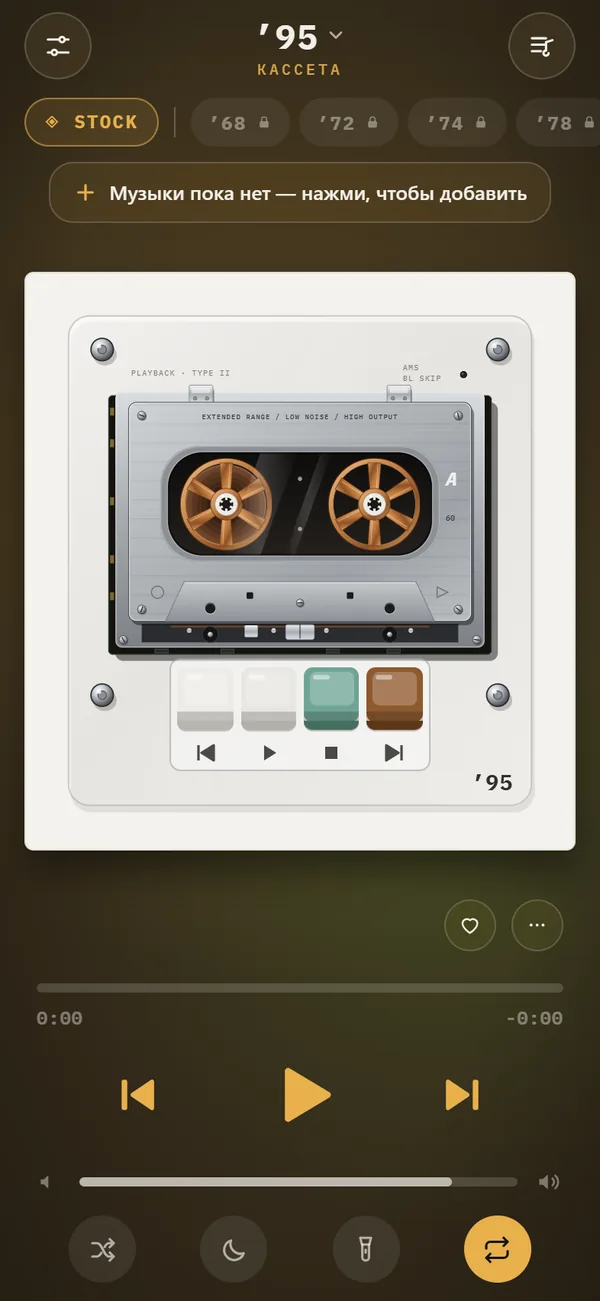 Slowed + Reverb, Sped Up and 8D Audio on iPhoneSlowed, Sped up, reverb depth from room to cathedral and 8D audio, live on your own files. REWIND PRO.
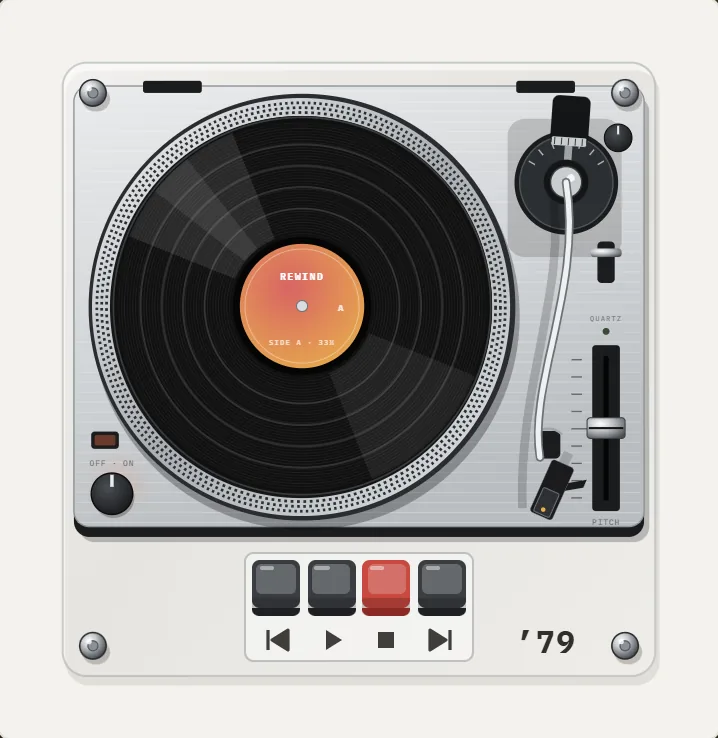 Slowed and Reverb Any Song on iPhone, LiveWhat slowed and reverb is, where the style came from, and how to apply it live to your own music on iPhone.What Is Slowed and Reverb Music? Origin and SoundWhat slowed and reverb music is, where it came from, how it is made and how to hear the effect live on iPhone.Can You Slow Down Apple Music Songs on iPhone?What works and what is blocked when you slow down Apple Music or Spotify songs on iPhone, and how to get a slowed and reverb version legally.
 DRM-Protected MusicWhy streaming downloads cannot be imported, and which DRM-free sources work.
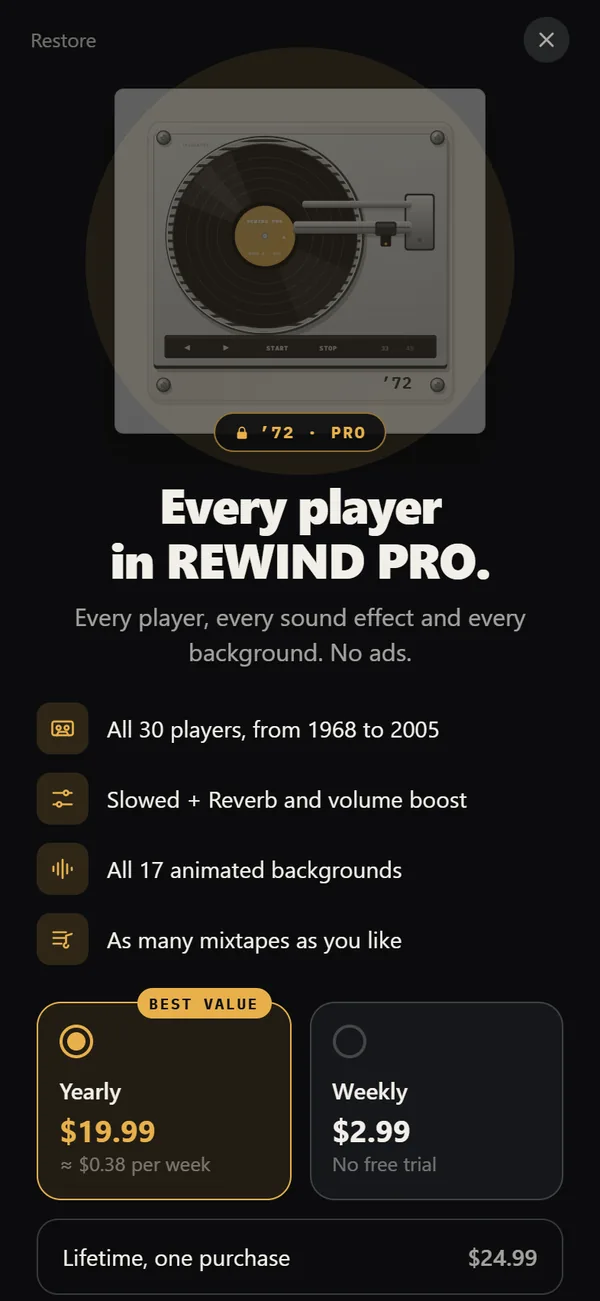 REWIND PricingFree vs PRO: $2.99 weekly, $19.99 yearly with a trial, $24.99 lifetime.