 REWIND
Is the iPod Classic still supported?
No. Apple discontinued the iPod Classic on September 9, 2014, and no longer sells it. The device still works if its hard drive and battery are healthy, and it plays files you sync from a computer. It cannot stream music or play downloaded Apple Music subscription songs.
Download free on iPhoneSee all 30 machines
8 machines free forever · no account · works offline
What is the status of the iPod Classic?
The iPod Classic is a discontinued portable media player from Apple. The name came with the sixth generation, introduced on September 5, 2007. Apple discontinued the Classic on September 9, 2014. The 2009 revision and the fifth-generation iPod Nano were the last Apple products with the click wheel, and the 160 GB Classic was the last iPod to use the 30-pin connector (Wikipedia: iPod Classic). Tim Cook later said the parts were no longer available and a redesign was not justified by consumer interest.
In practice that means no new hardware and no new software features. Repairs rely on third-party parts. Apple keeps a public list of vintage and obsolete products, so check it for the official service status of your model.
What still works in 2026?
| Task | Works? | Notes |
|---|---|---|
| Play your own MP3, AAC, WAV, AIFF, Apple Lossless files | Yes | Loaded from a computer |
| Sync with a Mac or Windows PC | Yes, usually | Finder on a Mac, iTunes or Apple's Windows apps, depending on your system |
| Play downloaded Apple Music subscription songs | No | Subscription downloads are DRM-protected and not supported |
| Stream music | No | No Wi-Fi or cellular |
| Play iTunes Store purchases without DRM | Yes | Songs purchased after DRM was dropped play normally |
| Play FLAC or Ogg | No | Convert FLAC to Apple Lossless first |
| Use Bluetooth headphones | No | Needs a wired connection; third-party mods can add Bluetooth |
Does the iPod Classic work with Apple Music?
Not for subscription songs. Apple Music downloads are DRM-protected and play only inside Apple's own apps on supported devices, so an iPod Classic cannot play them. What does work is music you own as files: CD rips, DRM-free downloads and purchases. If you pay for streaming, the music on your iPod stays frozen at whatever files you last synced.
The iPod line plays MP3, AAC, WAV, AIFF and Apple Lossless (Wikipedia: iPod), so a CD ripped in a lossless format works. FLAC and Ogg are not supported.
Can I still buy an iPod Classic, and what should I check?
New ones are not made. Used ones are sold, and prices have risen with the nostalgia market. The common failure points are the original battery, the 1.8-inch spinning hard drive, and the click wheel.
- Battery: original batteries are old. Third parties sell replacements, and the swap needs only basic tools.
- Hard drive: a spinning drive can click or fail. Flash storage adapters replace it, giving silent operation and often more space.
- Click wheel: should scroll smoothly and click on all five buttons.
- Screen and backlight: check for dead pixels or dimness.
- Hold switch and headphone jack: test both.
- Capacity: the 160 GB model of 2009 is the last and largest version.
What are the options if you want the feel on a modern phone?
A phone can play the same files, and several apps imitate the iPod look. Check any such app's privacy policy, and check what it plays: your own files, or an Apple Music subscription through a licensed service. A player that only plays files you own is closer to the real device in spirit.
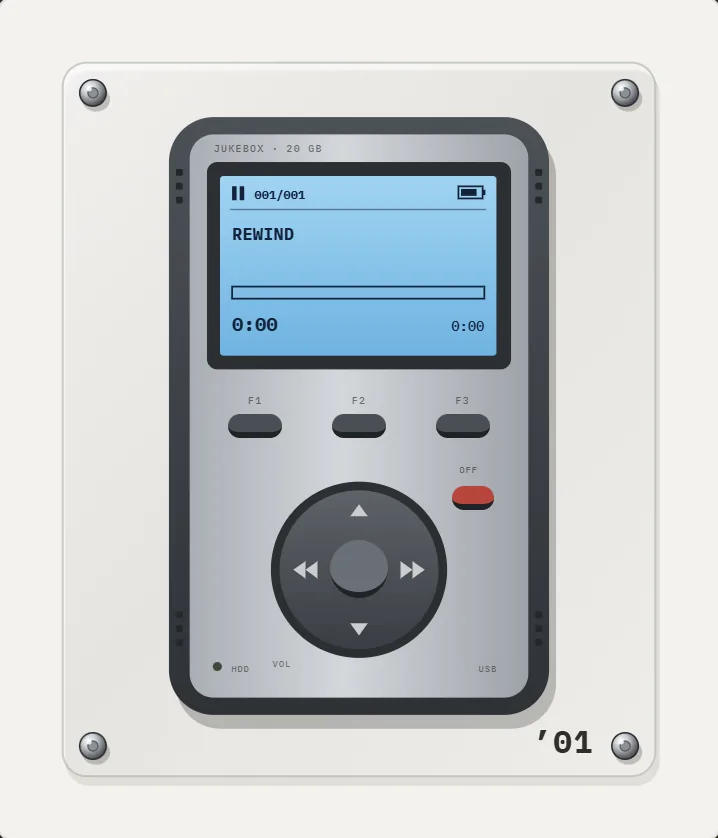
REWIND is one such player. It is not an iPod clone and has no click wheel. The nearest machines are a 1998 flash MP3 player and a 2001 pocket hard-drive player with a joystick, where you drag a finger along the body to scrub through a song. Both are part of REWIND PRO. REWIND plays MP3, AAC, ALAC, WAV, AIFF, FLAC and CAF files that you import, offline, with no account. See the MP3 player page and formats.
How do I get my music off an old iPod Classic?
- Connect the iPod to a computer. If it appears in disk mode, enable disk use in the device settings and open it as a drive.
- Music files are stored in hidden folders on the iPod with scrambled names. Software that reads the iPod database can export them with the correct names and tags.
- Copy the files to your computer, and check that each opens.
- Remove protected files. Only DRM-free files will play elsewhere.
- Add the files to your iPhone as in how to add music files to iPhone.
What is the difference between an iPod Classic and an iPod touch?
The Classic is a hard-drive music player with a click wheel, up to 160 GB, no Wi-Fi and no apps. The iPod touch, introduced in September 2007, is a touchscreen device that runs apps. Apple discontinued the iPod touch on May 10, 2022, which ended the iPod line (Wikipedia: iPod touch).
If your goal is to carry a large library of your own files, a 160 GB drive was generous in 2009. A modern iPhone can do the same job and also run a retro-style player.
Where does the iPod Classic sit in history?
Apple unveiled the first iPod on October 23, 2001, with a 5 GB hard drive and the slogan "1,000 songs in your pocket." It went on sale on November 10, 2001 (Wikipedia: iPod). The wider story of players of that era is in history of the MP3 player, and older tape players are covered in Walkman vs MP3 player.
Frequently asked questions
Is the iPod Classic discontinued?
Yes. Apple discontinued the iPod Classic on September 9, 2014.
Can you still buy a new iPod Classic?
Not from Apple. Used and refurbished ones are sold by third parties.
Does the iPod Classic have Apple Music?
No. It cannot stream or play Apple Music subscription downloads. It plays files you own.
Does the iPod Classic support Apple Lossless?
Yes. It plays Apple Lossless, MP3, AAC, WAV and AIFF, but not FLAC.
Can I replace the battery or hard drive?
Yes. Third-party batteries are available, and flash storage kits can replace the hard drive.
Keep exploring
MP3 players2 early MP3 players: a 1998 flash stick and a 2001 hard-drive brick.2001 Hard-Drive Brick MP3 Player AppSilver brick in rubber bumpers, blue-backlit LCD, F1–F3 keys, round joystick, red OFF key. PRO.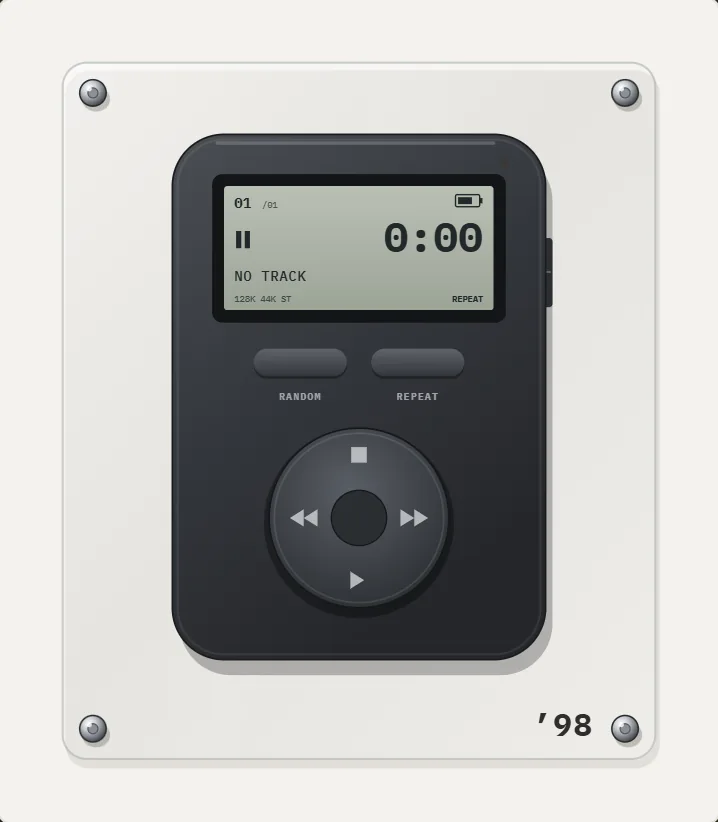 1998 Flash MP3 Player App for iPhoneMatte graphite body, gray monochrome LCD, RANDOM and REPEAT keys, round cross pad. A PRO ’98 MP3 player.History of the MP3 PlayerFrom the MPMan F10 and Rio PMP300 in 1998 to the 2001 iPod and the smartphone: a dated history of the MP3 player.Retro MP3 Player App for iPhoneWhy the first MP3 players looked the way they did, and how a retro MP3 player app for iPhone recreates two of them.Walkman vs MP3 PlayerTape against flash memory: storage, sound, battery, speed of finding songs and what each is good at, with 1979 and 1998 dates.