 REWIND
CD player won't play CDs: nine fixes, in order
If a CD player will not play a disc, first check that the disc is an audio CD and not a data disc, then clean the disc and the lens. Most failures come from a dirty lens, a badly burned CD-R, or a disc type the player never supported.
Download free on iPhoneSee all 30 machines
8 machines free forever · no account · works offline
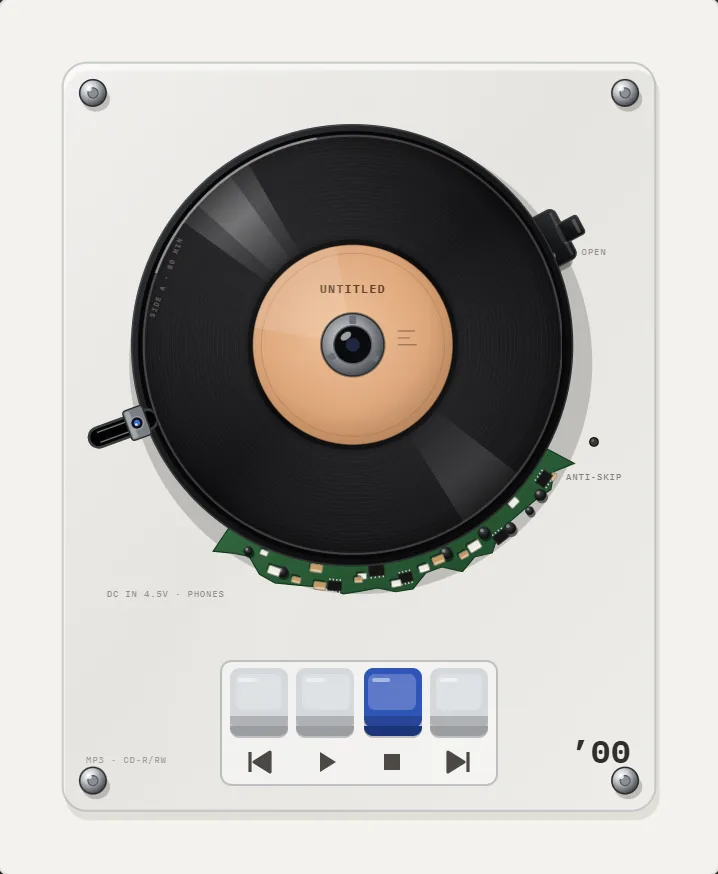
Why will my CD player not play a disc?
A CD player reads the disc with a 780 nm near-infrared laser focused through the clear plastic base. The beam reads microscopic pits in a spiral track 1.6 micrometers apart (Wikipedia: Compact disc). That precision is why small faults cause large failures: a smear on the lens, a scratch across the track, or a disc recorded outside the standard can all stop it.
Four things cause most cases. The disc is the wrong type, the disc is dirty or damaged, the lens is dirty or weak, or the mechanism has a mechanical fault such as a worn belt or a loose spindle. The fixes below go from the cheapest to the most work.
Fix 1 and 2: check the disc type and the label side
Confirm that the disc is an audio CD with the Compact Disc Digital Audio logo. CD-ROM data discs, DVDs and Blu-rays will not play on a CD-only player. A disc full of MP3 files burned as data plays only on a player that says MP3 on it.
Check that the printed side is up. A player that spins and then says No Disc often has the disc upside down. On portable players, close the lid until it clicks, since the lid switch tells the player a disc is present.
Fix 3 and 4: clean the disc, then the lens
- Hold the disc by the edge. Wipe from the center to the rim in straight lines with a soft lint-free cloth, never in circles. A drop of isopropyl alcohol removes grease.
- Look at the surface in light. A scratch that runs along the spiral can hide a whole track, while a radial scratch is often skipped by error correction.
- Open the player. Use a blower to remove dust and a cotton swab with a little isopropyl alcohol to wipe the lens gently. It is a small glass or plastic dot on a moving block.
- A lens-cleaning disc with tiny brushes is the safe option for a sealed tray player.
Never use sandpaper, toothpaste or a household cleaner on a disc. Alcohol and a cloth are enough.
Fix 5 and 6: burned discs and burn speed
Commercial CDs are pressed, but CD-R discs are burned with a dye layer that reflects less light. Older players struggle with them. Discs that were written fast on a cheap disc, or not finalized, often fail.
Burn again at a lower speed, 8x to 16x, on a good brand of disc and finalize it so the table of contents is written. Use Disc-At-Once mode. Skip CD-RW for audio, as rewritable discs reflect even less and many older players cannot read them. Remember that the standard capacity is 74 minutes, extended to 80 minutes, and an overburned disc may not play.
Fix 7 and 8: skipping, anti-skip and power
Skipping on a portable player is a different problem. A portable is bumped as you move, so many models read ahead into a memory buffer. How that works is in anti-skip CD players explained. If it skips on a table, the cause is usually a scratch, a dirty lens or a weak laser.
Low batteries and a weak adapter cause odd behavior: the disc spins up, then stops, or the lid does not read. Try fresh batteries or a known good power supply. A loose DC jack can also drop power as the motor starts.
Fix 9: when the mechanism is worn
- Spindle motor noise or a disc that wobbles: the disc is not clamping. Reseat it, check the center puck.
- Tray will not open or close: the belt has stretched or snapped. A replacement belt is small and cheap, and the repair is common.
- Player reads the table of contents but fails on tracks: the laser is losing power. A repair or a replacement is next.
- Player works for a minute and then stops: overheating electronics or a failing capacitor.
- Display shows Error or Disc Error on every disc: reset by removing power for a minute, then try one commercial disc.
How can I tell whether the disc or the player is at fault?
Try three discs: a commercial pressed CD in good shape, a burned one, and a scratched one. If the pressed disc fails, the player is at fault. If only the burned disc fails, the disc is marginal for that laser. If only the scratched one fails, the player is fine.
Also test another player, such as a computer drive. A disc that plays on a computer but not on your player points to a weak laser or a dirty lens. A disc that fails everywhere is unreadable, and re-burning or re-buying is the answer.
Can I skip the hardware and play the music on my phone?
For the history of how the portable CD player grew, read the portable CD player story.
If the disc is fine but the hardware is not, rip it to files on a computer and listen on a phone. REWIND plays your own audio files on virtual portable CD players such as the 1993 model, with a spinning disc and no laser to clean. See the CD player page for the machines.
Frequently asked questions
Why does my CD player say No Disc when there is a disc inside?
The disc may be upside down, dirty, or unreadable, or the lid switch on a portable may not be closing. Wipe the disc, flip it and close the lid firmly. If every disc does this, the lens needs cleaning.
How do I clean a CD player lens?
Use a lens-cleaning disc, or open the player and wipe the lens with a cotton swab lightly moistened with isopropyl alcohol. Do not press hard.
Why do burned CDs not play on my old CD player?
Old players struggle with the lower reflectivity of CD-R discs. Burn at a low speed, use quality discs, finalize the disc, and avoid CD-RW.
Why does my CD skip?
Skipping comes from scratches, dirt, a weak laser, low batteries or movement. Clean the disc, try another disc, and check power. Anti-skip memory only helps against bumps.
Can an MP3 CD be played in any CD player?
No. A disc of MP3 files is a data disc, and only players marked MP3 can read it. Burn an audio CD instead if you are unsure.
Keep exploring
CD players11 opened portable CD players from 1989 to 2005 with scratching.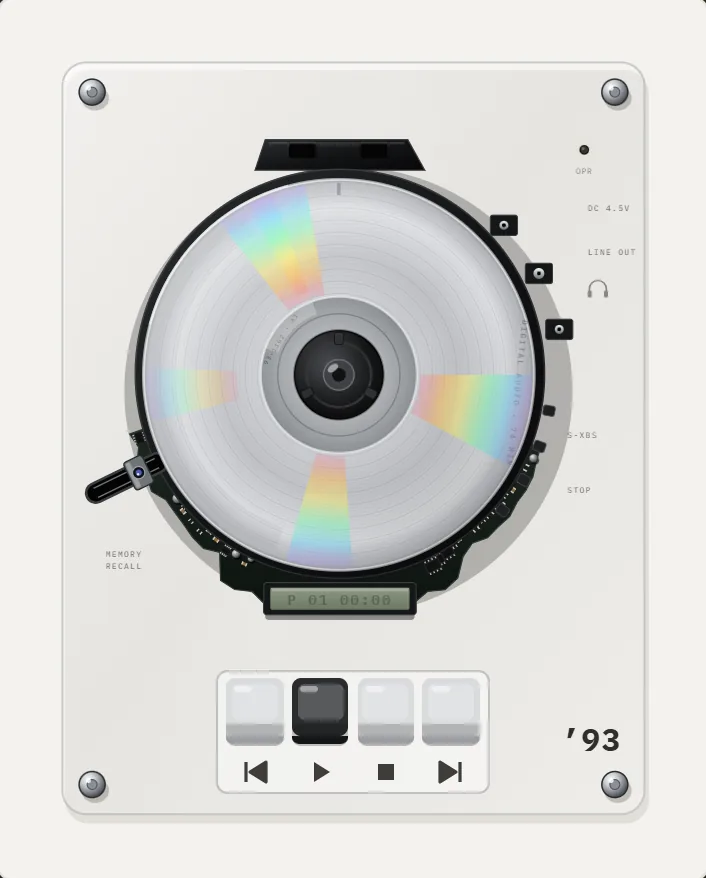 Anti-Skip CD Players ExplainedHow anti-skip buffers worked in portable CD players, with buffer sizes, battery costs and the shock absorbers they replaced.
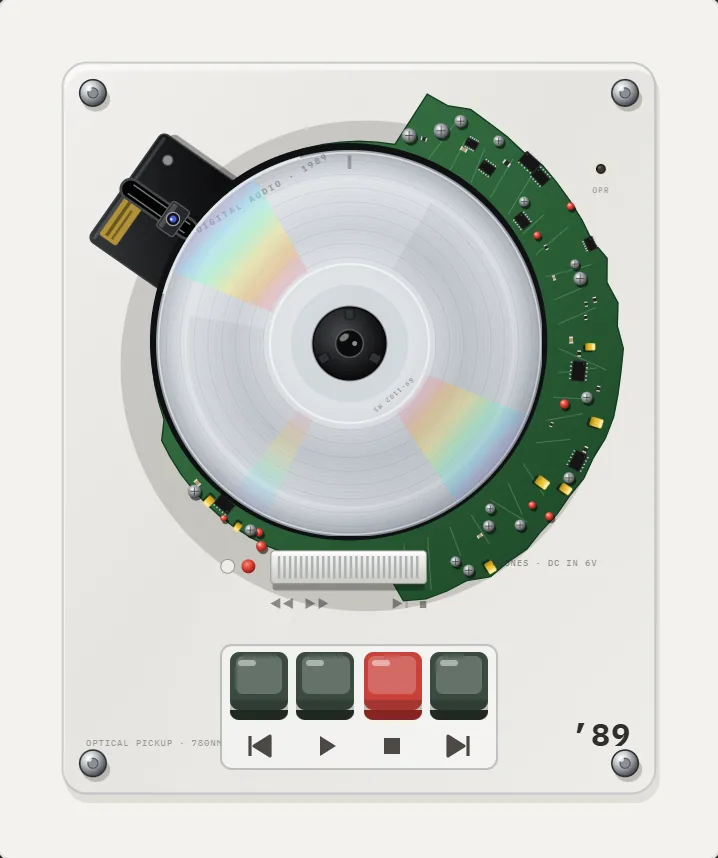 History of the Portable CD PlayerThe Sony D-50 in 1984, rubber shock absorbers, anti-skip memory and the MP3 CD era: a dated history of the pocket CD player.
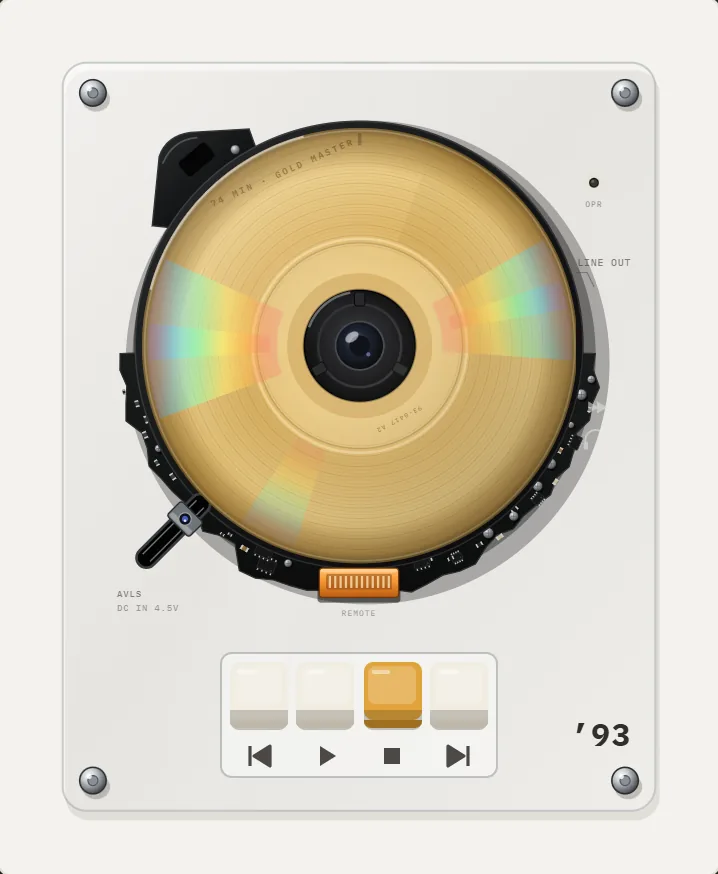 1993 Gold CD Player App for iPhoneGold disc with rainbow glints, black shell, orange connector, line-out label. The free CD player.CD Player App for iPhoneHow portable CD players worked, what a CD player app for iPhone can recreate, and how to use your own rips.Can You Still Buy a Discman or Walkman in 2026?What Sony still sells, where to find working cassette and CD players, what to inspect, and the cheapest way to get the feel on a phone.