 REWIND
A CD Player App for iPhone, and the Players It Remembers
A CD player app for iPhone plays your ripped CDs and other audio files inside an opened-up portable disc player, with a spinning disc, a paper insert and clicking buttons. It cannot read physical discs. You rip the CDs once, import the files, then pick a machine.
Download free on iPhoneSee all 30 machines
8 machines free forever · no account · works offline
What can a CD player app do on an iPhone?
An iPhone has no optical drive, so a CD player app is a digital player dressed as a disc machine. Your tracks are files. The app supplies the spinning disc, the paper insert and the buttons.
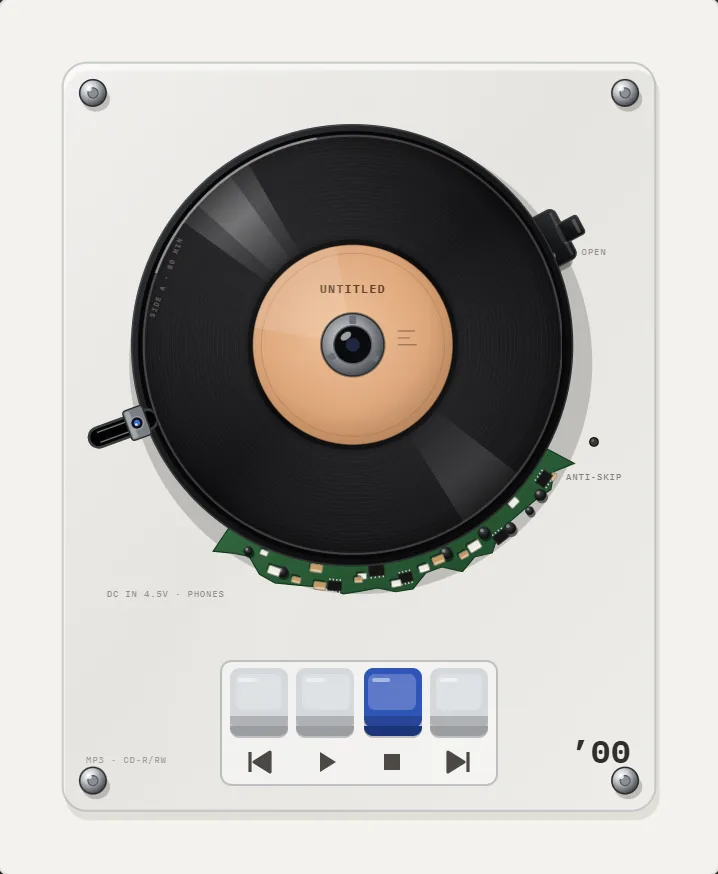
In REWIND the machines are drawn opened up, so you see the disc turn. Put a finger on the CD and you can scratch it. The paper insert shows the title and artist of the current track, in the manner of a printed booklet. You can see every disc machine on the CD player page.
How did a portable CD player work?
A laser read a spiral of microscopic pits on a 120 mm disc, from the inside out, and the disc spun faster near the center and slower near the edge to keep the data rate constant. The audio itself is 16-bit samples taken 44,100 times per second, the standard laid down in the Red Book that Philips and Sony published (Wikipedia: Compact Disc).
The problem for portable use was vibration. A laser tracking a pit track that narrow loses its place when you walk. Early portable models skipped badly, and the fix was a memory buffer that read ahead of playback so the sound kept going while the laser re-found its spot. The story of that fix is in anti-skip CD players explained, and the wider history is in history of the portable CD player.
Sony's first portable CD player, the D-50 (later branded Discman), went on sale in November 1984 (Wikipedia: Discman).
The rotation speed is worth a note. A CD is read at constant linear velocity, so the motor slows from about 500 rpm at the inner edge to about 200 rpm at the outer edge as the song plays.
Which years does REWIND cover?
There are 11 CD machines, spanning 1989 to 2005. Sixteen years is a long stretch for one product. The opened mechanisms of 1989 look like small engineering projects.
A few starting points: the 1989 mechanism on an acrylic plate, the 2001 player and the 2005 player. One CD machine, the 1993 model (disc93), is free; the rest need REWIND PRO.
How do you turn your CDs into files?
You need a computer with a disc drive, or an external one. Ripping reads the audio from the disc and saves it as files. Lossless formats keep everything the disc held; lossy ones are smaller.
Pick the format by how you listen. FLAC and ALAC are lossless and keep full CD quality. MP3 and AAC are smaller and fine for most headphones. WAV and AIFF are uncompressed. REWIND plays all of them; check the formats hub for notes on each.
- Rip each disc on a computer, choosing a lossless format if storage allows.
- Make sure titles, artists and cover art are tagged. REWIND reads tags and art from the files.
- Move the folder to your iPhone through iCloud Drive, AirDrop or a cable, so it appears in the Files app.
- Import it into REWIND, then pick a CD machine from the catalog.
Does a CD player app sound like a CD player?
A CD is already close to a clean digital file, which is part of why the format felt so modern in the 80s. There is no tape hiss or groove noise to imitate, so the CD machines in an app are mostly about touch and look. The buttons click, the disc turns, and you can scratch.
If you want a little character anyway, the equalizer has five bands at 60 Hz, 250 Hz, 1 kHz, 3.5 kHz and 12 kHz. Presets are Flat, Warm, Bass, Vocal and Air. Leaving it on Flat is a perfectly authentic choice for a CD.
What are the limits?
Discs are not read, only files. DRM-protected streaming downloads will not import, as explained on the DRM page. The app is for iPhone only. It is free to download with an in-app purchase, with the yearly plan at $19.99 after a 3-day trial and a one-time lifetime option at $24.99. See pricing for the full list.
Why did people love portable CD players?
Portable CD players promised something tape could not: jump to track seven in a second, no rewinding, and sound that did not hiss. The Discman generation also turned an album into a slim object you could carry in a jacket pocket, with a booklet.
They had costs. Batteries drained quickly, discs scratched, and a bumpy walk could skip. Designers answered with rubber suspension, anti-skip buffers and ever slimmer cases. Those design stories are why the opened mechanisms in the app are fun to look at: you see the spindle, the sled and the laser assembly doing their job.
What about CD-quality sound on a phone?
CD audio is 16-bit at 44.1 kHz, so any file ripped losslessly from a disc keeps all of it, in FLAC, ALAC, WAV or AIFF. Lossless files keep their full detail in your library. The analog sound switch is optional, and the Flat preset leaves the equalizer neutral.
If you ripped to MP3, bitrate matters: a higher bitrate keeps more detail. For a file-by-file explanation of each type, see the formats hub. If you are choosing between apps, REWIND is not an audiophile player and does not claim bit-perfect output. It is built for feel and for your own collection.
Frequently asked questions
Can an iPhone read a physical CD?
No. iPhones have no disc drive. You rip the CD on a computer, then import the audio files into the app.
What is the best format for ripped CDs on iPhone?
FLAC or ALAC if you want full CD quality, MP3 or AAC for smaller files. REWIND plays all of them.
Can I scratch a CD in the app?
Yes. Putting a finger on the CD in REWIND lets you scratch it.
How many CD players does REWIND have?
There are 11 portable CD machines from 1989 to 2005. One is free and the others are part of REWIND PRO.
Keep exploring
CD players11 opened portable CD players from 1989 to 2005 with scratching.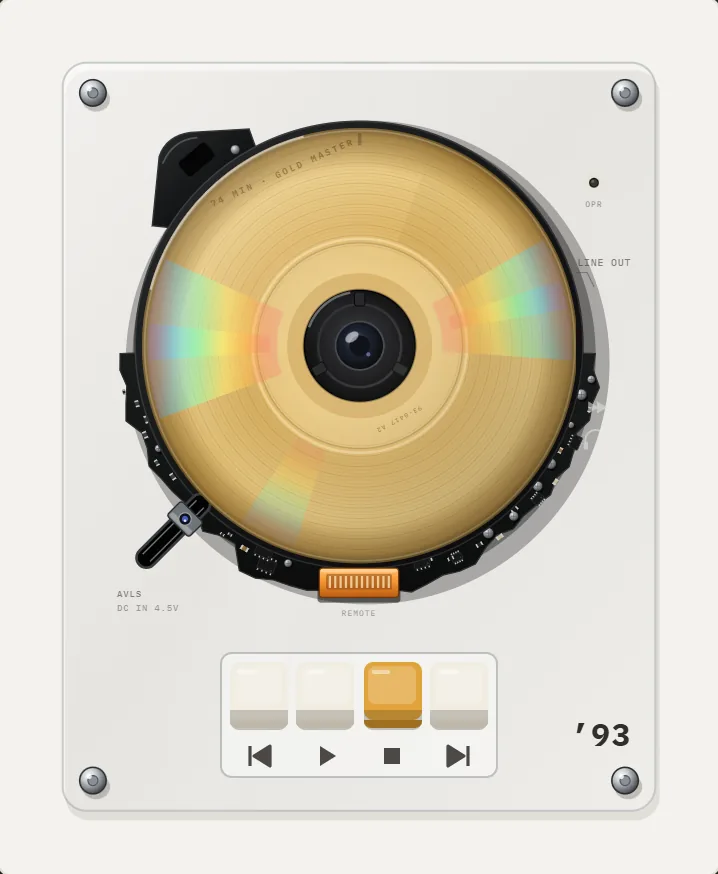 1993 Gold CD Player App for iPhoneGold disc with rainbow glints, black shell, orange connector, line-out label. The free CD player.2000 Round-Case CD Player App for iPhoneRound black case, small latch, vinyl-style disc with peach-beige label. A PRO millennium-year CD machine.FLAC on iPhoneFree lossless audio. Sizes, loading FLAC on iPhone, and what REWIND does and does not promise.
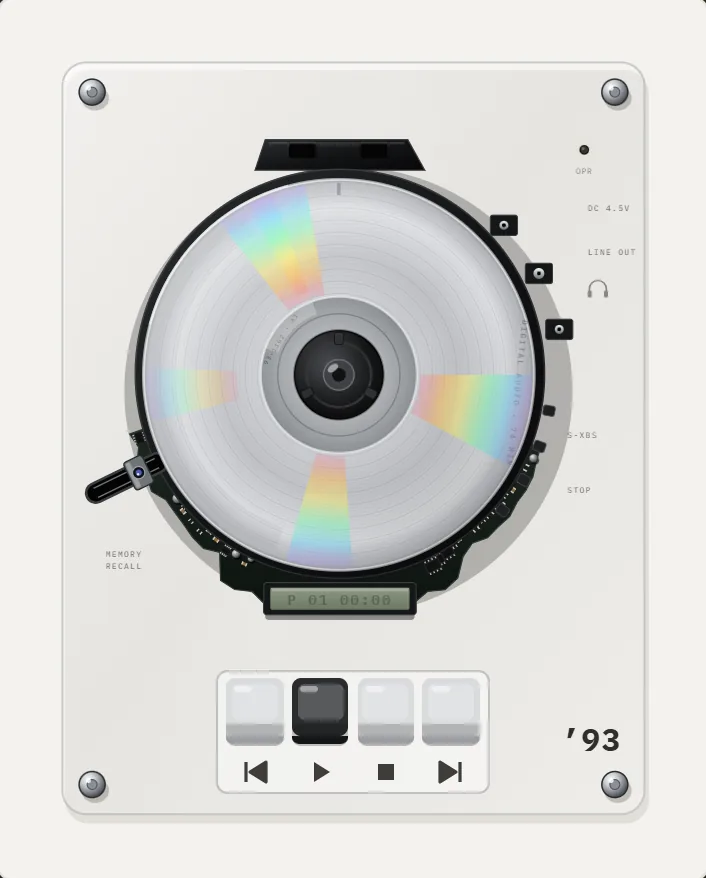 Anti-Skip CD Players ExplainedHow anti-skip buffers worked in portable CD players, with buffer sizes, battery costs and the shock absorbers they replaced.
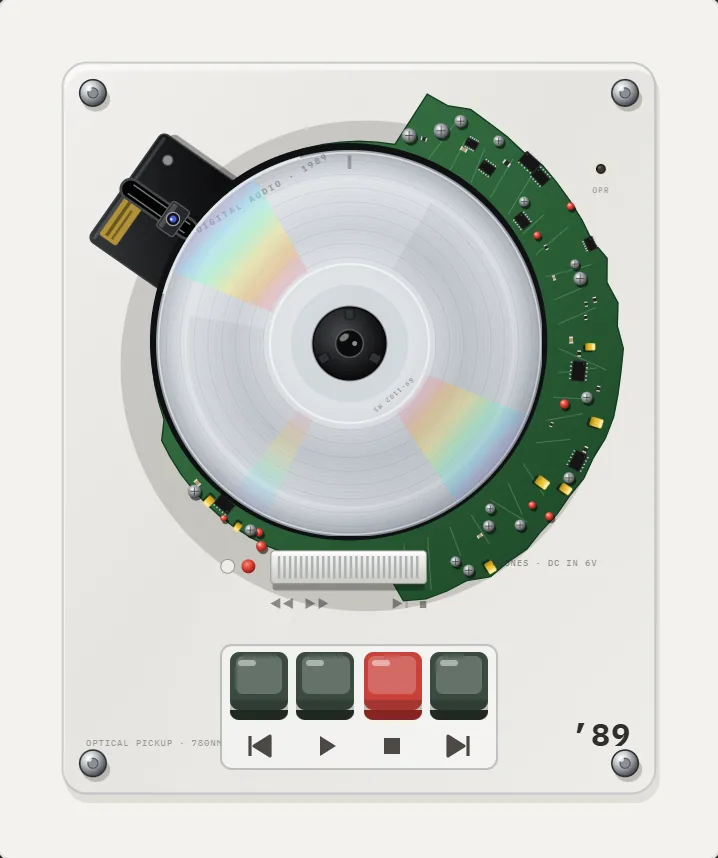 History of the Portable CD PlayerThe Sony D-50 in 1984, rubber shock absorbers, anti-skip memory and the MP3 CD era: a dated history of the pocket CD player.