 REWIND
AAC and M4A files on iPhone
AAC is a lossy audio codec, and M4A is the file type that usually holds it. AAC was designed as MP3's successor and sounds better at the same bitrate. REWIND plays AAC/M4A files you import from the Files app, with their tags and cover art.
Download free on iPhoneSee all 30 machines
8 machines free forever · no account · works offline

Spin the reels with your finger · press ▶ ■
What is AAC?
AAC stands for Advanced Audio Coding. It was standardized in 1997 as part of MPEG-2 and later extended in MPEG-4. It is lossy, but at the same bitrate it generally sounds better than MP3. Apple adopted it for the iTunes Store when the store opened in 2003. Background: AAC on Wikipedia.
AAC versus M4A
AAC is the codec, the way the sound is compressed. M4A is a file type, built on the MPEG-4 container, that commonly carries AAC. People use the two names almost interchangeably for downloaded songs. An M4A file can also hold ALAC, which is lossless; see ALAC.
Typical bitrates and file sizes
A common iTunes-style download is 256 kbps AAC. A four-minute song at that rate is about 7.7 MB, around 1.9 MB per minute. At 128 kbps it is about half that.
| Bitrate | Approx. per minute | Four-minute song |
|---|---|---|
| 128 kbps | About 1 MB | About 3.8 MB |
| 256 kbps | About 1.9 MB | About 7.7 MB |
How do I get AAC/M4A onto an iPhone?
Use the Files app. Put the file in iCloud Drive, AirDrop it, or move it from a computer, then import it into REWIND. Files you ripped from your own CDs or bought as DRM-free downloads work. Older protected files and streaming downloads do not; see DRM-protected music.
How does REWIND play AAC/M4A?
REWIND supports AAC and M4A, reads the tags and cover art, and applies the equalizer and analog sound as usual. Since AAC is the everyday format of Apple devices, most of a typical library imports without any conversion.
Converting to AAC
If a file is in a format REWIND does not support, convert it to AAC/M4A at 256 kbps. The Music app on a computer can create an AAC version of a track, and many free tools do the same. Converting from one lossy type to another loses a little more quality each time, so convert from the original when you can.
Frequently asked questions
Is M4A the same as AAC?
Not exactly. AAC is the codec and M4A is the file type that commonly contains it. M4A can also contain lossless ALAC.
Is AAC better than MP3?
At the same bitrate, AAC generally sounds better. Both are lossy.
Does REWIND play M4A?
Yes. REWIND supports AAC/M4A files imported from the Files app.
Can REWIND play M4P files from old iTunes purchases?
Protected files cannot be imported. DRM-free versions work.
Keep exploring
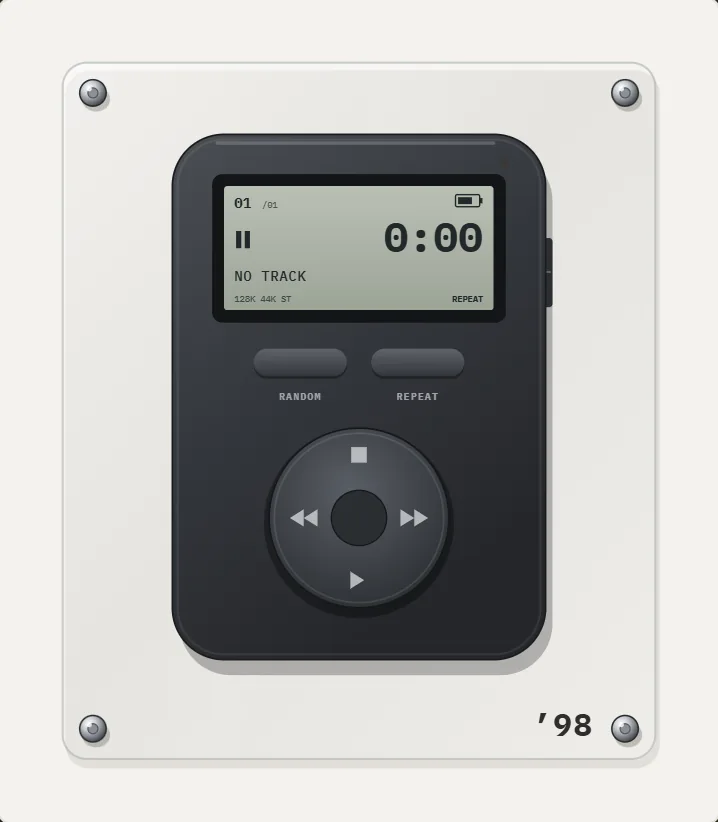 MP3 on iPhoneThe classic lossy format. Bitrates, sizes, how to load it on iPhone, and how REWIND plays it.
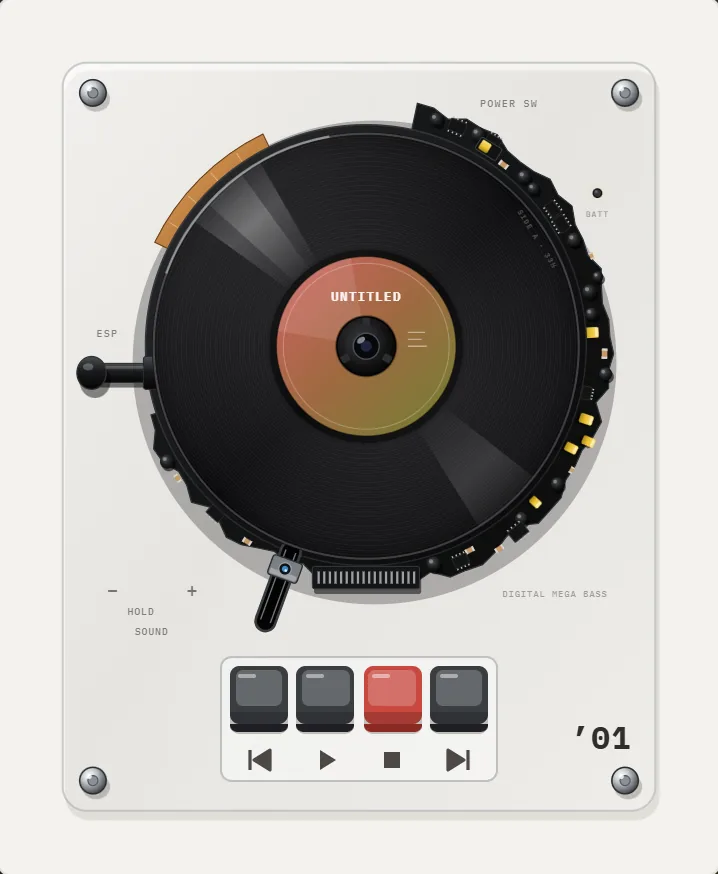 ALAC on iPhoneLossless audio in an M4A wrapper. Sizes, loading it on iPhone, and how REWIND plays it.
 DRM-Protected MusicWhy streaming downloads cannot be imported, and which DRM-free sources work.Offline Music Library for iPhoneImport folders or tracks from Files. Tags, cover art, search, favorites, shuffle and repeat. Offline.