 REWIND
Cassette recorder app for iPhone: record, or just play?
REWIND plays audio files on retro cassette machines but does not record audio. If you want to record, the built-in Voice Memos app does it for free. If you want the look and sound of a cassette player for your own music, a player app like REWIND is the fit.
Download free on iPhoneSee all 30 machines
8 machines free forever · no account · works offline
Does REWIND record audio?
No. REWIND is a player. It plays audio files that you import from the Files app, shows them on hand-drawn machines, and adds optional analog sound such as tape saturation, wobble and hiss to the playback. There is no microphone feature, no record button that captures sound and no way to write to a tape.
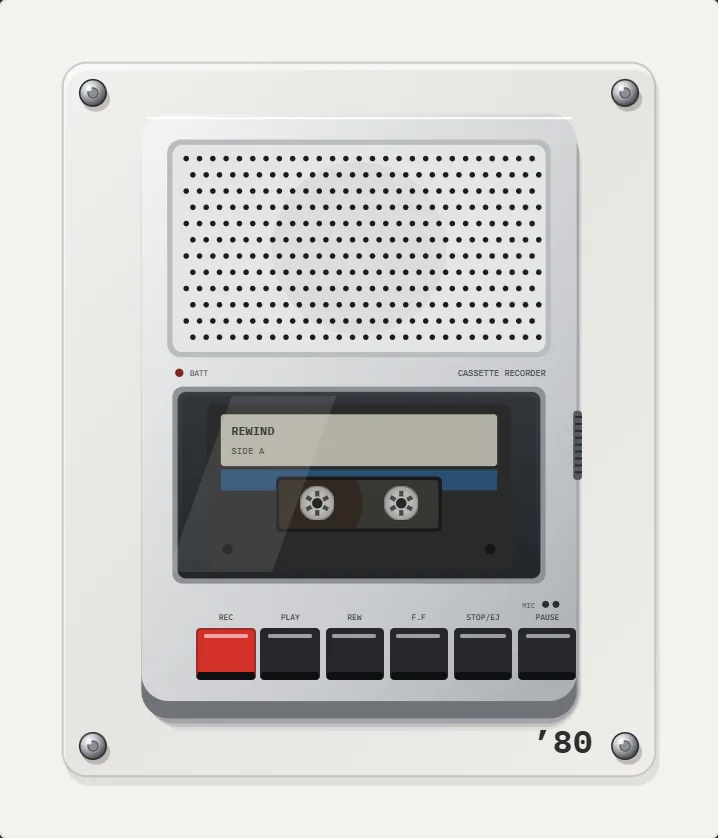
The cassette recorder in the app, such as the 1980 portable cassette player-recorder, is a visual machine. The buttons click, but nothing is recorded. The rest of this page is about where recording does happen.
What should I use to record on an iPhone?
The answer depends on what you want to record. Most people who search for a cassette recorder app want one of three things.
| You want to | Use | Notes |
|---|---|---|
| Record a voice, meeting or lecture | Voice Memos (built in) | Free; its settings let you choose compressed or lossless quality |
| Record music, a guitar or a band | A recording app with a USB audio interface | Needs an interface and a compatible app |
| Digitize old cassette tapes | A cassette player with line-out, a USB capture device and software on a computer | Then copy the files to the iPhone |
| Record vinyl | USB turntable or phono preamp and interface | See connect a record player |
| Have a tape feel while listening | A player app like REWIND | Plays, does not record |
How do I record with Voice Memos?
- Open Voice Memos and tap the red record button.
- Hold the iPhone close to the source, about a hand's length away, and keep the microphone uncovered.
- Tap the button again to stop. The recording saves automatically.
- Tap the recording to rename it, trim it or share it. The Voice Memos section of the Settings app lets you pick audio quality.
- To use the recording in a player, share it to Files and import it.
How can I put old cassettes onto my iPhone?
Real cassettes need a real player. An iPhone cannot read a tape. The standard chain is a working tape player with a line output, a USB audio capture device, a computer and recording software, for example the free Audacity. Play the tape, record it in real time, split the tracks, export to MP3, AAC, WAV or FLAC and copy the files to the phone. Set the record level so peaks stay out of the red.
Clean the heads first. If the player has a tape-type or EQ switch, set it to match the tape, as explained in cassette tape types. A short guide to the player is in how to use a cassette player. Remember that a cassette adapter, described in cassette adapter for iPhone, plays phone audio into a deck and does not capture tape.
Can I make the voice recording sound like a tape?
Yes, afterwards. A recording from Voice Memos can be exported to the Files app, imported to REWIND and played on a cassette machine with the analog sound switch on: tape saturation, wobble, hiss and an equalizer with presets. This colors playback only and does not change the original file.
What should I check before installing any recording app?
These checks apply to any recorder. For music playback, the same ideas apply in reverse: you want an app that opens your files and respects them. That is what the offline music player page covers.
If you only need to capture a voice, do not overthink it: Voice Memos is already on your phone, it is free, and it saves ordinary files that any player can open. It also keeps your recording private, since nothing has to leave the phone unless you share it.
- Microphone permission: a real recorder asks for it, and the reason should be clear.
- Where recordings are stored: ideally in Files or in the app, as ordinary audio files you can export.
- Recording limits: some free apps cut off after a few minutes or add watermarks.
- Privacy details on the App Store page: look at what data the app says it collects.
- Format: AAC or WAV is fine, but check you can share the file out.
Why do so many people search for this?
Many people searching for a tape recorder app want a recorder with a cassette look. Some apps on the App Store imitate it, and they vary in quality. If an app is a recorder, it will ask for microphone permission at first launch. REWIND does not request it, because it has no recording feature.
If a tape look is what you want for a voice, the practical route is to record with Voice Memos and play the result in a player. That keeps recording simple and avoids trading quality for style.
Frequently asked questions
Does the iPhone have a tape recorder?
The built-in Voice Memos app records audio and is the closest thing. It looks like a modern recorder and not a cassette.
Does REWIND record audio or voice?
No. REWIND plays your audio files and does not record. It has no microphone feature.
How do I record cassette tapes to my iPhone?
Use a cassette player with a line output, a USB capture device and recording software on a computer, then copy the files to the iPhone. The iPhone cannot read tape by itself.
Is there a free cassette recorder app?
Voice Memos is free and built in. Third-party apps with a cassette look exist, so check their reviews and privacy details before using one.
Can I record music from a record player to the iPhone?
Yes, with a USB turntable or a phono preamp and audio interface, usually via a computer or a compatible app. See the record player guide for steps.
Keep exploring
1980 Portable Cassette Recorder App for iPhoneFlat silver brick, speaker grille that pulses with the bass, smoked-lid cassette bay, row of keys. PRO. Cassette players10 pocket cassette machines with turning reels, swipe-to-wind and tape stop.Cassette Player App for iPhoneWhat separates a real cassette player app for iPhone from a skin on a stock player, and how to test one in five minutes.How to Use a Cassette PlayerLoad, play, rewind, fast-forward, flip and eject a cassette, what each button does, and what to do when the tape jams.
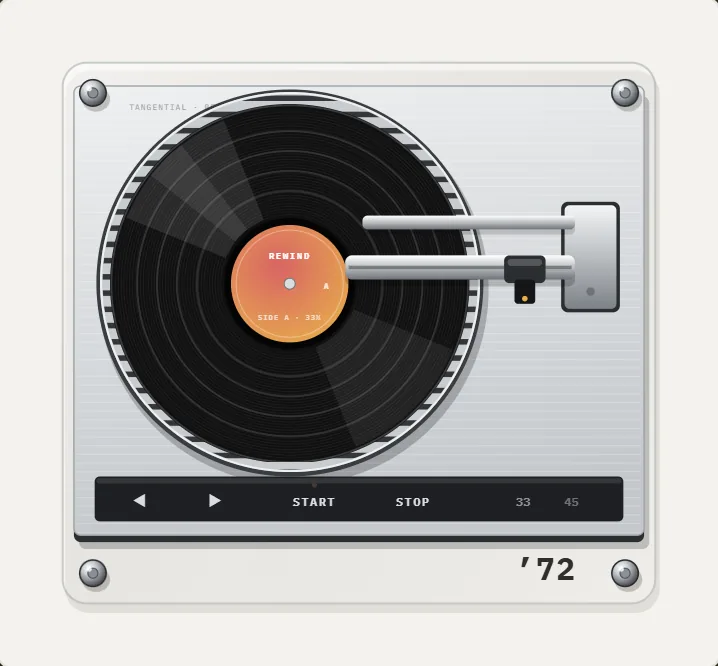 How to Connect a Record Player to an iPhoneThree ways to join a turntable and an iPhone: phone into player, player to Bluetooth, and vinyl recorded to your phone, with gear lists.
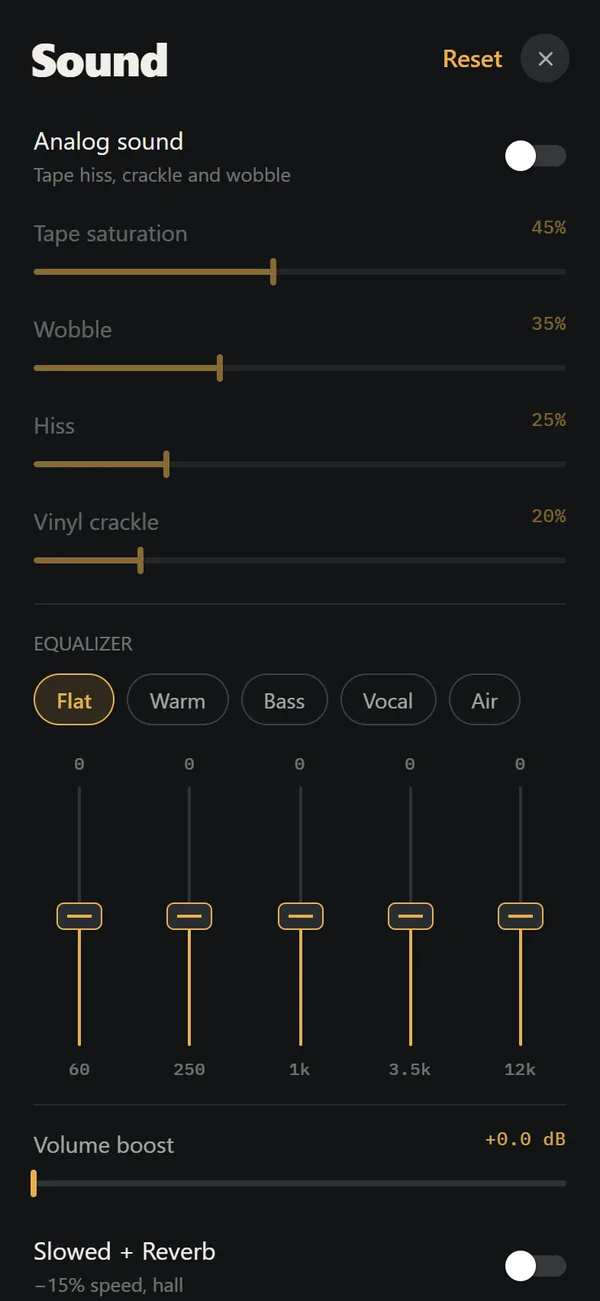 Analog Sound on iPhoneFour sliders (saturation, wobble, hiss, crackle), automatic machine sound and a lo-fi radio filter, live on your own files. Free.