 REWIND
How to connect a record player to an iPhone
It depends which way the sound goes. To play iPhone music through a record player with built-in speakers, use its AUX or Bluetooth input. To hear vinyl on Bluetooth speakers, use a turntable with Bluetooth output. To record vinyl, send the turntable through a phono preamp into an audio interface.
Download free on iPhoneSee all 30 machines
8 machines free forever · no account · works offline
Which connection do I need?
Search suggestions for connecting a phone to a record player mix three different jobs. Pick yours first, since the cables are not the same.
| Goal | Method | What you need |
|---|---|---|
| Play iPhone music through the record player's speakers | AUX or Bluetooth input on the player | 3.5 mm cable, Apple adapter if your iPhone has no headphone jack |
| Listen to records on wireless speakers or headphones | Turntable with Bluetooth transmitter | A turntable that sends Bluetooth, or a Bluetooth transmitter box |
| Record vinyl onto the iPhone | USB turntable or phono preamp and audio interface | Computer or a compatible recording app |
| Play records through an AirPlay or HomePod speaker | Line out via an AirPlay-capable receiver | Receiver with AirPlay and a phono input |
How do I play my iPhone through a record player?
Only some record players can do this. Look for the words AUX, LINE IN or Bluetooth on the unit. Suitcase-style players sold in recent years usually have Bluetooth, AUX and built-in speakers. Pure turntables, with no amplifier, cannot play phone music at all.
- For Bluetooth: set the player to Bluetooth mode, and hold the button until it blinks. On the iPhone, open Settings > Bluetooth and tap the player.
- For a cable: plug a 3.5 mm stereo cable from the iPhone to the AUX input. iPhones from the iPhone 7 on need Apple's Lightning to 3.5 mm adapter, and the iPhone 15 and later need a USB-C one.
- Select AUX or Bluetooth as the source on the player.
- Start the music on the iPhone and set the phone volume to about 70 percent, then adjust the player.
The record player speaker is only an amplifier here. The turntable part does nothing, so the platter does not need to turn.
How do I listen to vinyl on Bluetooth speakers or headphones?
The iPhone is not involved. The turntable must send audio by itself. A Bluetooth turntable has a built-in transmitter and its own preamp. You pair the turntable to the speaker or headphones instead of the phone. Turntables without Bluetooth can use a separate Bluetooth transmitter plugged into their line output.
An iPhone cannot act as the receiver for this signal, so you cannot route a turntable through an iPhone by Bluetooth. If you want to hear vinyl on AirPods, use a transmitter that pairs to them, or a preamp with a headphone output.
How do I record vinyl to an iPhone?
The clean way goes through a computer, because the signal needs a phono preamp and a proper input. Here is the chain.
A USB turntable is the simplest: it has the preamp and a USB output built in. Connect it to a computer and record in free software such as Audacity (Audacity). Without USB, use a phono preamp, then a USB audio interface into the computer.
- Clean the record and check the speed and stylus.
- Connect the turntable to a phono preamp, unless it has one built in, and keep the ground wire attached to avoid hum.
- Connect the preamp to a USB audio interface or the turntable's USB port.
- Record at 44.1 or 48 kHz, 24-bit if available, and keep peaks below the red.
- Split tracks, apply light click removal if you want, and export as FLAC, WAV or AAC.
- Copy the files to the iPhone, where a player can open them, as shown in how to add music files to iPhone.
Never connect a turntable's phono output to a line input without a preamp. The signal is a few millivolts and sounds thin.
Can I record straight to the iPhone without a computer?
Yes, in principle, with a USB-C or Lightning audio interface and a recording app that accepts an external input. The same rules about preamps apply. Voice Memos is designed for microphone recordings, so pick an app that lists external input support. Recording from a speaker with the iPhone microphone is possible but poor, because it picks up room noise.
Why does it sound too quiet, thin or hum?
- Too quiet and thin: no phono preamp, or the Phono/Line switch is on Line.
- Hum: the ground wire from the turntable is not attached to the preamp or amplifier.
- Distortion: input level too high, or a dirty stylus.
- Left or right missing: a loose RCA plug or mono cable.
- Crackle: dust and groove wear, as in why vinyl crackles.
What gear should I buy for each job?
Spend on the stylus and the preamp before anything else. A clean, correctly aligned stylus does more for the sound than an expensive cable.
| Job | Minimum gear | Nice to have |
|---|---|---|
| Phone through player speakers | 3.5 mm cable and Apple adapter | A player with Bluetooth in |
| Wireless vinyl listening | Bluetooth turntable | Pair of powered speakers |
| Digitizing vinyl | USB turntable and free software | Separate phono preamp and interface, carbon brush |
What if I only want the vinyl look on my phone?
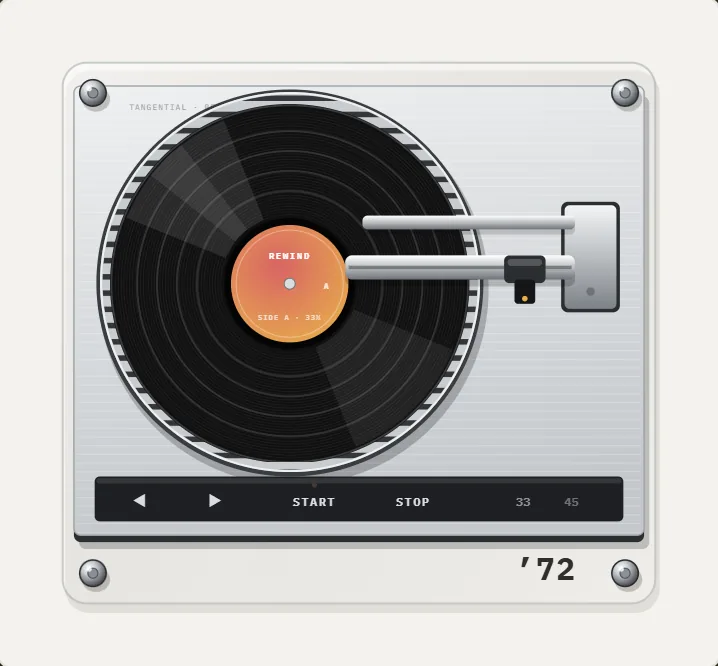
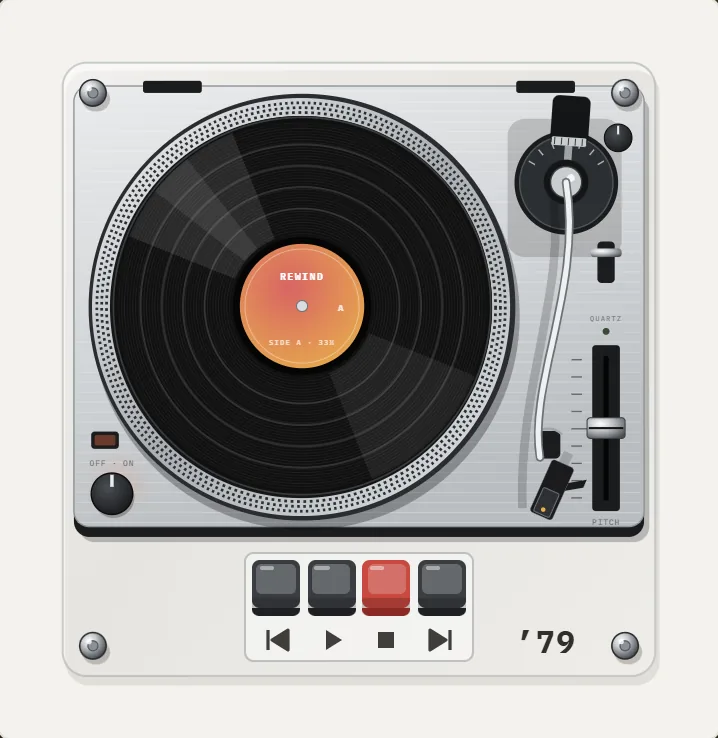
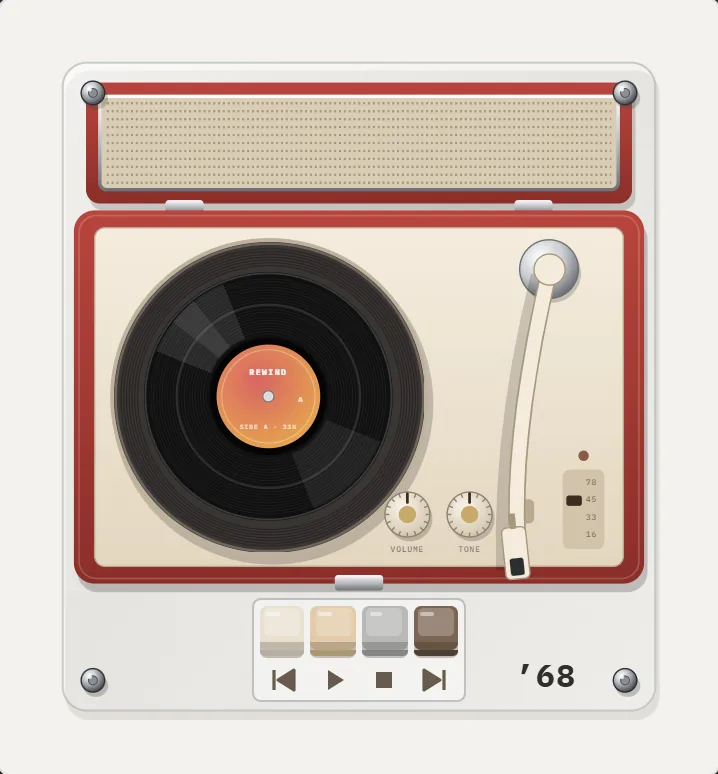
REWIND shows turntables on the iPhone screen: a 1968 suitcase player, a 1972 linear-tracking turntable and a 1979 direct-drive. The tonearm moves across the record as your song plays, and you can put a finger on the record to scratch. It plays files and does not connect to a physical turntable or record vinyl. The record player page has the details, and how a record player works explains the real parts.
Frequently asked questions
Can I play my iPhone through a record player?
Only if the player has speakers and an AUX or Bluetooth input. A turntable with no amplifier cannot.
How do I connect a turntable to an iPhone?
A turntable cannot plug into an iPhone directly. Use a phono preamp and audio interface, or a USB turntable and a computer, then move the files to the phone.
Do I need a preamp for a record player?
Yes, unless the turntable or the amplifier has a phono stage. The signal is weak and needs correction.
Can I connect a record player to AirPods?
Not directly. Use a Bluetooth turntable or a transmitter that pairs with your AirPods, or a preamp with a headphone output.
How do I digitize vinyl?
Play the record into a phono preamp and an audio interface or a USB turntable, record on a computer, split the tracks and export to files for your phone.
Keep exploring
 Turntables3 turntables: suitcase, linear-tracking and direct-drive, with scratching and crackle.How Does a Record Player Work? Groove to SpeakerPlatter, stylus, cartridge, preamp: the path from a wavy groove to sound, and how to play a record in six steps.
 Why Vinyl CracklesThe physical reasons vinyl crackles, how a stylus reads a groove, and how to add or avoid the sound.1972 Linear-Tracking Turntable App for iPhoneLow aluminum deck, ribbed platter, a tonearm carriage on two rods that glides straight. A PRO ’72 turntable.
 How to Add Music Files to iPhone Without iTunesFour ways to get MP3, FLAC and M4A files onto an iPhone, and how to import a whole folder into a player.Vinyl Record Player App for iPhone, ExplainedWhat a vinyl turntable app actually does on iPhone, which turntable designs exist, and how to get the crackle right.