 REWIND
Why Does Vinyl Crackle?
Vinyl crackles because the stylus follows a groove only a few hundredths of a millimeter wide, and every speck of dust, scratch, static charge or pressing flaw becomes a tiny jolt in the signal. Pops come from single defects, and the steady rustle comes from the groove surface itself.
Download free on iPhoneSee all 30 machines
8 machines free forever · no account · works offline
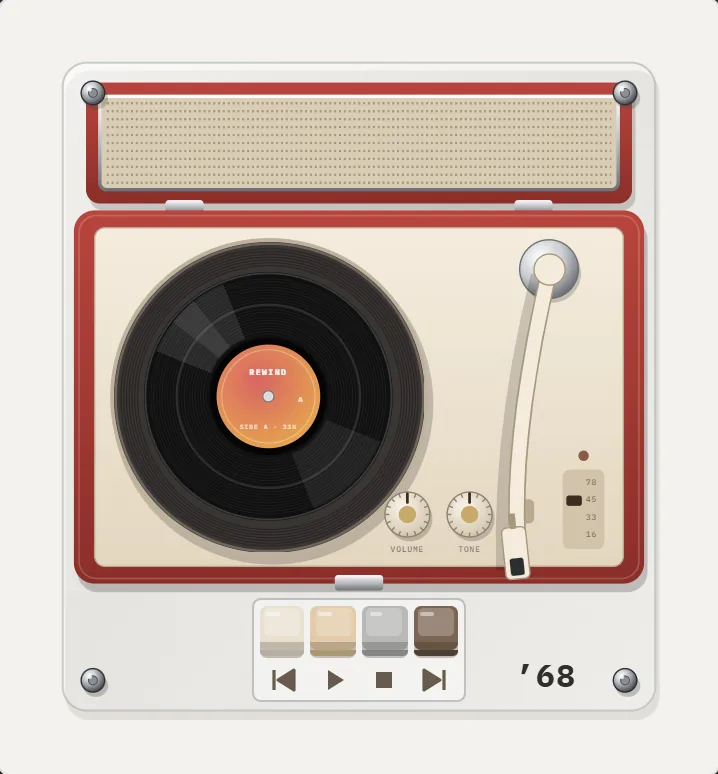
How does a stylus read a record?
A record carries sound as a wavy groove cut into plastic. The stylus rides in the groove, and the wiggles on its two walls move it side to side and up and down. A cartridge converts that motion into electrical signal. In LPs the groove is a microgroove, narrow enough that the stylus tip, with a maximum radius of about a thousandth of an inch, fits inside (Wikipedia: Phonograph record).
Anything that moves the stylus without being part of the music is noise. At that scale, a hair-thin piece of dust is a boulder.
What makes the pops and clicks?
Individual events cause the sharp sounds. Each is a single disturbance that the stylus hits once per revolution until it is cleaned or worn smooth.
- Dust and fibers: a particle in the groove forces the stylus up and out of its path.
- Scratches: a scratch across the grooves creates a click or pop on every turn.
- Pressing defects: a bubble, a fleck of debris or a rough spot from the stamping process gets pressed into the disc.
- Static discharge: a small spark between stylus and plastic makes a sharp tick.
What is the steady background rustle?
The continuous crackle and soft hiss come from the groove walls themselves. Even a clean record has microscopic roughness from the plastic and the cutting and pressing process. Play wear makes it worse, because the stylus gradually rubs the groove surface and leaves it less smooth.
Static plays a double role. Vinyl is an electrical insulator, so it picks up charge easily, and charged plastic attracts dust. That is why record collectors use anti-static brushes and cleaning fluid, and why a record can sound noisier on a dry winter day.
Why is vinyl noisier than a CD?
Digital audio has a known limit: 16-bit sound spans about 96 dB between silence and full scale (Wikipedia: Compact Disc), and nothing on the disc adds surface noise. A record has a mechanical floor of noise that no pressing plant can remove.
Mastering engineers also work against the medium. Records are cut with an equalization curve, standardized as RIAA equalization, that cuts bass and boosts treble during cutting and reverses that on playback (Wikipedia: RIAA equalization). The reverse treble cut tames surface noise, so the curve is partly a noise-control tool.
Mechanical limits matter here as well. A stylus tracking a groove presses down with a force of a few grams on a tip smaller than a grain of sand, so wear is inevitable over many plays. Each play polishes a little of the groove's high-frequency detail, which is why a well-loved record loses some sparkle and gains some rustle.
Can you recreate it, and should you?
Digital files have no crackle, so a vinyl player app has to add it. In REWIND, vinyl crackle is a slider in analog sound, next to tape saturation, wobble and hiss. It runs live and you can leave it at zero.
Keep it low. Real surface noise sits under the music and is easiest to hear in quiet intros and fades. If you can hear it fighting with the vocals, it is too much. The vinyl record player app guide shows the 3 turntable designs in the app.
How do you set it up in three steps?
Start with a song that has a quiet intro, so the noise is easy to judge.
If you want to test your ear, close your eyes and have someone toggle crackle on and off. You may find you prefer a very low setting, one that is hard to point at but that you miss when it goes. That is a good sign you have found the right level.
- Choose a turntable in the catalog, such as the 1979 direct-drive model.
- Open analog sound, set crackle low, and leave wobble at zero for now.
- Add the Warm equalizer preset and raise crackle until it adds mood without drawing attention.
How did records get quiet over the decades?
Early shellac 78 rpm discs were loud with surface noise because the material itself was abrasive and gritty. The microgroove LP that Columbia introduced in 1948 used vinyl and a much finer groove, running at 33⅓ rpm, and it was quieter and longer-playing (Wikipedia: LP record). Better compounds, cleaner pressing plants and cartridges with finer styli reduced noise further.
Even so, listeners learned to treat a little surface noise as part of the experience, the moment before a song when the needle drops and the room goes quiet.
How do collectors keep records quiet?
The routine is simple. Brush or wipe dust off before each play, use a clean stylus, store records upright in sleeves, and keep them out of heat and sun. Wet-cleaning removes embedded grime. A worn stylus damages grooves and should be replaced when it wears out.
None of that makes a record silent, and many collectors would not want it to. The pops tell you the music is physical. If you want that character in a phone player, treat crackle as a seasoning. A machine from 1968 with a little crackle and a warm equalizer setting is a pleasant pairing.
Frequently asked questions
Why do vinyl records crackle?
Dust, scratches, static charge, pressing flaws and groove wear all jolt the stylus. Single defects cause pops, and the rough groove surface causes the steady rustle.
Can cleaning a record stop the crackle?
Cleaning removes dust and debris, which reduces many pops. It cannot fix scratches or worn grooves.
Why are records noisier than CDs?
A record has a mechanical noise floor from its groove surface. A CD stores numbers, so it adds no surface noise.
Can I add vinyl crackle to MP3s on my iPhone?
Yes. REWIND has a vinyl crackle slider in its analog sound controls. It works on files you import and can be switched off.
Keep exploring
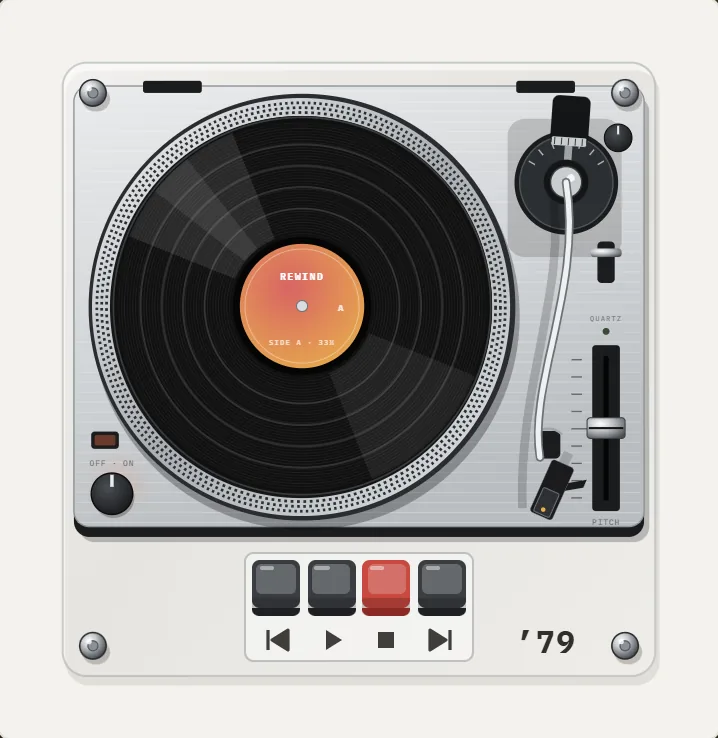 Turntables3 turntables: suitcase, linear-tracking and direct-drive, with scratching and crackle.
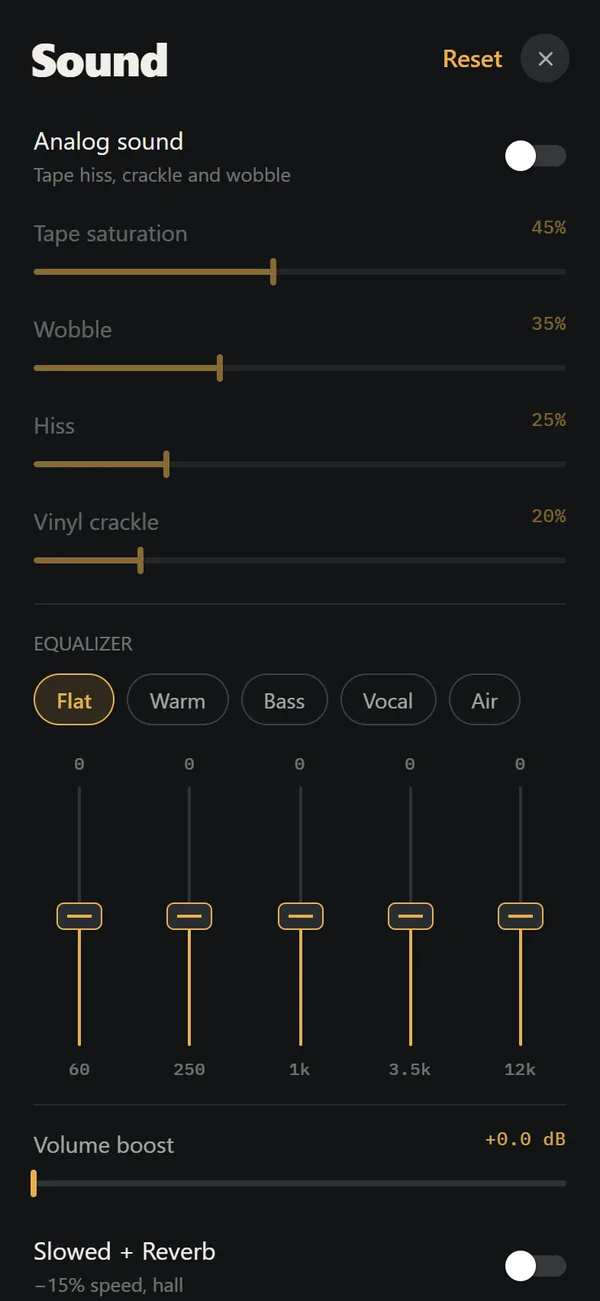 Analog Sound on iPhoneFour sliders (saturation, wobble, hiss, crackle), automatic machine sound and a lo-fi radio filter, live on your own files. Free.Vinyl Record Player App for iPhone, ExplainedWhat a vinyl turntable app actually does on iPhone, which turntable designs exist, and how to get the crackle right.
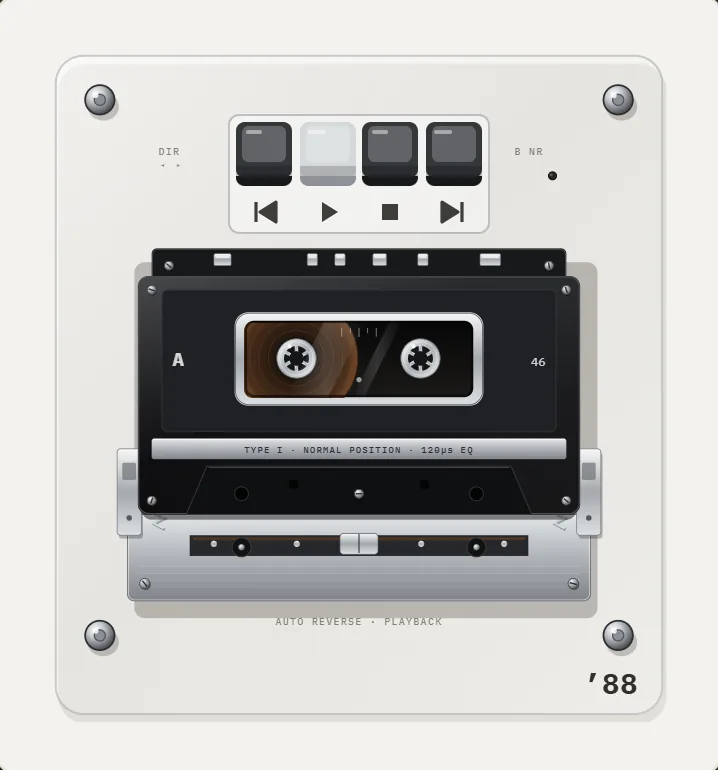 What Is Wow and Flutter? Tape and Vinyl Pitch DriftWhat causes wow and flutter, how it is measured in percent, and how to add a gentle amount back to digital music.Belt-Drive vs Direct-Drive TurntablesBelt or direct drive? How each turntable drive works, where each wins, and why DJs settled on the Technics SL-1200.