 REWIND
Cassette adapter for iPhone: how it works and what to buy
A cassette adapter is a tape-shaped plug that carries your iPhone's audio into a cassette deck through a small playback head. Push it into the deck, press play, and the car or boombox treats the phone like a tape. Newer iPhones need a Lightning or USB-C to 3.5 mm adapter first.
Download free on iPhoneSee all 30 machines
8 machines free forever · no account · works offline
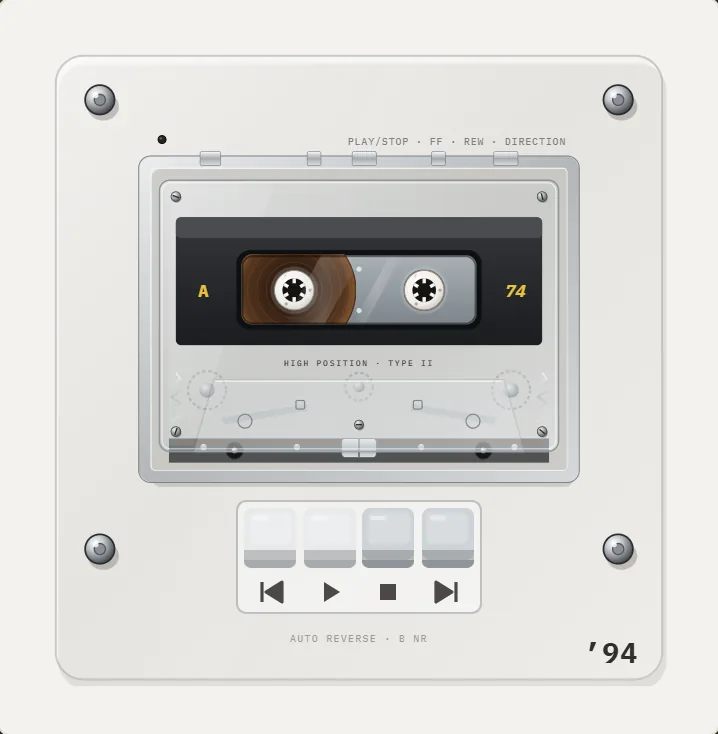
What is a cassette adapter and how does it work?
A cassette adapter, also sold as a car connecting pack, is a dummy cassette with no tape in it. Inside is a head, like the playback head in any tape deck, wired to a cable that ends in a 3.5 mm plug. The audio from the phone becomes a changing magnetic field at that head, and the deck's own head reads it as if it were a recording (Wikipedia: Cassette adapter).
The patent was granted to Larry Schotz in 1988 after a 1986 filing, and the original job was to hook portable CD players to cars that only had a tape deck. Sony, Panasonic, Maxell and Belkin all made versions. The first Bluetooth cassette adapter appeared in 2014 from ION Audio.
How do I use one with an iPhone?
A wired adapter takes four steps. A Bluetooth one swaps the cable for pairing.
- Plug the adapter cable into the phone. iPhones from the iPhone 7 (2016) have no headphone socket, so add Apple's Lightning to 3.5 mm adapter. The iPhone 15 and later need a USB-C to 3.5 mm adapter.
- Insert the adapter into the deck with the cable side facing out, the same way you load a tape.
- Set the deck to tape mode and press Play. Some decks auto-reverse, which is fine.
- Start music on the phone, set the phone volume to roughly 70 to 80 percent, and adjust the car volume.
Bluetooth version: charge it by USB, pair it in Settings > Bluetooth like any headphones, then insert it. The battery usually lasts several hours.
Wired or Bluetooth cassette adapter?
Wired is simpler and never needs charging. Bluetooth removes the cable but adds a battery. The comparison:
| Wired | Bluetooth | |
|---|---|---|
| Power | None, powered by the signal | Built-in battery, USB charging |
| iPhone connection | Needs a 3.5 mm dongle on modern iPhones | Pairs wirelessly, no dongle |
| Phone calls | No | Some models include a microphone |
| Sound | Slightly better, nothing to compress | Bluetooth codec adds a little loss |
| Best for | Daily use, set and forget | A cable-free dashboard |
How good does it sound?
Acceptable, not hi-fi. The signal passes through a small head and then through a deck that may have worn heads, so treble is soft and a little hiss appears, especially at low volume. Speech and rock are fine. Delicate acoustic music loses air.
Three things help. Keep phone volume high and car volume lower, so the signal rises above the hiss. Clean the deck heads with a cotton swab and isopropyl alcohol if it sounds muffled. Turn off Dolby noise reduction on the deck if there is a switch, because a dummy cassette carries no encoded signal and Dolby B dulls the top end.
Why does it keep ejecting, clicking or playing one side?
Cassette adapters trick the deck's mechanism and some decks object. The fixes are practical.
- Deck keeps ejecting or reversing: the deck may not sense tape movement. The adapter's internal wheel should spin with the deck, so try reseating it, and clean the deck's mechanism if it still fails.
- Sound in one ear only: the plug is not fully seated, or the dongle is dirty. Reseat both plugs.
- Clicking: the reels inside the dummy cassette spin with the deck. A little noise is normal, but constant squeal means a worn adapter.
- Direction switches on its own: the deck is auto-reversing. Turn that off if the deck allows.
- Too quiet: raise phone volume and check that no volume limit is set in the Music settings.
What are the alternatives to a cassette adapter?
If the car has an AUX jack, a plain cable is better. If the head unit has USB, a direct connection beats tape. If neither exists, a Bluetooth FM transmitter plugged into the lighter socket works, though it needs a clean radio frequency in your area. A replacement head unit with Bluetooth or CarPlay costs more and removes the tape deck, which many classic-car owners want to keep.
The same logic applies to a boombox: use the line-in or Bluetooth if there is one, and the tape adapter only when there is not.
How do I choose a good one?
Price is a weak guide. A simple wired adapter is inexpensive and perfectly fine. Spend more only on the Bluetooth type, and only if you dislike cables.
- Cable length: about 1 metre is plenty for a dashboard.
- Plug shape: an L-shaped plug at the phone end sits better against a dashboard.
- Head quality: a well-made head matters more than extras, but it is hard to judge before you buy, so read recent reviews.
- Bluetooth battery life: look for a stated figure of several hours and a USB charging port.
- Mic and controls: only matter if you want calls or play and pause buttons on the adapter.
Want the cassette feel without the car?
If the point is the look and sound of tape, REWIND plays your own audio files on pocket cassette machines, with turning reels, a tape-stop on pause and optional tape saturation and hiss. It does not push audio into a real deck. It is a player of its own on the iPhone.
Frequently asked questions
Do cassette adapters work with the iPhone 16?
Yes, through a USB-C to 3.5 mm adapter for a wired unit, or by pairing a Bluetooth cassette adapter. The adapter does not care which iPhone it is.
Will a cassette adapter damage my car tape deck?
Not normally. It is built to the same size as a cassette. A stuck or squealing adapter should be removed, since it can wear the deck's parts like any damaged tape.
How do I transfer cassette tapes to my iPhone?
A cassette adapter only plays phone audio into a deck. To digitize old tapes you need a cassette player with a line-out, a USB audio capture device and recording software on a computer, then you copy the files to the phone.
Why is there hiss on my cassette adapter?
The signal goes through two heads and a possibly worn deck. Raise phone volume, lower the car volume, clean the heads and switch off Dolby noise reduction.
Is Bluetooth or wired better for a cassette adapter?
Wired is slightly better for sound and never needs charging. Bluetooth is better if you do not want a dongle on the phone.
Keep exploring
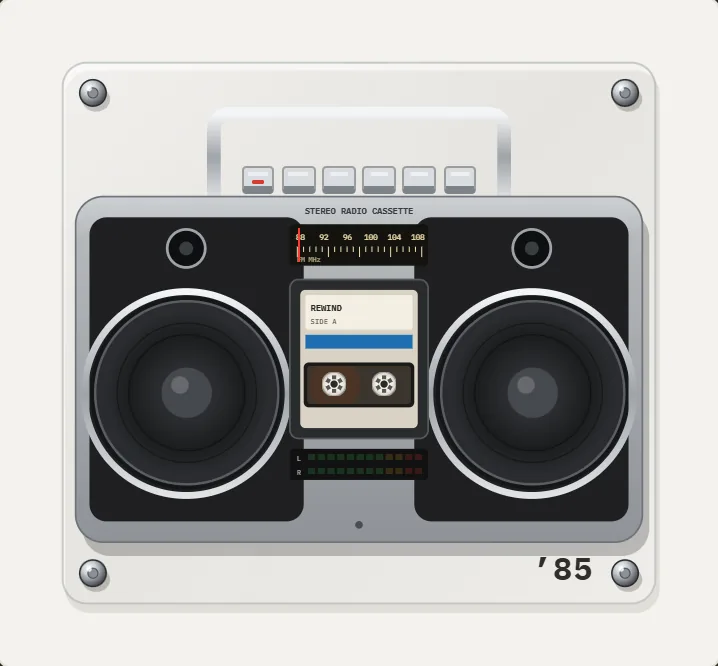 How to Connect a Boombox to an iPhoneBluetooth, AUX cable or cassette adapter: the three working ways to play an iPhone through a boombox, with steps and fixes.
 How to Use a Cassette PlayerLoad, play, rewind, fast-forward, flip and eject a cassette, what each button does, and what to do when the tape jams.Cassette players10 pocket cassette machines with turning reels, swipe-to-wind and tape stop.History of the Compact CassetteFrom a pocket-sized dictation tape in 1963 to the Walkman era and the modern revival: the dated history of the Compact Cassette.
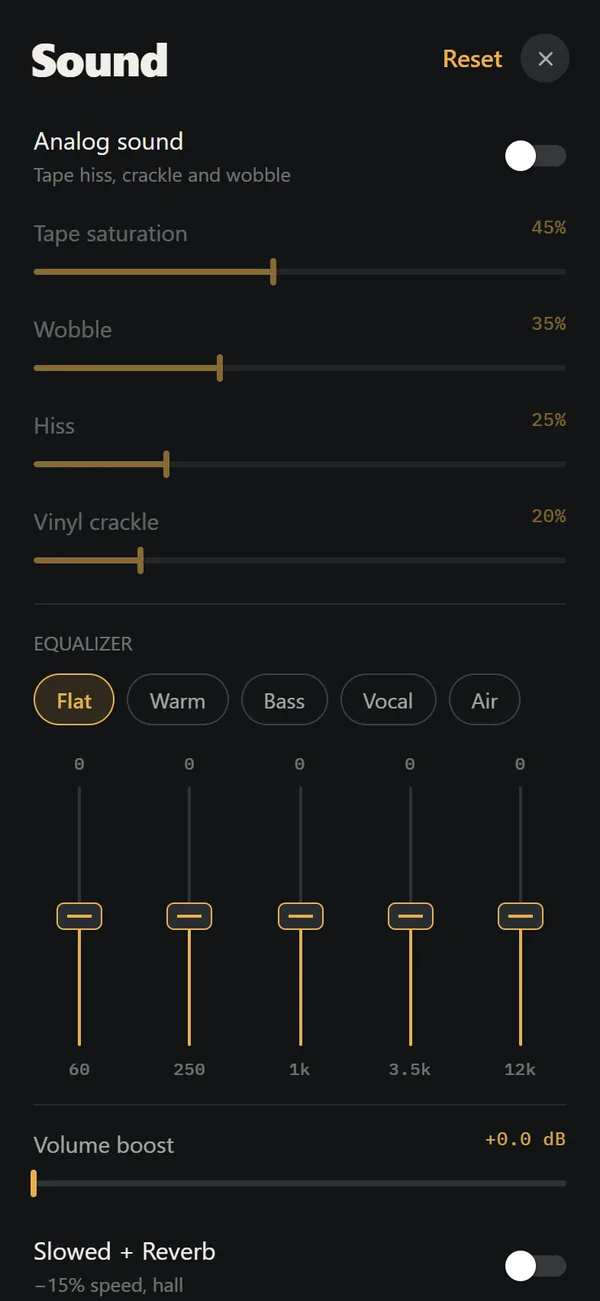 Analog Sound on iPhoneFour sliders (saturation, wobble, hiss, crackle), automatic machine sound and a lo-fi radio filter, live on your own files. Free.
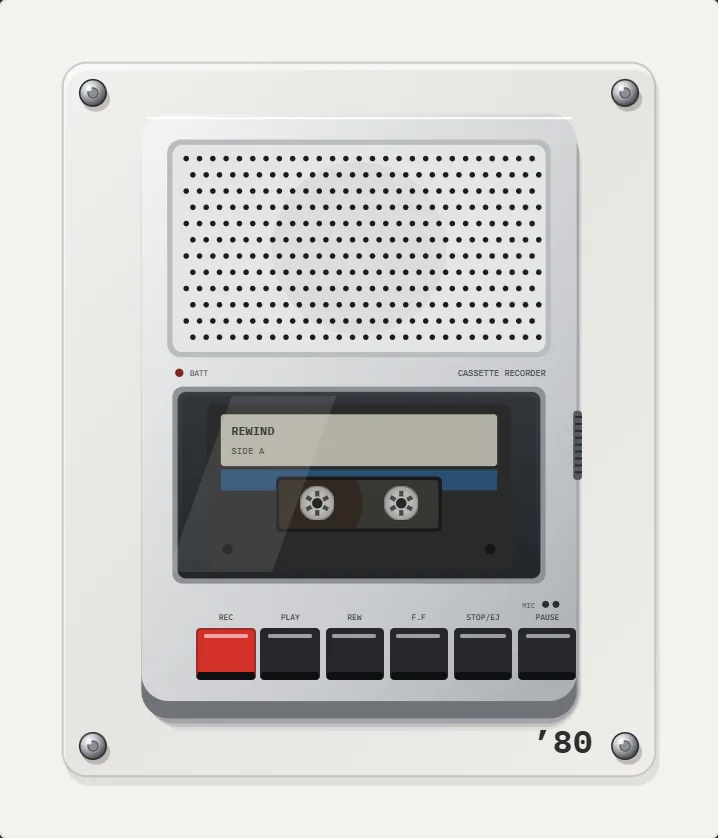 Cassette Recorder App for iPhoneA plain answer: REWIND plays and does not record. What to use for voice, for music and for digitizing old tapes.