 REWIND
How to connect a boombox to an iPhone
To connect a boombox to an iPhone, use Bluetooth if the boombox has it: put the speaker in pairing mode, then pick it in Settings > Bluetooth. If it does not, plug a 3.5 mm cable into its AUX input, adding Apple's adapter on iPhones without a headphone jack. A tape-only boombox needs a cassette adapter.
Download free on iPhoneSee all 30 machines
8 machines free forever · no account · works offline
Which connection does my boombox need?
Look at the back and sides of the boombox. What it has decides the method, and the answer takes about thirty seconds to find. A modern portable speaker sold as a boombox almost always has Bluetooth. A boombox from the 1980s or 1990s usually has neither Bluetooth nor an input jack, only a tape deck, a radio and sometimes a CD tray.
A boombox, by the usual definition, is a portable player with one or two cassette decks, an AM/FM radio, a carrying handle and built-in speakers (Wikipedia: Boombox). Plenty of the classic ones were never designed to take a phone, so the trick is to feed the signal in through a path they do have.
| What your boombox has | Best method | What you need |
|---|---|---|
| Bluetooth logo or a pairing button | Bluetooth | Nothing extra |
| A jack marked AUX, LINE IN or PC IN | AUX cable | 3.5 mm male-to-male cable, plus an Apple adapter if your iPhone has no headphone jack |
| Cassette deck, no input jack | Cassette adapter | A wired or Bluetooth tape-shaped adapter |
| Only a radio | FM transmitter or a different speaker | A Bluetooth FM transmitter, which is hit-and-miss |
How do I connect by Bluetooth?
Bluetooth is the easiest route and sounds fine for casual listening. The steps are the same for any Bluetooth boombox.
- Charge the boombox or plug it in, then switch it to Bluetooth mode (a button marked BT, or the source selector).
- Hold the Bluetooth or pairing button until a light blinks or the speaker announces pairing mode.
- On the iPhone, open Settings, tap Bluetooth and make sure it is on.
- Under Other Devices, tap the boombox name. Some units ask for a code; if the manual says nothing, try 0000 or 1234.
- Start a song. The sound should switch to the boombox. If it does not, open Control Center, tap the AirPlay icon on the audio card and choose the boombox as the output.
Pairing is remembered. Next time, switch the boombox to Bluetooth mode and it reconnects by itself.
How do I connect with an AUX cable?
A cable gives the most stable sound and needs no pairing. You need a 3.5 mm stereo cable with a plug on both ends, the same kind that fits a car AUX input.
- Turn the boombox volume to a low level and set its source to AUX, LINE IN or PC IN.
- Plug one end of the cable into that input.
- Plug the other end into the iPhone. The iPhone 7 (2016) was the first model without a headphone jack, so newer phones need Apple's Lightning to 3.5 mm adapter (Wikipedia: iPhone 7). The iPhone 15 and later use USB-C, so they take a USB-C to 3.5 mm adapter (Wikipedia: iPhone 15).
- Start a song on the iPhone, set the phone volume to about 70 percent, and raise the boombox volume to taste.
Keep phone volume high and boombox volume low. A weak phone signal makes the boombox amplifier hiss.
What if my boombox only has a cassette deck?
Then the cassette adapter is the right tool. It is a dummy cassette with a small playback head inside and a cable that plugs into the phone. The deck reads the signal as if it were tape. Larry Schotz filed a patent for the idea in 1986, and it was first meant to connect portable CD players to car stereos (Wikipedia: Cassette adapter).
It works in a boombox exactly as in a car. Insert it, press Play, start music on the phone. The guide to cassette adapters has buying tips and what the sound is like.
An FM transmitter is the last resort. Many modern ones are Bluetooth receivers that broadcast on a free FM frequency, which a boombox radio can then tune. Quality depends heavily on radio interference where you live.
Why is there no sound, low volume or buzzing?
Most problems come from a short list of causes. Work through them in order.
- Wrong source: the selector on the boombox must match the input you used.
- Phone volume is low: music volume is a separate slider from the ringer, so check the one in Control Center.
- Bad cable or adapter: wiggle the plug. A crackle that changes with movement points to the cable.
- Mono output: a cheap adapter may be wired for mono, which sounds thin.
- Buzz or hum while charging: a cheap phone charger can add noise to the signal. Unplug it and try again.
- Low batteries in the boombox can sound distorted before they die. Use mains power to test.
How does an old boombox actually work?
Inside, the signal path is simple. A tape head or radio tuner produces a tiny electrical signal. A preamplifier lifts it, tone controls shape it, and a power amplifier drives the speaker cones. Anything that can feed a line-level signal into that chain works, which is why later models gained an AUX jack.
According to Wikipedia, boomboxes have been sold in Japan since 1967, with Crown, Matsushita and Aiwa as the first makers, and they became popular in America in the late 1970s. Later models added graphic equalizers, level meters and dual decks.
Can I record from my iPhone onto the boombox tape?
If the boombox has a recordable cassette deck and a line input, yes. Connect the AUX cable, load a blank cassette (normal Type I tape is the safe choice), press Record and Play together, then start the music on the phone. Set the phone volume to about 70 percent and watch the level meters: peaks should reach the loudest segment without staying in the red.
Many old decks record from the microphone or the radio only. If there is no line input, the record path will not accept the phone. A song recorded this way picks up tape character, described in what is tape saturation, so it will sound like a tape rather than the original file.
No boombox nearby? Put one on your screen
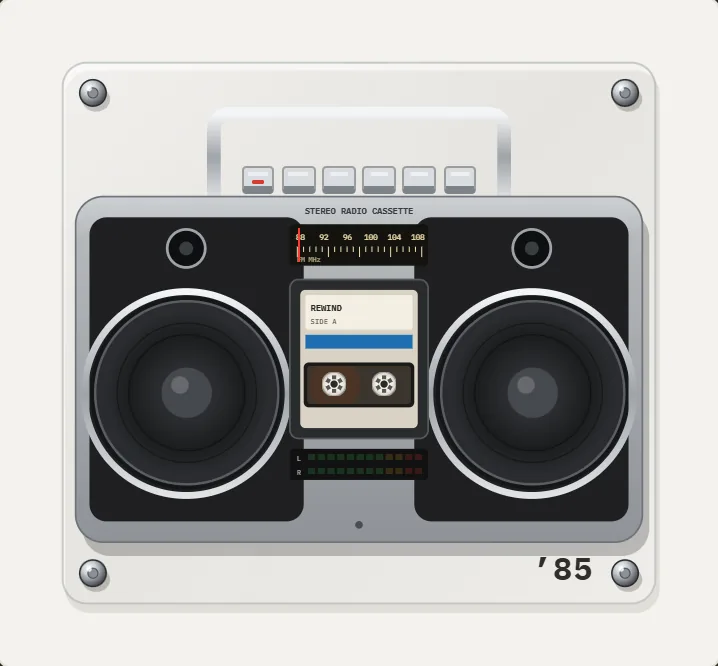
If you only want the look and the feel of the buttons, REWIND shows a twin-speaker boombox from 1985 and a portable cassette recorder from 1980 playing your own audio files, with speaker cones that pump to the bass. It is a player on the phone, not a way to push sound to real hardware; for that, use the methods above. The boombox player page explains how it works.
Frequently asked questions
Can I connect any boombox to my iPhone?
Almost any. Use Bluetooth if the boombox has it, an AUX cable if it has a line input, and a cassette adapter if it only has a tape deck. A radio-only unit needs an FM transmitter.
Does my iPhone have a headphone jack for an AUX cable?
Models before the iPhone 7 do. From the iPhone 7 on you need Apple's Lightning to 3.5 mm adapter, and the iPhone 15 and newer need a USB-C to 3.5 mm adapter.
Why won't my iPhone find my boombox in Bluetooth?
The boombox is probably not in pairing mode or is already linked to another phone. Hold the pairing button until it blinks, turn Bluetooth off and on, and look under Other Devices.
Can I record from the iPhone onto the boombox tape?
Yes, if the boombox has a recordable deck and a line input. Plug in with an AUX cable, load a blank tape, press Record and Play together, then start the music. Set the level so the meters do not sit in the red.
Is a cassette adapter as good as an AUX cable?
No. A cassette adapter goes through a tape head and sounds duller and noisier. It is the fallback when no input jack exists.
Keep exploring
BoomboxesA 1980 portable and a 1985 stereo radio-cassette with bass-pumping speakers.1985 Stereo Boombox Cassette Player AppWide silver radio-cassette: chrome handle, bass-pumping speakers, FM dial, cassette door, L/R LED bars. PRO.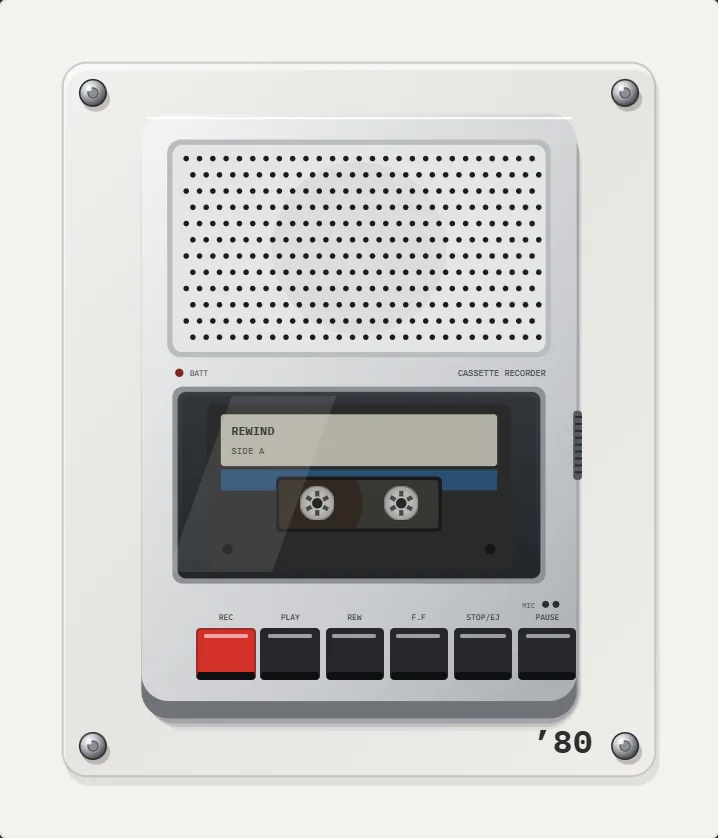 1980 Portable Cassette Recorder App for iPhoneFlat silver brick, speaker grille that pulses with the bass, smoked-lid cassette bay, row of keys. PRO.
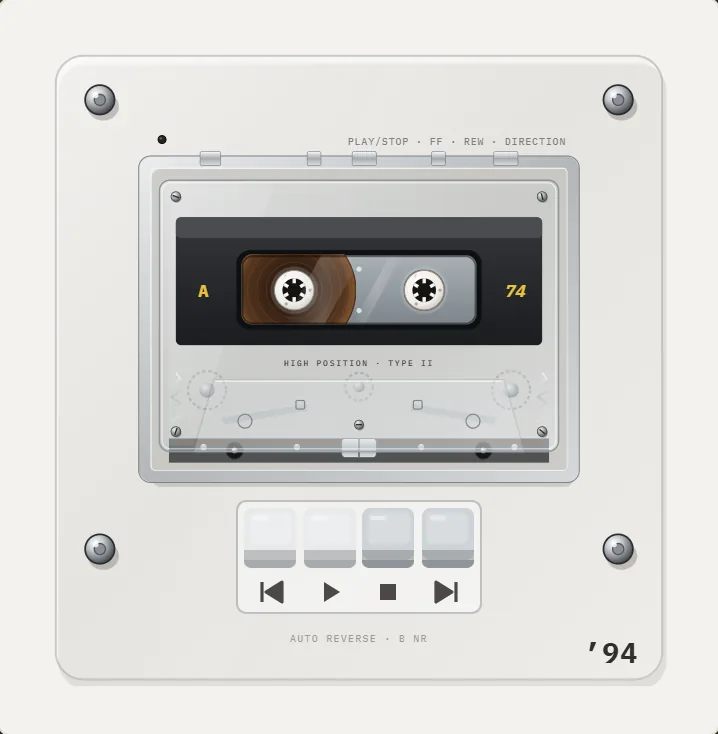 Cassette Adapter for iPhoneWhat a cassette adapter does, wired or Bluetooth, which iPhone adapter you also need, and how to fix a noisy one.
 How to Use a Cassette PlayerLoad, play, rewind, fast-forward, flip and eject a cassette, what each button does, and what to do when the tape jams.Cassette players10 pocket cassette machines with turning reels, swipe-to-wind and tape stop.