 REWIND
Best FLAC player apps for iPhone
For hi-res FLAC on iPhone, Flacbox and VOX lead the list. Doppler is a tidy library-first player, and VLC is the free fallback for odd files. REWIND plays FLAC on retro machines but is not a hi-res or bit-perfect player. This comparison uses App Store data checked in October 2026.
Download free on iPhoneSee all 30 machines
8 machines free forever · no account · works offline

Which FLAC player is best on iPhone?
The iPhone Music app does not add FLAC files you copy onto the phone to its library, so you need another player. For a serious lossless collection, start with Flacbox or VOX for hi-res files, or Doppler for a tidy local library. For maximum format coverage, use VLC or foobar2000. For FLAC on cassette, vinyl and CD machines, use REWIND, and accept that it is not a hi-res or bit-perfect player.
On October 10, 2026 we searched the US App Store for "flac player" and "hi-res music player ios" and read each listing. REWIND is made by the publisher of this site. We say so and list its limits next to everyone else's.
FLAC player apps compared
| App | FLAC and other formats (per listing) | Price on the App Store | US rating (Oct 2026) | Worth knowing |
|---|---|---|---|---|
| Flacbox | Almost any audio file, lossless and hi-res | Free; Premium $2.99 monthly, $19.99 yearly or $69.99 once | 4.6 from 8,548 ratings | Streams from NAS or cloud; equalizer |
| Doppler | FLAC, MP3 and many formats | Free; paid upgrades listed | 4.6 from 1,569 ratings | Needs iOS 26 or later; edits artwork and tags |
| VOX | FLAC, APE, WAV, ALAC, MP3, WMA, OGG | Free | 4.2 from 3,154 ratings | Custom audio engine; Mac version |
| foobar2000 | FLAC, WavPack, Opus, Vorbis, MP3, AAC, WAV, AIFF | Free | 4.5 from 201 ratings | Gapless playback, ReplayGain |
| VLC media player | Most audio and video formats | Free | 3.7 from 5,970 ratings | Open source; Wi-Fi and cloud sharing |
| Evermusic | MP3, AAC, M4A, WAV, AIFF, ALAC and "many others"; FLAC not named | Free (Evermusic Pro $39.99 separately) | 4.6 from 19,115 ratings | Cloud services and offline copies |
| MP95 | Lossless and hi-res | Free; Pro lifetime $29.99 | 4.8 from 5 ratings | Bit-perfect output; retro machines |
| REWIND | FLAC, ALAC, WAV, AIFF, MP3, AAC/M4A, CAF | Free download; PRO $24.99 once | New, launching 2026 | Retro machines; not bit-perfect or hi-res |
Flacbox, Doppler and VOX: the lossless trio
Flacbox is built for people who love great sound, per its listing: it plays almost any audio file in lossless quality, streams from a NAS or cloud and updates your library by itself. Doppler is about the library experience: artwork editing, automatic imports and a design that adapts to your music. VOX has its own audio engine, lists Hi-Res formats and also reaches Qobuz and SoundCloud. It scores 4.2, against 4.6 for the other two.
If you want to compare against REWIND head to head, read REWIND vs Flacbox, REWIND vs Doppler and REWIND vs VOX.
foobar2000, VLC and Evermusic: the flexible options
foobar2000 lists FLAC, WavPack, Opus and Vorbis, gapless playback and ReplayGain, so it suits people with a carefully tagged archive. VLC is the safest free fallback for odd files. Evermusic is built around cloud folders and media servers. Its listing names MP3, AAC, M4A, WAV, AIFF and ALAC plus "many others" but not FLAC, so test a FLAC file before you move an archive.
REWIND: FLAC on a machine you can look at
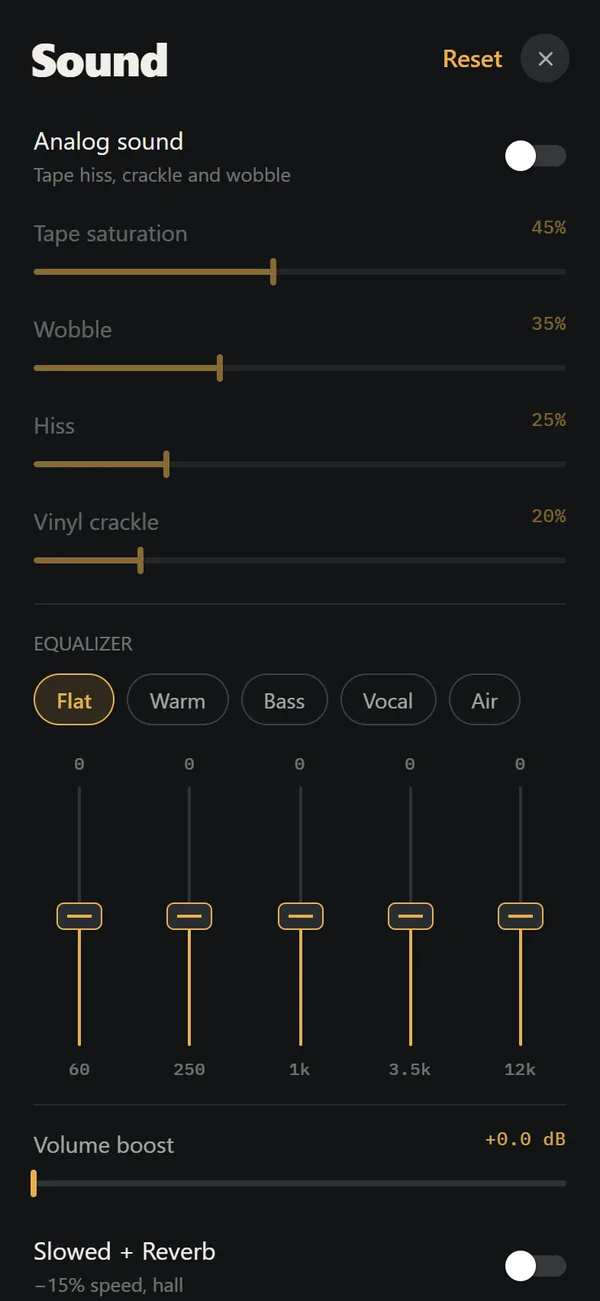
REWIND imports FLAC like other formats and plays it through an optional, warm analog sound chain. The files stay on the phone, and the app needs no account and no connection. With the warm sound off you hear the file through the equalizer, but REWIND does not promise bit-perfect output, hi-res sample rates or USB DAC rate matching. If those matter, choose MP95, Flacbox or Doppler.
REWIND has no lyrics view. If you want lyrics beside your FLAC files, read each listing first.
How do you play FLAC files on iPhone?
More detail is in how to add music files to iPhone.
- Save the FLAC files to the Files app, either in iCloud Drive or "On My iPhone".
- Open a player that supports FLAC and use its import option.
- Choose a folder to bring in an entire album, or pick single tracks.
- If a file shows a cloud icon, download it first.
- Check the tags and cover art after importing. Fix missing ones on a computer if the app cannot edit them.
What is the difference between lossless and hi-res?
FLAC is a lossless container. It compresses the audio without throwing any away, so a FLAC copy of a CD matches the CD exactly. Hi-res usually means more than 16-bit and 44.1 kHz, for example 24-bit at 96 kHz. A FLAC file can be either. A player can handle FLAC and still convert hi-res files to a lower rate on output, which is why hi-fi apps stress bit-perfect output.
For most listening with ordinary headphones, CD-quality FLAC is the sweet spot. Hi-res files are larger, roughly two to four times, and the difference is hard to hear without good equipment and a controlled test. Pick a hi-res focused app if you own a USB DAC and hi-res music. Pick a casual player if you want a good library and a pleasant interface.
How big are FLAC files, and will they fit on your phone?
These are estimates, since lossless size depends on the music. If you do not have room on the phone, keep the full archive on a computer and carry only your favorites in lossless. Cloud-oriented players such as Evermusic and Flacbox can stream from storage you control, while REWIND keeps everything on the phone.
| Collection | Approx. FLAC size | Approx. AAC 256 kbit/s size |
|---|---|---|
| One CD album (45 minutes) | 250 to 350 MB | About 85 MB |
| 100 albums | 25 to 35 GB | About 8.5 GB |
| 500 albums | 125 to 175 GB | About 42 GB |
Which should you pick?
If you cannot decide, install two. All of the main FLAC apps are free to download, and a few minutes with your own albums shows which interface suits you.
- A local lossless library with artwork editing: Doppler, if your phone runs iOS 26.
- Hi-res files, NAS or cloud streaming and an equalizer: Flacbox.
- A huge range of formats, including APE and OGG: VOX or VLC.
- Gapless playback and ReplayGain on a tagged archive: foobar2000.
- Bit-perfect output with a retro face: MP95.
- FLAC on cassette, deck, CD and vinyl machines with warm sound and mixtapes: REWIND.
Does iPhone hardware limit FLAC quality?
Recent iPhones have no headphone jack, so lossless audio reaches your ears through a Lightning or USB-C adapter or a wireless codec. Bluetooth codecs compress, so wired is the better test of FLAC quality. Hi-res output needs an app that sets the output rate to the file rate, which is what hi-fi-focused players advertise. Many listeners may not hear a difference between CD-quality FLAC and a high-bitrate lossy file, so choose by features first.
Sources: public App Store listings and the iTunes lookup API, US store, October 10, 2026.
Frequently asked questions
What is the best FLAC player app for iPhone?
Flacbox and VOX for hi-res files, Doppler for a tidy local library, and VLC as a free fallback. REWIND plays FLAC too but is not a hi-res or bit-perfect player.
Can iPhone play FLAC files natively?
The Music app does not add FLAC files you copy to the phone to its library. A dedicated player gives you playlists, queues and background playback.
Is there a free FLAC player for iPhone?
Yes. Flacbox, Doppler, VOX, foobar2000, VLC and Evermusic are all free downloads. Several sell upgrades, so check their in-app purchases.
Does REWIND support FLAC?
Yes. It imports FLAC, ALAC, WAV, AIFF, MP3, AAC/M4A and CAF. It does not support OGG, Opus, DSD, APE or WMA.
Does REWIND play hi-res or bit-perfect audio?
No. It is built for character, with optional tape and vinyl effects, not for hi-res output or a USB DAC.
Keep exploring
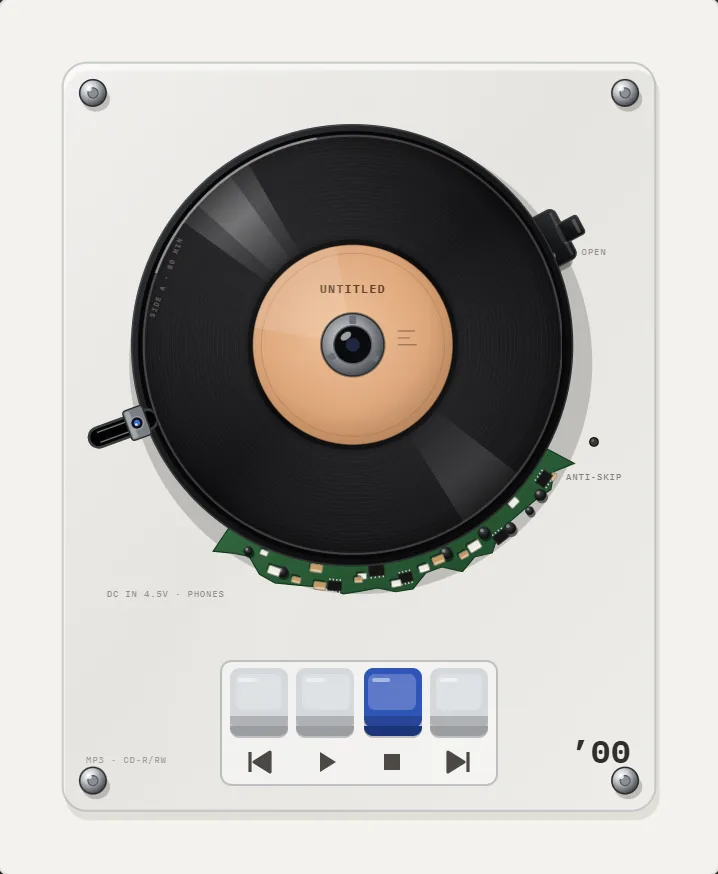 FLAC on iPhoneFree lossless audio. Sizes, loading FLAC on iPhone, and what REWIND does and does not promise.
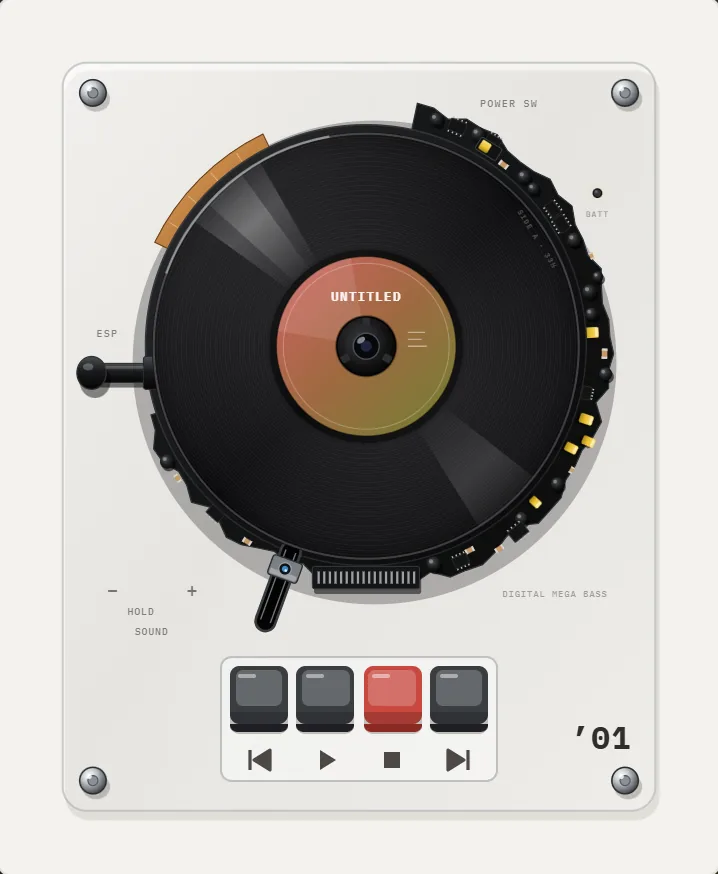 ALAC on iPhoneLossless audio in an M4A wrapper. Sizes, loading it on iPhone, and how REWIND plays it.
 REWIND vs FlacboxFlacbox is a format-hungry hi-res player with a DSP chain. REWIND is a retro machine player for common formats.REWIND vs DopplerDoppler organizes a purchased music library with tag tools. REWIND turns the same files into retro machines.Best Offline Music Player Apps for iPhoneTen offline music player apps for iPhone compared on price, formats and App Store ratings, October 2026, with honest limits for each.How to Add Music Files to iPhone Without iTunesFour ways to get MP3, FLAC and M4A files onto an iPhone, and how to import a whole folder into a player.